?

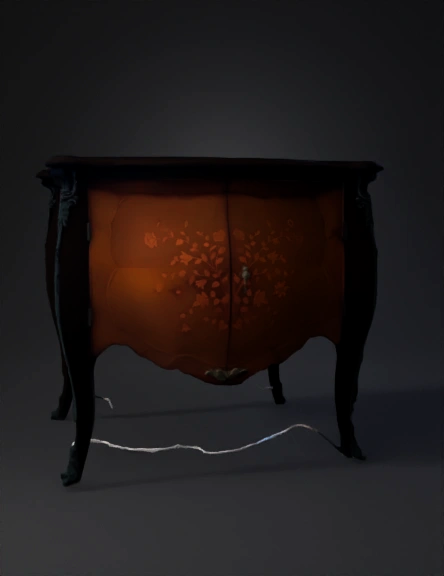
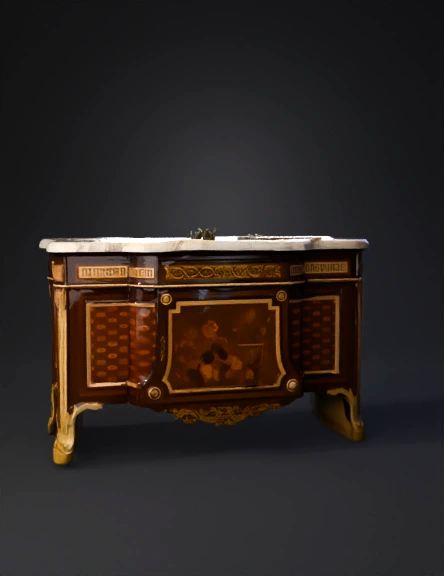
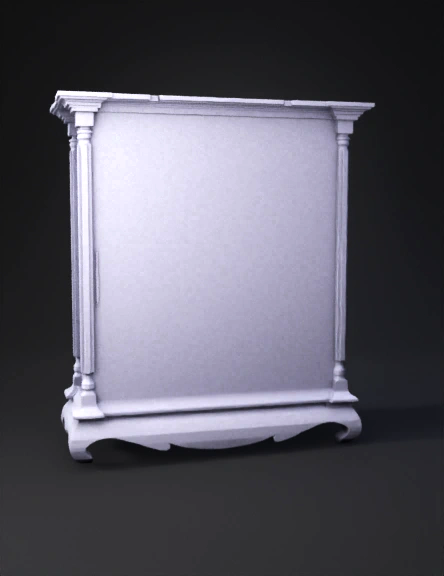
Antique cabinet 3D Models

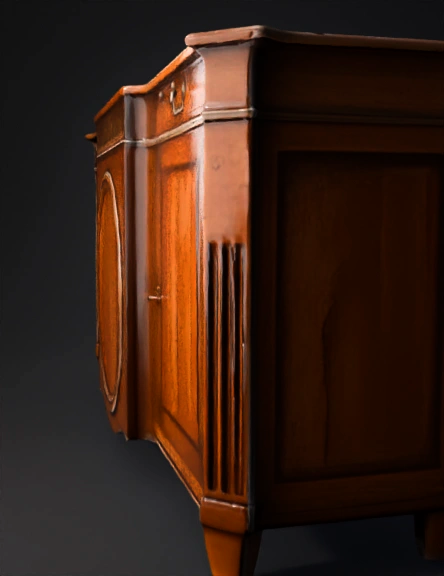
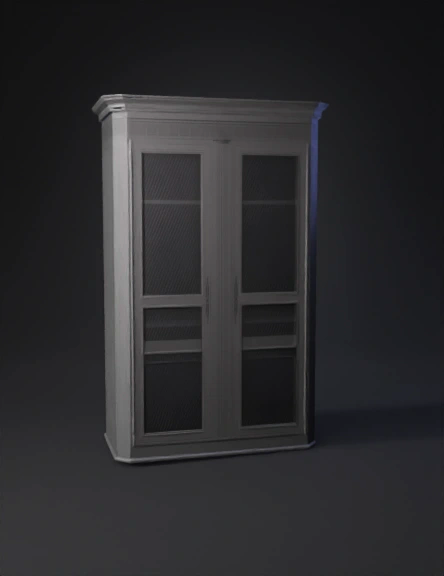
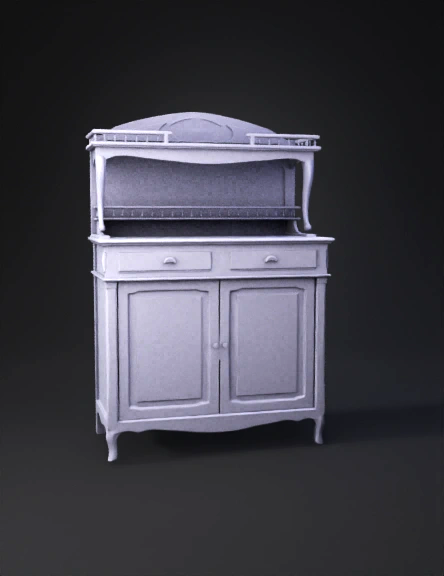
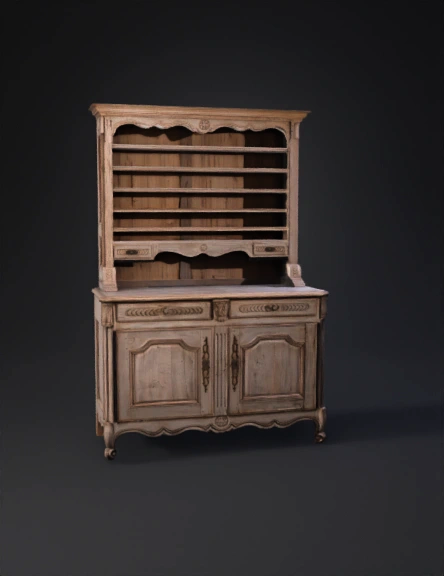
Find the best Antique cabinet 3D Models, free download in STL, FBX, GLB, OBJ, 3MF, USDZ for 3D modeling and creation in Blender, 3D printing, game developing, animation, eCommerce, AR/VR and etc. Generated by Tripo AI 3D Generator.

Anonymous1745589832
Anonymous1749155708
Anonymous1760366351
Anderson Phelipe
import bpy
from mathutils import Vector
import math

# ---------- Helpers ----------
def clear_scene():
    bpy.ops.object.select_all(action='SELECT')
    bpy.ops.object.delete(use_global=False)
    for block in bpy.data.meshes:
        bpy.data.meshes.remove(block)
    for mat in bpy.data.materials:
        # keep user materials? comment this out if don't want to remove
        pass

def make_material(name, base_color=(0.8,0.2,0.05,1.0), metallic=0.0, roughness=0.4):
    m = bpy.data.materials.get(name) or bpy.data.materials.new(name)
    m.use_nodes = True
    bsdf = m.node_tree.nodes.get("Principled BSDF")
    if bsdf:
        bsdf.inputs['Base Color'].default_value = base_color
        bsdf.inputs['Metallic'].default_value = metallic
        bsdf.inputs['Roughness'].default_value = roughness
    return m

def create_cube(name, size=(1,1,1), location=(0,0,0)):
    bpy.ops.mesh.primitive_cube_add(size=1, location=location)
    obj = bpy.context.active_object
    obj.name = name
    o
Anonymous1758484440
Anonymous1756764682
Anonymous1763388586
Anonymous1732811992
Anonymous1755605611
Anonymous1756105099
Anonymous1755903331
Anonymous1741269295
Anonymous1725009531
Anonymous1753112177
Anonymous1753042474
Anonymous1753042474
Anonymous1750766586
Anonymous1750352662
Enter invite code to get credits!