?

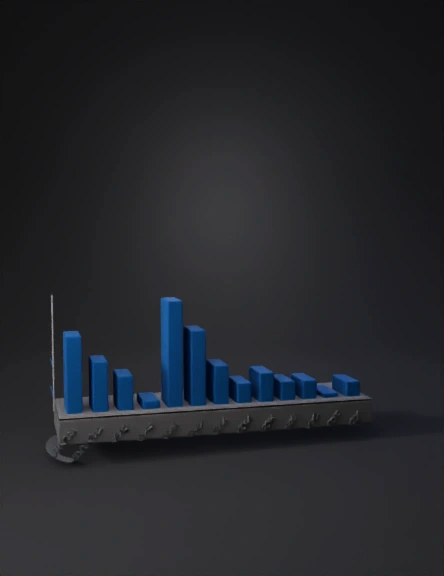
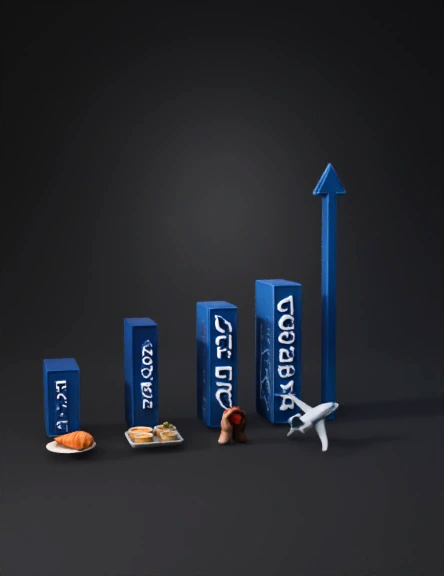
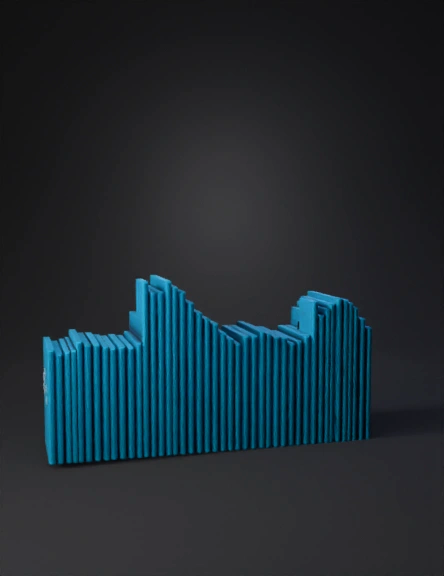
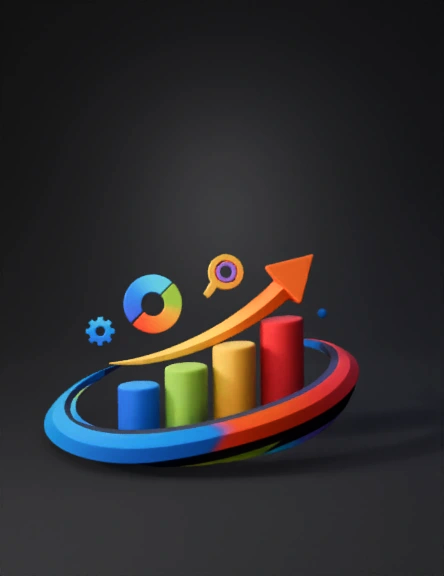
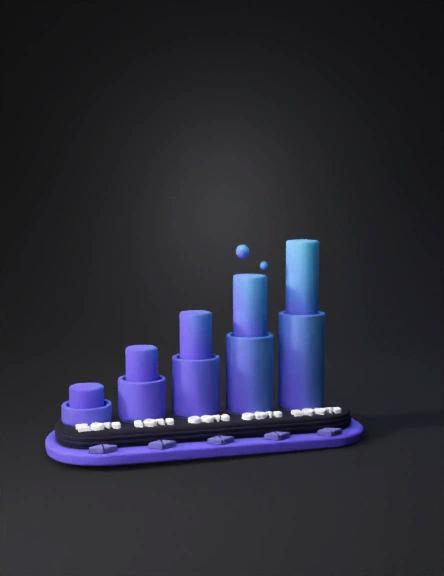
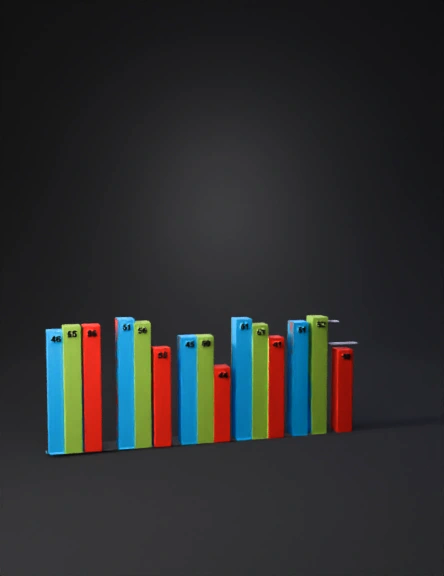
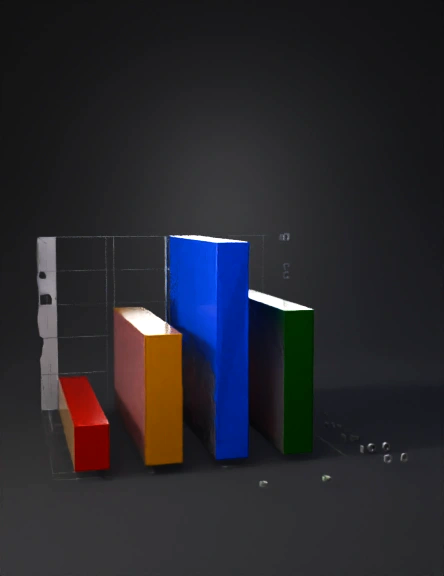
Bar chart 3D Models

Find the best Bar chart 3D Models, free download in STL, FBX, GLB, OBJ, 3MF, USDZ for 3D modeling and creation in Blender, 3D printing, game developing, animation, eCommerce, AR/VR and etc. Generated by Tripo AI 3D Generator.

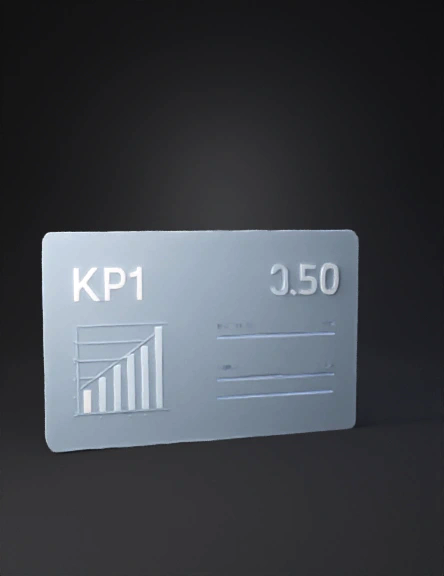
Floating holographic dashboard panel, thin rectangular glass tablet with rounded corners, displaying simple bar chart and KPI metrics in clean sans-serif, soft glow around edges, semi-transparent with subtle frosted appearance, modern UI design, isolated on transparent background, slight 3D depth
Anonymous1743691069
Anonymous1725713685
Anonymous1725713685
Anonymous1776017118
Anonymous1769025031
Anonymous1774199256
Anonymous1773661722
Anonymous1773459687
Creame una columna realista mega realista y me la pasas
Anonymous1760060986
Anonymous1773242303
Anonymous1773200524
Anonymous1773144929
Anonymous1772900670
Anonymous1772409144
гистограмма
Anonymous1772097313
import matplotlib.pyplot as plt
from mpl_toolkits.mplot3d import Axes3D
import numpy as np

# Configurazione figura
fig = plt.figure(figsize=(14, 8))
ax = fig.add_subplot(111, projection='3d')

# Dati
anni = ['2022', '2023', '2024']
reddito_netto = [28196, 29514, 30145]

# Posizioni barre
x_pos = np.arange(len(anni))
y_pos = np.zeros(len(anni))

# Larghezza e profondità barre
width = 0.5
depth = 0.5

# Colore blu sobrio
color_barre = '#2563eb'

# Creazione barre 3D
for i in range(len(anni)):
ax.bar3d(x_pos[i] - width/2, y_pos[i], 0, 
width, depth, reddito_netto[i],
color=color_barre, alpha=0.9, 
edgecolor='black', linewidth=0.8)

# Etichette assi
ax.set_xlabel('Anno', fontsize=12, fontweight='bold', labelpad=10)
ax.set_ylabel('', fontsize=12, fontweight='bold', labelpad=10)
ax.set_zlabel('Reddito Netto Annuo (€)', fontsize=12, fontweight='bold', labelpad=15)

# Tick personalizzati
ax.set_xticks(x_pos)
ax.set_xticklabels(anni, fontsize=11)
ax.set_yticks([])
ax.set_zlim(0, 35000)

# Formattazione asse Z con sep
Anonymous1771753287
Anonymous1770847816
Anonymous1770852682
Enter invite code to get credits!