?

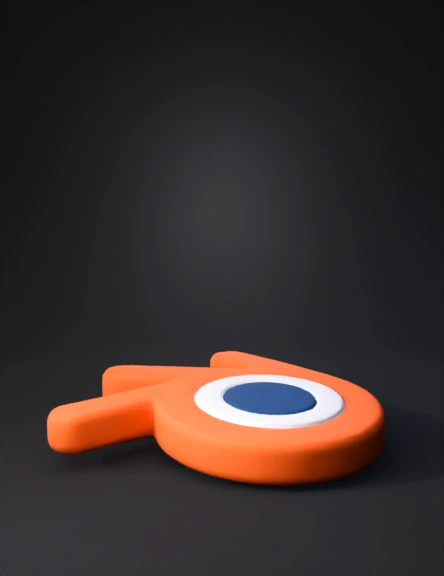
Blender logo 3D Models

Find the best Blender logo 3D Models, free download in STL, FBX, GLB, OBJ, 3MF, USDZ for 3D modeling and creation in Blender, 3D printing, game developing, animation, eCommerce, AR/VR and etc. Generated by Tripo AI 3D Generator.

Anonymous1776419789
Anonymous1774468302
Anonymous1774716396
Anonymous1770537125
Anonymous1767117533
Anonymous1749143705
Transform this flat 2D illustration into a detailed, three-dimensional style image
Anonymous1762841488
Anonymous1757538159
Anonymous1762429118
Anonymous1751423001
Anonymous1741227675
Anonymous1747352534
Anonymous1756657104
Anonymous1756657104
Anonymous1756206228
Create a 3D logo model based on this design:
- Main Symbol:
  • A circular "C" shape, partially open on the right side, with a blue gradient (light blue to deep blue).
  • Inside it, a bold "D" shape overlapping in the center, with a gradient from golden-orange to yellow.
  • The "D" has a circular hole in the middle (cutout).
  • Both shapes should be extruded to have realistic 3D depth with smooth rounded edges.
- Materials & Surface:
  • Apply glossy, reflective materials for a professional polished look.
  • The blue "C" should have a glass-like or metallic blue finish.
  • The orange-yellow "D" should have a glossy metallic or smooth plastic surface with subtle reflections.
- Lighting:
  • Use a 3-point lighting setup: 
    - Key light from the top left (soft white).
    - Fill light from the right side (cool blue tint).
    - Back light (orange tint) for rim glow.
  • Add soft shadows on the ground.

- Text:
  • Below the symbol, render the word "Creative Design" in bold Myriad
Anonymous1755360329
Anonymous1755175426
Anonymous1713725712
Enter invite code to get credits!