?

Calculator 3D Models

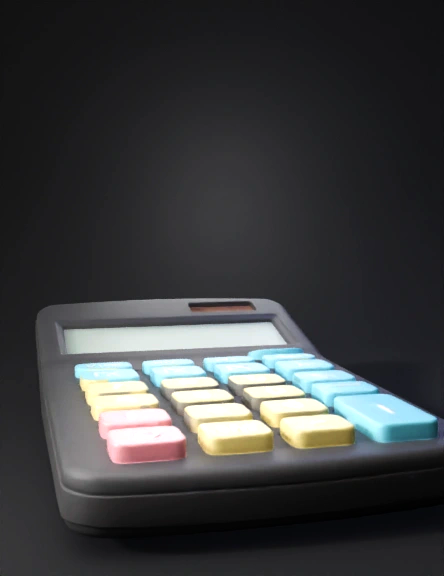
Find the best Calculator 3D Models, free download in STL, FBX, GLB, OBJ, 3MF, USDZ for 3D modeling and creation in Blender, 3D printing, game developing, animation, eCommerce, AR/VR and etc. Generated by Tripo AI 3D Generator.

Anonymous1764179682
Anonymous1765412715
Anonymous1765412715
Anonymous1734576980
Anonymous1736493323
1. Model: We're designing a custom case for the Casio 570MS calculator.


2. Curved Cover: The cover should have a smooth, curved design rather than a boxy shape, so it looks and feels rounded.


3. Sliding Mechanism: The calculator will slide into the case from the bottom part. In other words, you insert it from the bottom.


4. Locking Feature: Once the calculator is slid in, the cover should have a mechanism to click and lock it in place so it doesn't slip out.

    5.  Full Coverage: The cover needs to protect both the area near the buttons and the top part of the screen. In other words, it's a full front coverage design so that the entire front side of the calculator, from the screen down to the buttons, is covered and protected.

in the picture i send you see there the white spot i colored it need to be the covered by the case and when i put the calculator i need to slide it from the down to up 

the screen on top need to be fully cover by the case and the side also
Anonymous1765185596
create a frame 10cm*5cm*0.4cm : back and front for this calculator.  the screen space is 3cm*0.8cm  the solar panel space is 2cm*0.7cm the buttons square spaces are 0.5cm*0.6cm exept the Plus button wich is 1.5cm*0.6cm.  leave the holes for the buttons,screen and solar panel free,make the inside of the frame empty so i can put the components
Anonymous1765131381
create a frame 10cm*5cm*0.4cm : back and front for this calculator.  the screen space is 3cm*0.8cm  the solar panel space is 2cm*0.7cm the buttons square spaces are 0.5cm*0.6cm exept the Plus button wich is 1.5cm*0.6cm
Anonymous1765131381
create a frame 10cm*5cm*0.4cm : back and front for this calculator.  the screen space is 3cm*0.8cm  the solar panel space is 2cm*0.7cm the buttons spaces are 0.5cm*0.6cm
Anonymous1765131381
calculator icon
Anonymous1739826978
make 3d
Anonymous1764936459
Anonymous1764852800
Anonymous1764852800
Anonymous1736493323
Anonymous1764051129
Anonymous1762457807
Scene:

soft gray oval frame (flat shape, acts as boundary)

Main objects (centered):

open book lying flat, simple low-poly, pages slightly curved

blue calculator placed diagonally on left page

small vertical flagpole on right page

flag: white rectangle with red St. George cross

transparent ruler behind book, horizontal, slightly wider than book

Lighting & style:

minimalistic 3D

soft shadows, neutral lighting

light background, matte materials

simple serif text outside frame:

“MATH & ENGLISH CLASS”

“CLASS” centered underneath
Anonymous1763481983
A clean, simple educational logo inside a soft gray oval border. At the center, an open book lies flat. On top of the book, a blue calculator is placed diagonally on the left side. A small flag with a red X on a white background (English/St. George–style flag) stands on a pole on the right side. Behind the book is a transparent ruler extending horizontally. Below the image, the text ‘MATH & ENGLISH CLASS’ is written in elegant serif font, with ‘CLASS’ centered underneath. Light background, minimalistic design.Also make it realistic
Anonymous1763481983
Enter invite code to get credits!