?

Circular fortress 3D Models

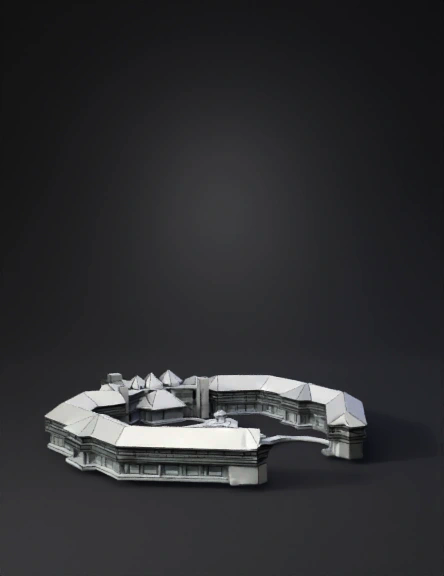
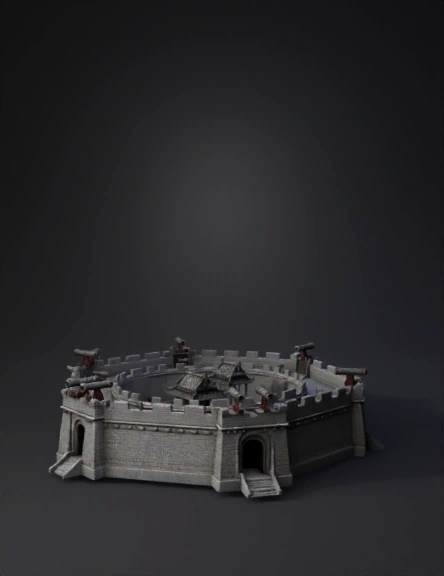
Find the best Circular fortress 3D Models, free download in STL, FBX, GLB, OBJ, 3MF, USDZ for 3D modeling and creation in Blender, 3D printing, game developing, animation, eCommerce, AR/VR and etc. Generated by Tripo AI 3D Generator.

Anonymous1768528428
Anonymous1768461951
Anonymous1768026642
Anonymous1767520340
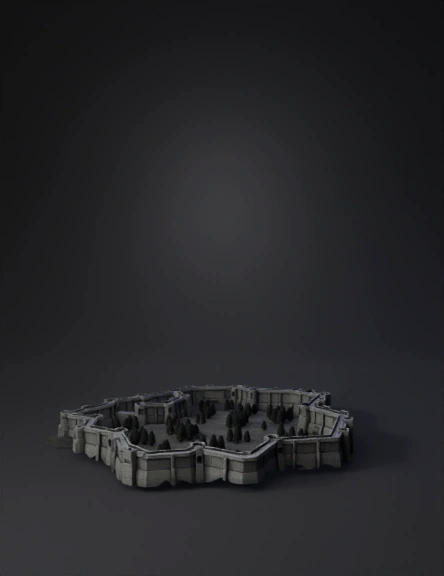
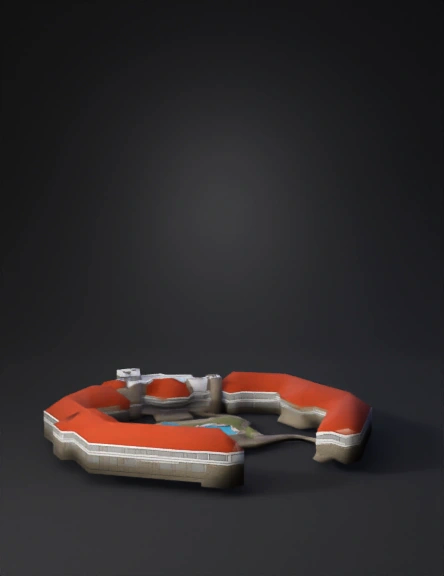
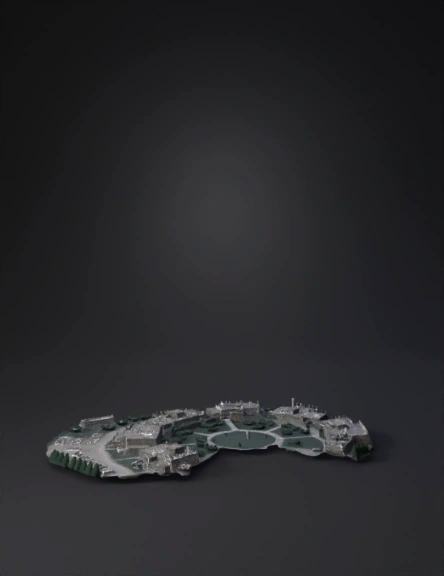
This is the castle of Teylingen. Can you make a stl file for this
Peer van Tienen
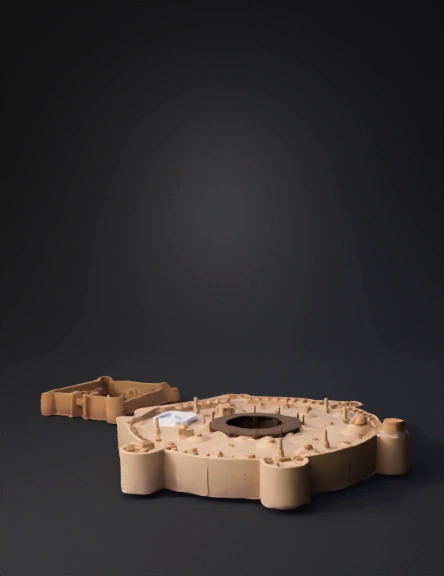
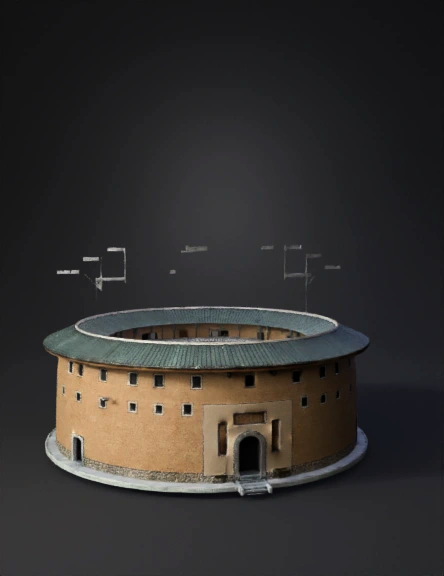
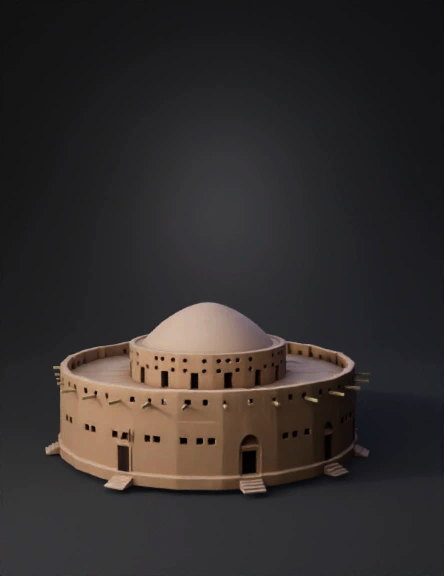
一、模型结构拆分(对应图片细节)
 
把模型拆分为3个核心部分,逐个建模:
 
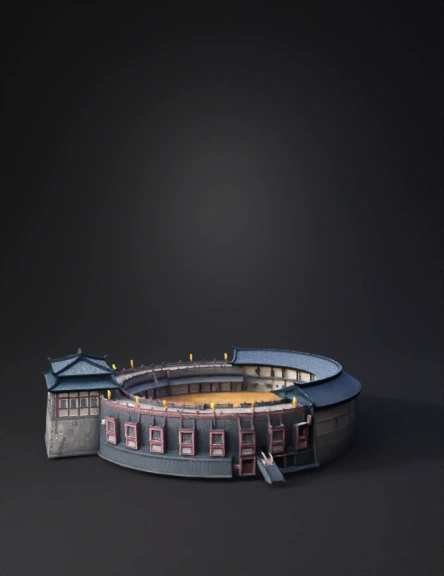
1. 土楼主体(圆形墙体+分层屋顶+雕花+窗户)
2. 抽屉模块(3层抽屉+把手)
3. 细节装饰(夯土墙纹理、木材纹理)
 
二、Blender分步建模教程
 
1. 土楼主体建模
 
- 圆形墙体:
1. 新建「圆曲线」,调整分段数(建议64段,保证圆形平滑),转为网格( Alt+C )。
2. 用「挤出」工具( E )拉出墙体高度(分2层,底层厚、上层稍薄),用「循环切割」( Ctrl+R )划分窗户区域。
3. 选择窗户位置的面,用「内插面」( I )做窗框,再「挤出」( E )向内做出窗户凹陷。
- 分层屋顶:
1. 复制墙体顶部的圆边,用「缩放」( S )向外扩大,再「挤出」( E )做出屋顶的斜面(可加「细分修改器」柔化曲面)。
2. 屋顶雕花:在屋顶面上画镂空图案的曲线(参考图片的几何纹样),转为网格后用「布尔运算」(差集)挖出雕花。
 
2. 抽屉模块建模
 
- 新建「立方体」,调整尺寸为抽屉形状,用「倒角修改器」给边缘做圆角。
- 复制2个立方体,按图片的“阶梯式”排列,用「移动/旋转」工具对齐土楼侧面。
- 抽屉把手:新建「球体+圆柱」组合,缩放后放在抽屉正面,批量复制到3个抽屉上。
 
3. 材质与纹理(还原图片风格)
 
- 夯土墙:
给墙体添加「 principled BSDF」材质,导入黄棕色夯土纹理贴图(可在“TextureHaven”下载),连接到「基础颜色+粗糙度」通道。
- 木材(抽屉/屋顶):
导入浅木色纹理贴图,调整「粗糙度」参数(抽屉偏哑光,屋顶稍亮)。
 
4. 渲染输出
 
- 用Blender的「Cycles渲染器」,调整灯光(主光+辅助光模拟图片的手绘光影),渲染出图;
Anonymous1760402449
Minecraft walls for base
Anonymous1762703754
Anonymous1761575272
Anonymous1754823175
帮我按照图片上的碗,生成模型
Anonymous1761054691
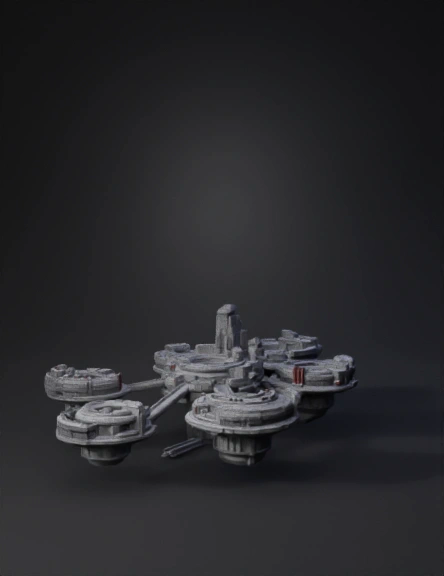
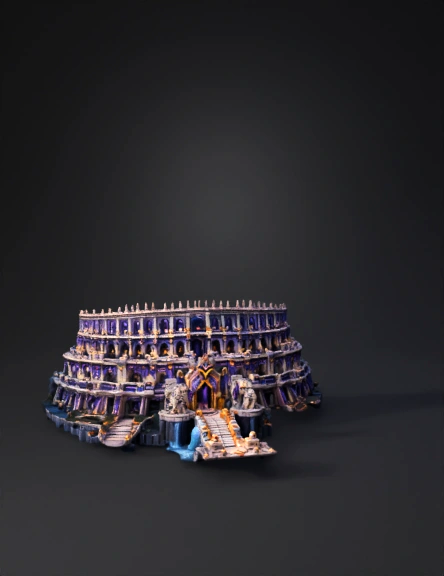
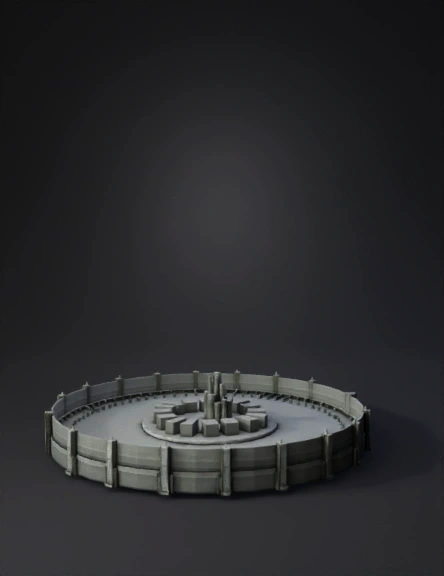
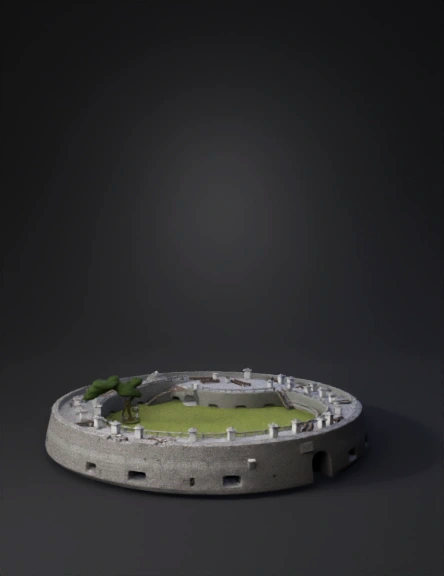
A magnificent, circular fortress. A colossal, smooth gray stone wall encircles the entire base, with a single, large gate as the entrance. Inside, the base is tiered: an outer ring with low, symmetrical white stone barracks and workshops, leading down steps to an inner courtyard. At the very center stands a massive, circular arch of glowing gold, acting as a powerful portal or power source, with a shimmering blue energy field. The layout is perfectly symmetrical and defensible. Simple color scheme: gray walls, white buildings, gold arch, blue energy.
Anonymous1760263771
Anonymous1760177729
Anonymous1758903791
Anonymous1773824761
Anonymous1772033060
Anonymous1772335577
Anonymous1771322477
Anonymous1771322477
Enter invite code to get credits!