?

Dual panel 3D Models

Find the best Dual panel 3D Models, free download in STL, FBX, GLB, OBJ, 3MF, USDZ for 3D modeling and creation in Blender, 3D printing, game developing, animation, eCommerce, AR/VR and etc. Generated by Tripo AI 3D Generator.

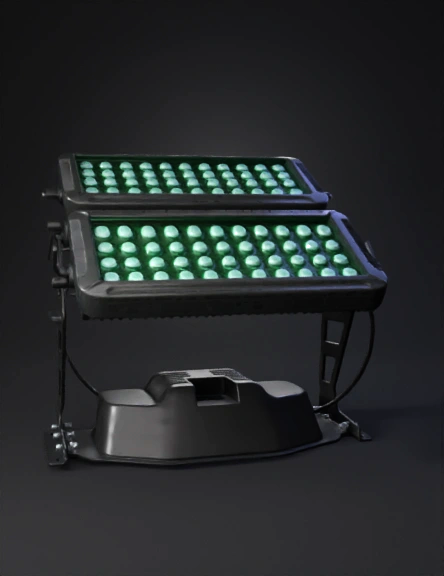
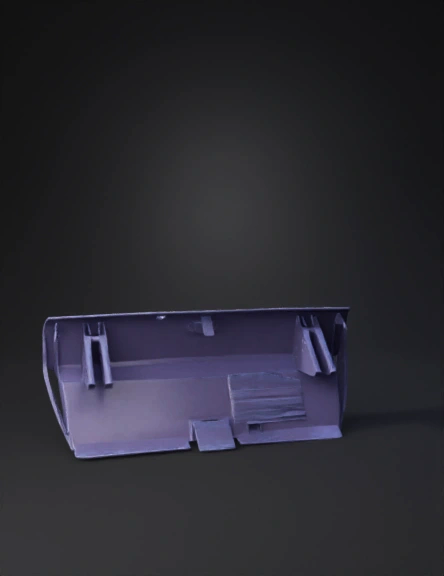
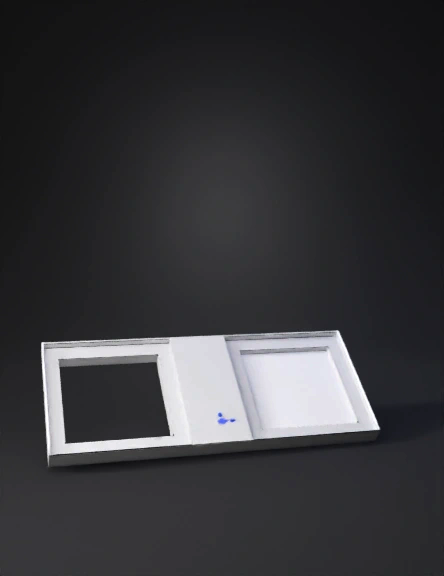
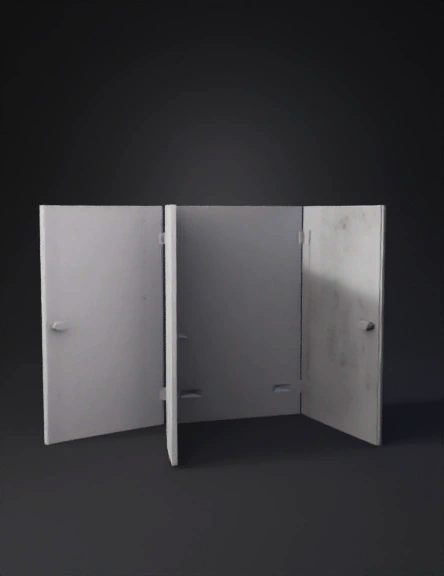
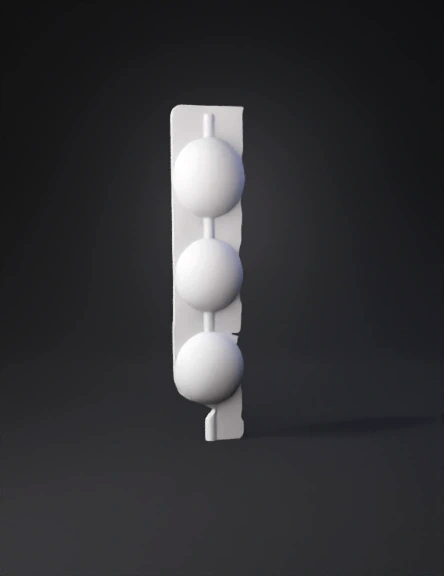
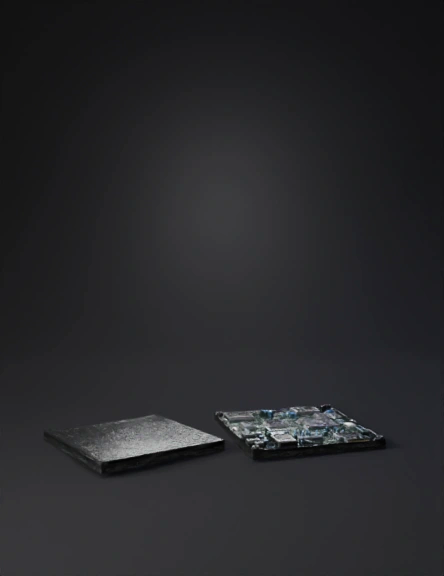
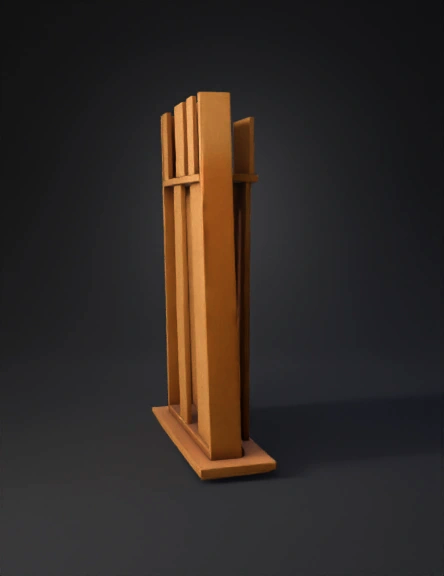
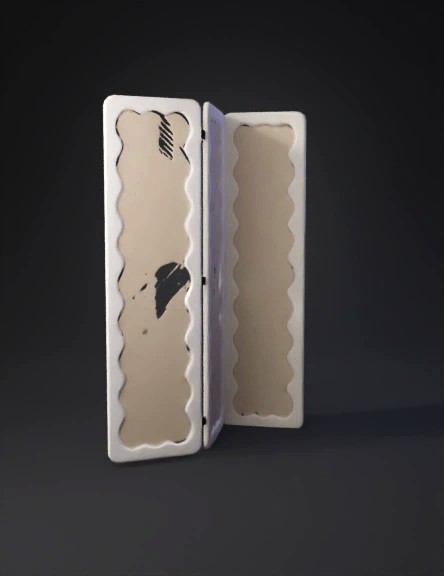
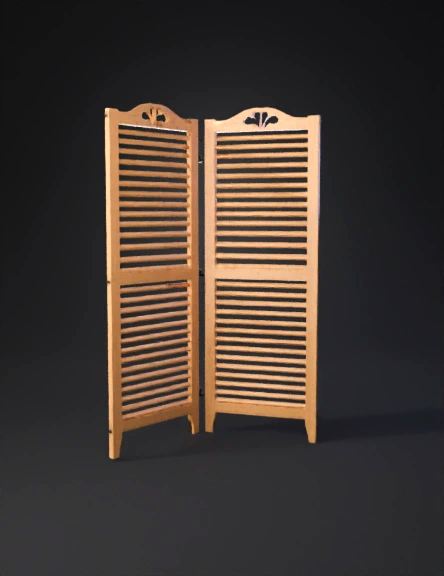
the first panel on the top is an isometric view of the panel but just the front view.  the second panel on the panel is also an isometric view of the panel but it is now the back view. I want you to generate the panel with the first picture as the front view and the second picture below as the back view.
Anonymous1770217364
Anonymous1770217364
Anonymous1769951454
Anonymous1770033460
Anonymous1770201614
Anonymous1757983136
Anonymous1770131440
Anonymous1755973131
Anonymous1759387997
Anonymous1768754219
Anonymous1769623976
Anonymous1769890271
Anonymous1769820332
Anonymous1768292506
Anonymous1767648799
Chriscrown
Anonymous1762111389
图3:展开过程侧视图(显示单侧机构)
•	视角:正侧视图,仅显示中心支撑骨架(1) 和左侧的第一光伏板组(A)。中心骨架用其侧边轮廓表示。
•	内容描述:
1.	核心展示:重点展示四连杆同步展开机构的组成和运动关系。
2.	铰接点:在中心骨架(1)的左侧边上,明确标出两个铰接点:上方的点连接第一连杆(5),下方的点连接第二连杆(6)。
3.	连杆连接:
	第一连杆(5)的上端铰接在第一主光伏板(2) 背面的靠前位置。
	第二连杆(6)的上端铰接在第二主光伏板(3) 背面的靠后位置。
	第三连杆(7) 清晰地画出,其一端铰接在第一主光伏板(2)背面的靠后位置(与第一连杆的铰接点不同),另一端铰接在第二主光伏板(3)背面的靠前位置(与第二连杆的铰接点不同)。
4.	板间铰链:在第一主光伏板(2)和第二主光伏板(3)的相邻边缘,画出铰链(4)。
5.	运动状态:图中可以绘制2-3个中间位置(用虚线表示),展示从折叠到展开过程中,光伏板2和3如何绕铰链4相对转动,同时连杆5、6、7如何协同运动,最终达到展开位置(实线)。
•	标注:清晰标注 1, 2, 3, 4, 5, 6, 7。用箭头示意“抬起”方向。
Anonymous1769652545
Enter invite code to get credits!