?

Ethernet 3D Models

Find the best Ethernet 3D Models, free download in STL, FBX, GLB, OBJ, 3MF, USDZ for 3D modeling and creation in Blender, 3D printing, game developing, animation, eCommerce, AR/VR and etc. Generated by Tripo AI 3D Generator.

Коммутатор
Anonymous1760121656
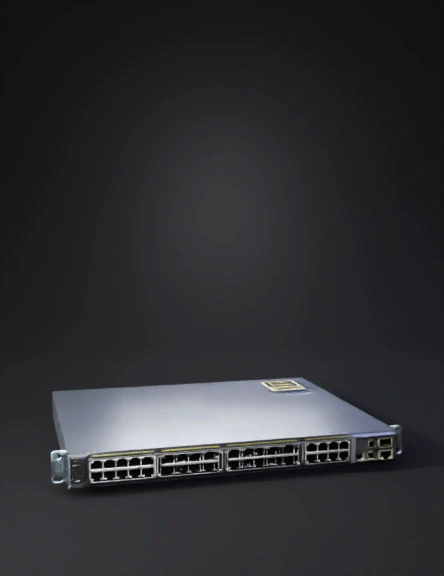
Network switch
Anonymous1760121656
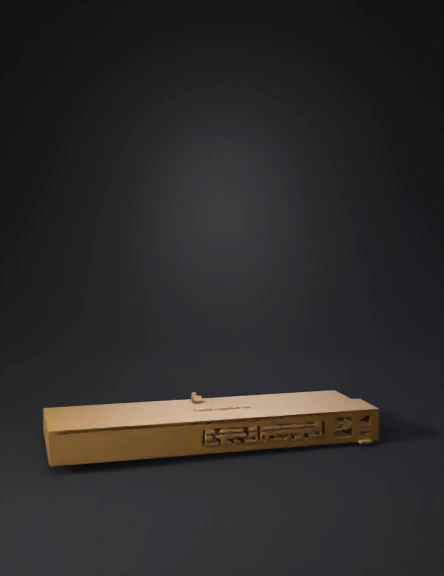
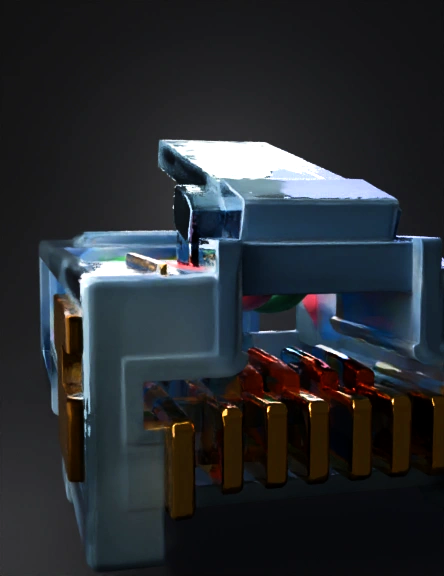
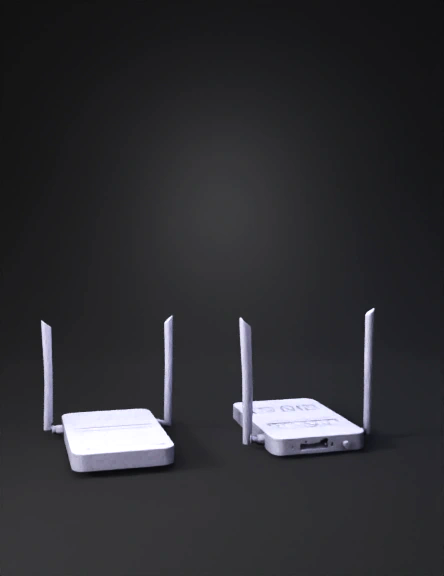
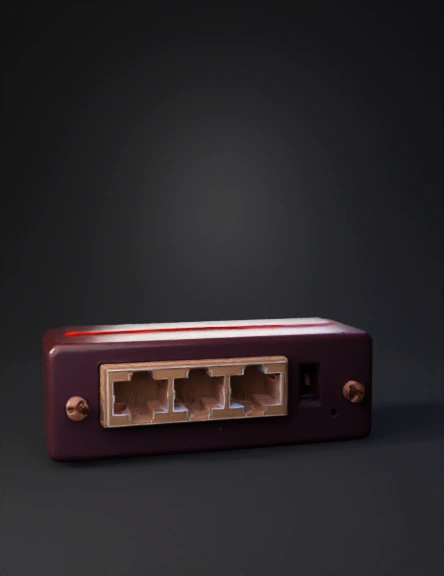
In this image, we can see 3 faces of which one has the openings in the case for the Ethernet cable and the c-pin, and the other one, which is a golden colored SMA. I want you to remove that and place 2 SMAs having 4cm distance in between on the face which is not visible but has the same  size as the front face that is ehetnet side, place the SMAs on that side which is not visible and rest all the faces, keep them covered, and the case should be able to flip open increase the side of a case for 3cm on 2 sides and 2 cm on 2 sides 
And the SMA means just make a hole for them, don't place those SMAs on it , on the side of Ethernet other face, and other  2 faces which are visivle and solid keep them same
Anonymous1759206837
In this image, we can see 3 faces of which one has the openings in the case for the Ethernet cable and the c-pin, and the other one, which is a golden colored SMA. I want you to remove that and place 2 SMAs having 4cm distance in between on the face which is not visible but has the same  size as the front face that is ehetnet side, place the SMAs on that side which is not visible and rest all the faces, keep them covered, and the case should be able to flip open increase the side of a case for 3cm on 2 sides and 2 cm on 2 sides 
And the SMA means just make a hole for them, don't place those SMAs on it
Anonymous1759206837
shift the SMA pins to back and make 2 holes giving 4cm distance between them to the back of the face, and move the C-pin from the middle to the edge corner and make the case flip opening, and do not make any holes or openings other than these 4, and increase the height a width of the case and a width, 2 holes on one side of the face opposite to ethernet cable face and on the ethernet side one opening for the ethernet and the other c-pin hole on the same corner edge
Anonymous1759206837
now in this remove the golden pin and place it opposite side of it and the c pin place it at the corner edge and this casing  should be flip open when i want to open it and the SMA pins should be 2 on the pposite walls of ethernet cable whole, place the SMA pins on the back side means the opposite of the ehernet and the cpin down the corner edge of the same side of the face where it is now and incease the length of the case and just create a 2 holes os SMA not the whole golden part, and remove it from the ethernet side face and keep the ethernet cable hole and the cpin hole also
Anonymous1759206837
Anonymous1759414908
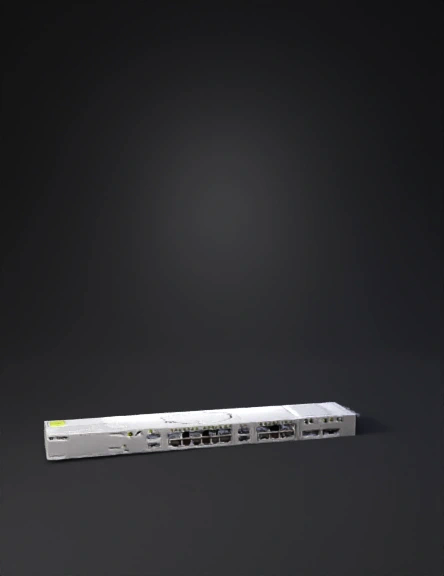
生成一个交换机3D模型,不要添加花纹,要简单一些。只有正面有网口,背面和侧面没有网口
Anonymous1758787161
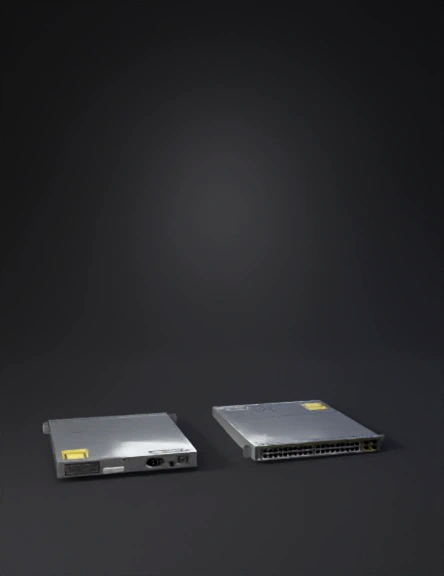
生成一个交换机3D模型,侧面和背面的样式参照正面,不要添加花纹,要简单一些。
Anonymous1758787161
Anonymous1758557710
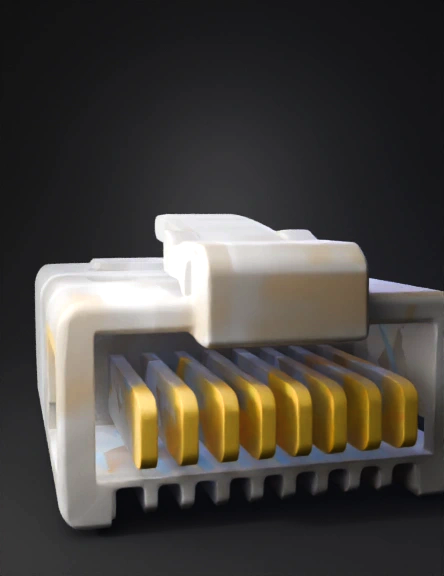
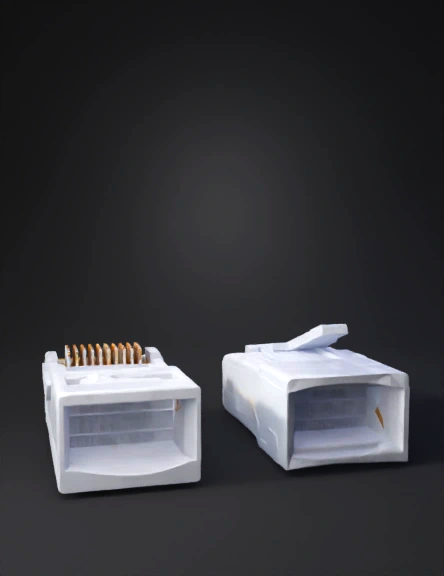
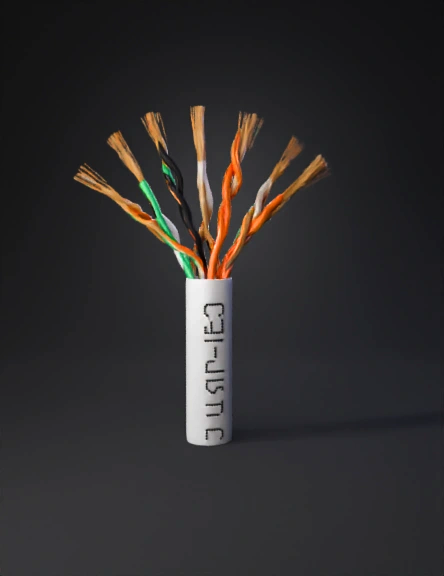
ethernet cable
Anonymous1756227221
Anonymous1776182100
Anonymous1776182100
Anonymous1760941019
Anonymous1774906544
Anonymous1772329796
Anonymous1773017478
Anonymous1758844724
Enter invite code to get credits!