?

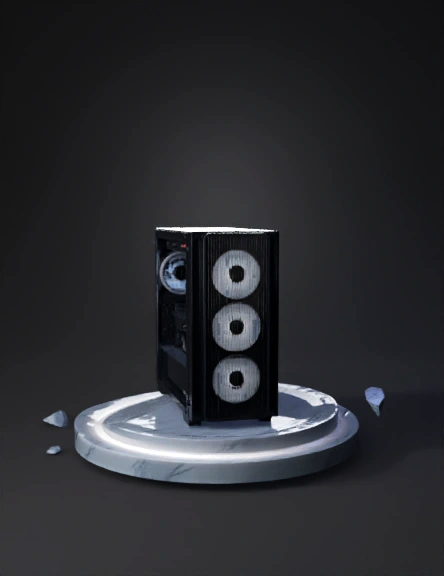
Gaming pc 3D Models

Find the best Gaming pc 3D Models, free download in STL, FBX, GLB, OBJ, 3MF, USDZ for 3D modeling and creation in Blender, 3D printing, game developing, animation, eCommerce, AR/VR and etc. Generated by Tripo AI 3D Generator.

Anonymous1776785770
Anonymous1776676095
Anonymous1776662617
Anonymous1776323051
Anonymous1752990811
Anonymous1774571634
Anonymous1774571634
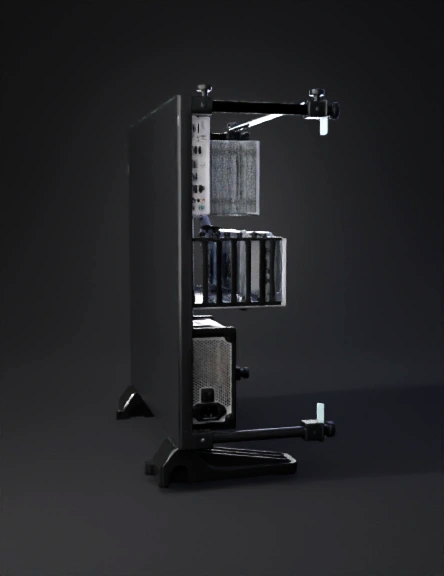
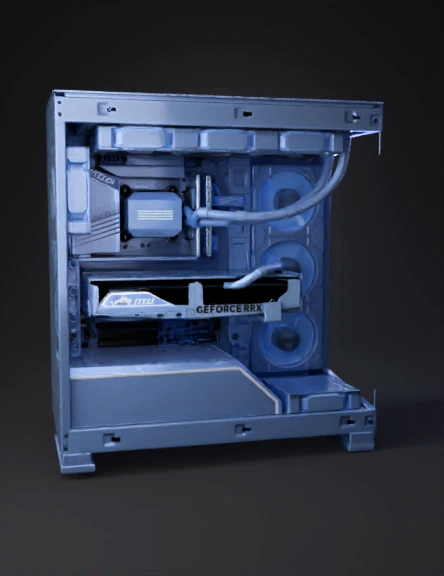
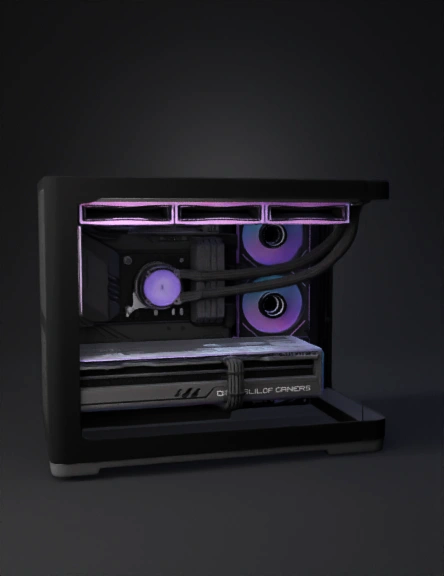
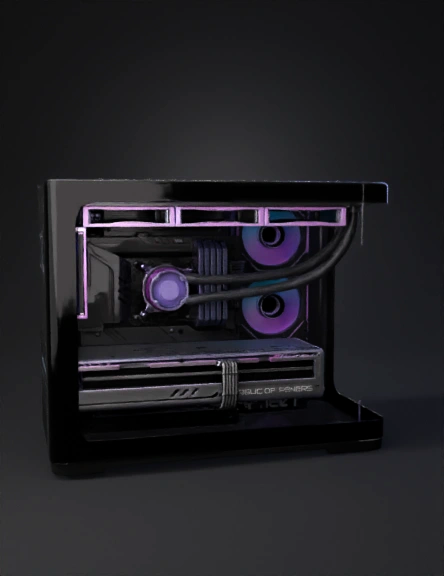
Create a full exploded‑view 3D model of a high‑end gaming PC. 
Separate components: ATX case, motherboard, GPU, PSU, RGB fans, RAM, SSD, CPU, cooler. 
Gaming aesthetic with dark metals, angular shapes, and subtle RGB. 
Each component should be a separate mesh group for animation. 
Arrange in a clean exploded layout, ready for scroll‑assembly animation. 
Optimised for WebGL. Export as GLB.
Anonymous1775152446
Create a full exploded‑view 3D model of a high‑end gaming PC. 
Separate components: ATX case, motherboard, GPU, PSU, RGB fans, RAM, SSD, CPU, cooler. 
Gaming aesthetic with dark metals, angular shapes, and subtle RGB. 
Each component should be a separate mesh group for animation. 
Arrange in a clean exploded layout, ready for scroll‑assembly animation. 
Optimised for WebGL. Export as GLB.
Anonymous1775152446
Anonymous1775053818
Anonymous1775053818
Anonymous1774651219
Anonymous1773049909
a pc with all of its components
Anonymous1774789350
Anonymous1749931794
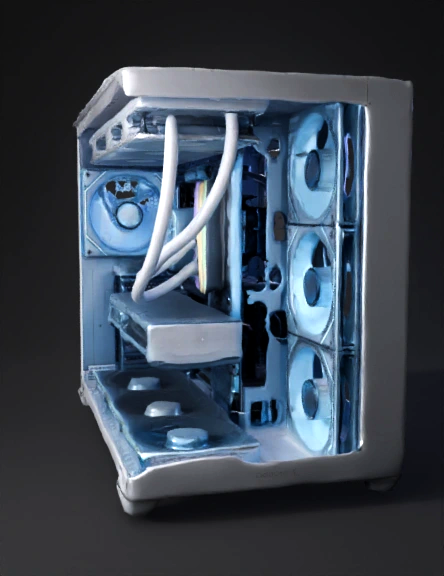
Create a hi-res realistic 3D exploded-view gaming desktop PC based on the uploaded reference screenshot and PDF.

STYLE:
- realistic modern gaming PC
- clean light-gray ATX mid-tower case
- semi-open or exploded side view
- classroom-friendly educational model
- high detail but optimized for stability
- realistic proportions, not cartoon
- sharp materials, clean edges, believable hardware scale

MAIN MODEL:
Build a realistic gaming desktop tower with components separated slightly from the case so students can clearly see each part.
The PC must look viewable from all angles on X, Y, and Z axes.
Keep the tower shape and exploded layout close to the reference image.

INCLUDE THESE PARTS:
- Liquid Cooling Fan
- Power Supply
- Motherboard
- Memory
- Video Card
- Storage 1: NVMe SSD
- Storage 2: SATA HDD
- CPU

PLACEMENT:
- PSU in upper-left/rear area like reference
- motherboard centered inside case
- CPU on motherboard
- liquid cooling unit near CPU area
- RAM extended outward from motherb
Anonymous1774726740
Anonymous1774606592
Anonymous1774561988
Enter invite code to get credits!