?
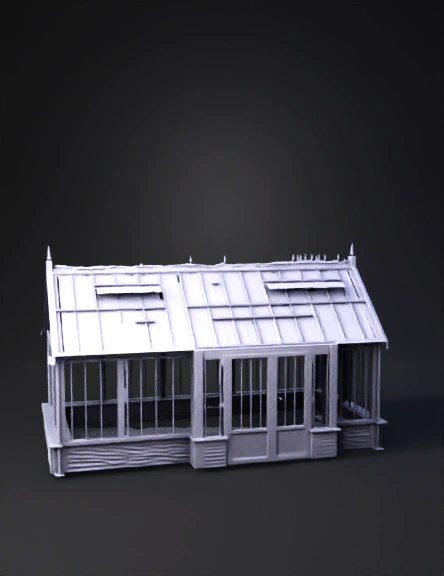
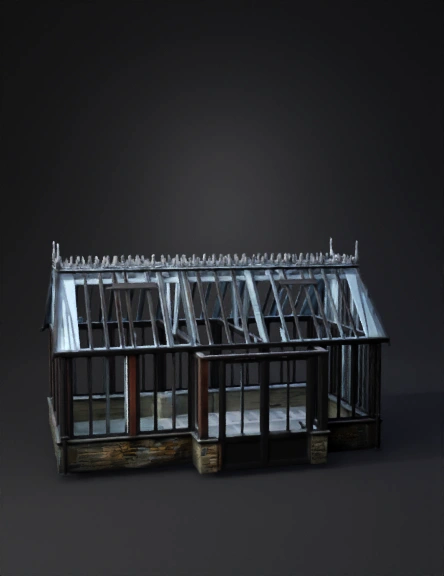
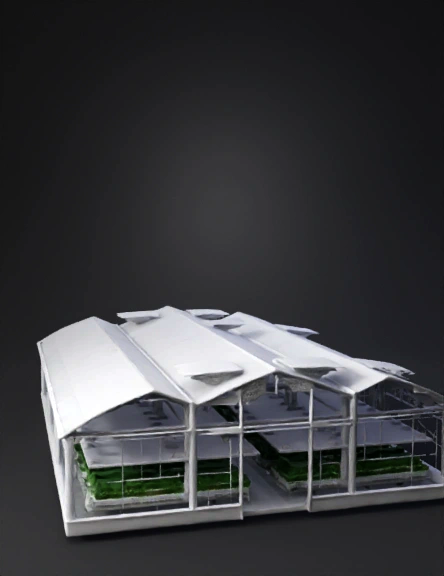
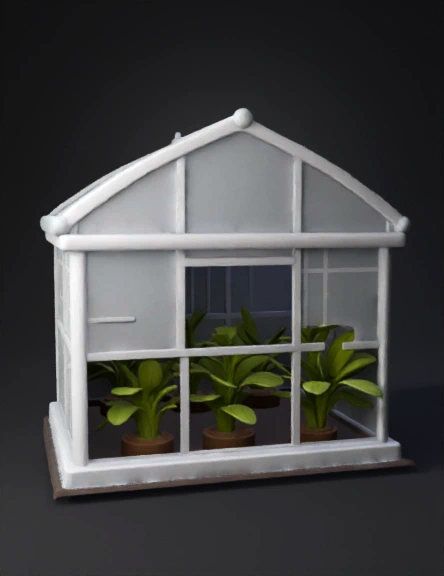
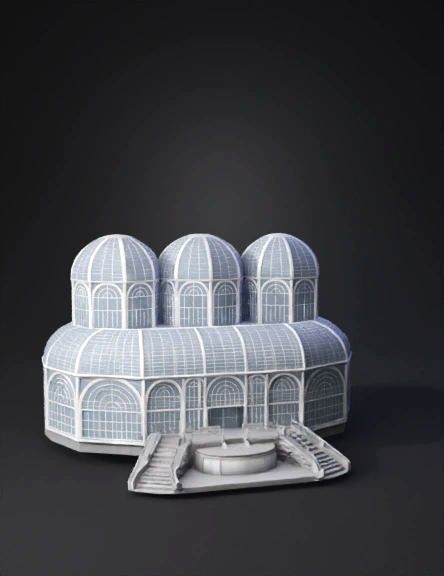
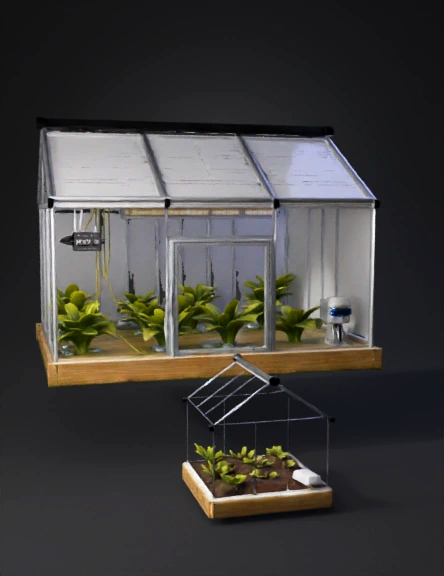
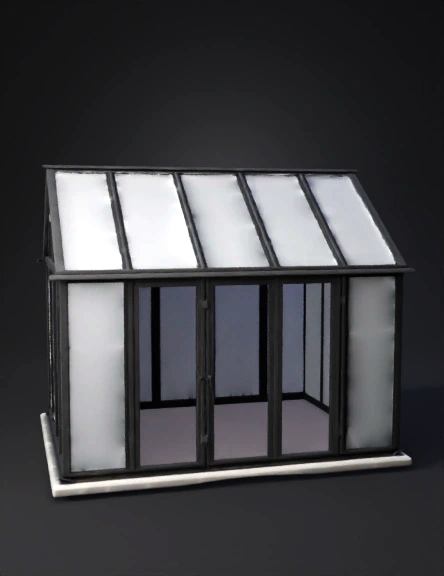
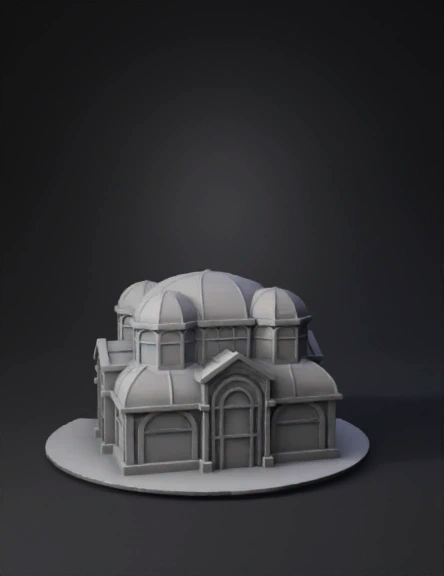
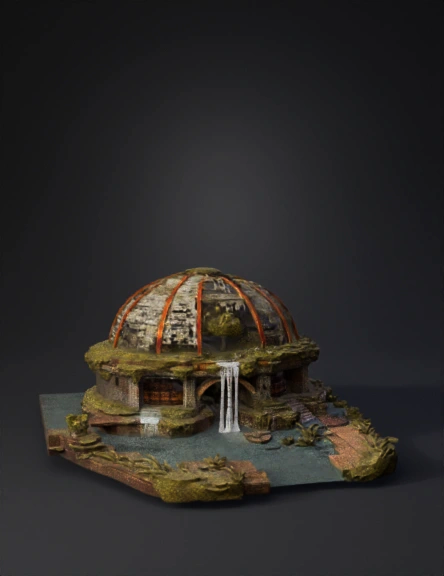
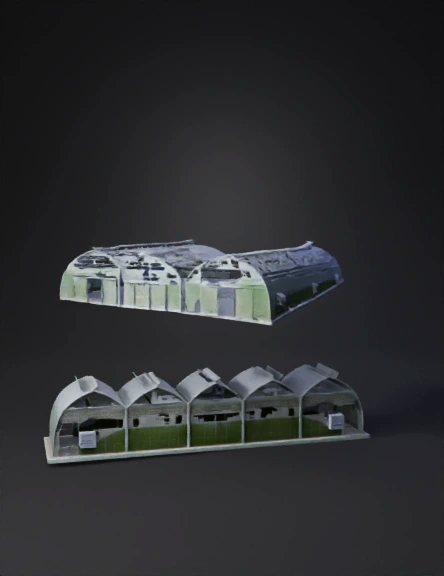
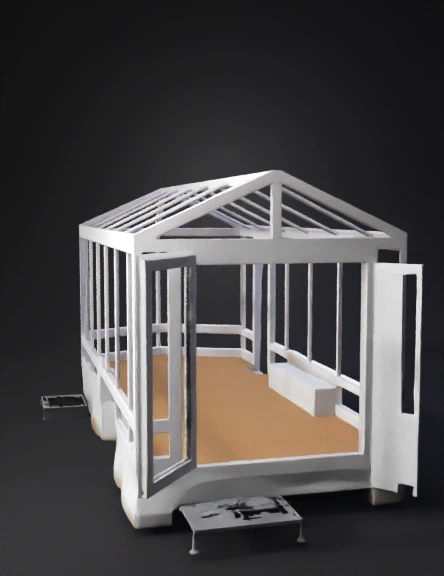
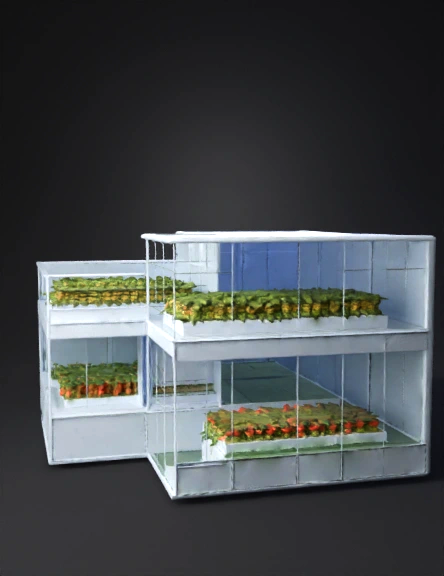
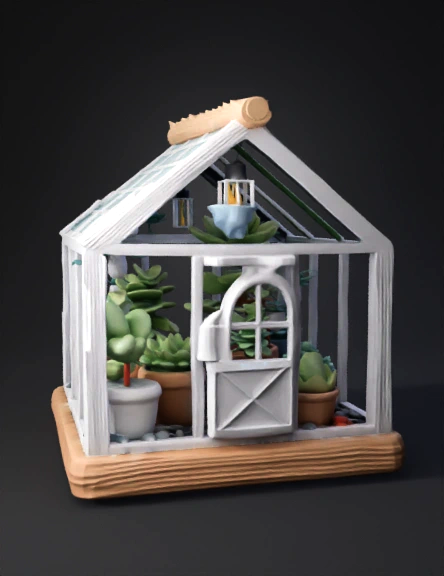
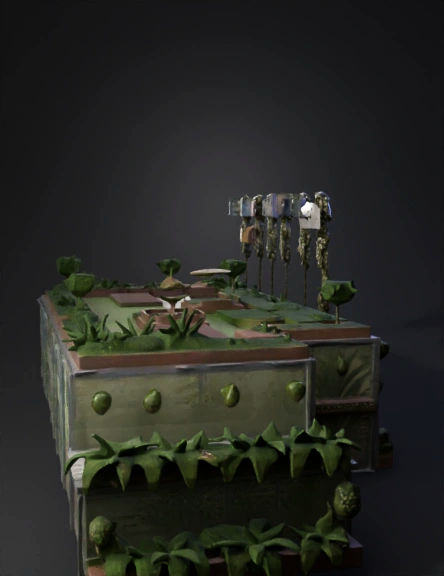
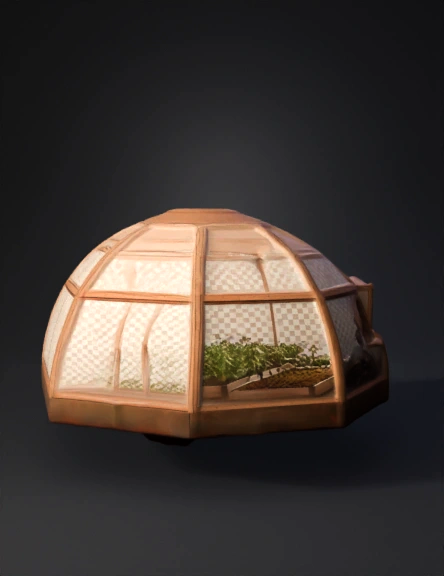
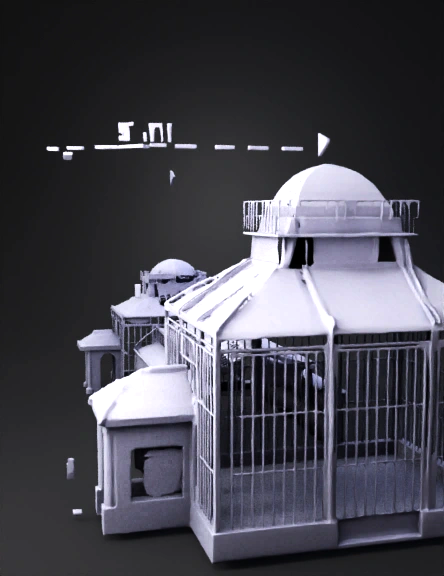
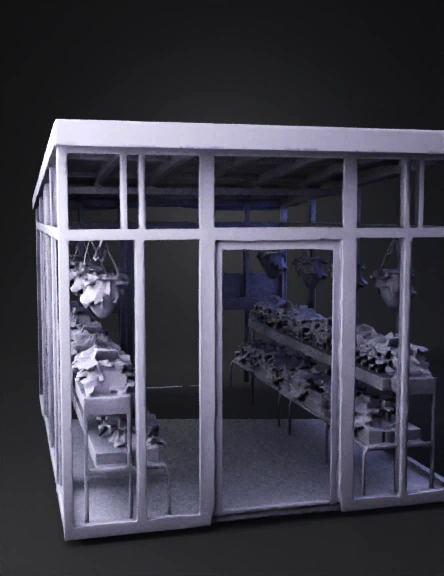
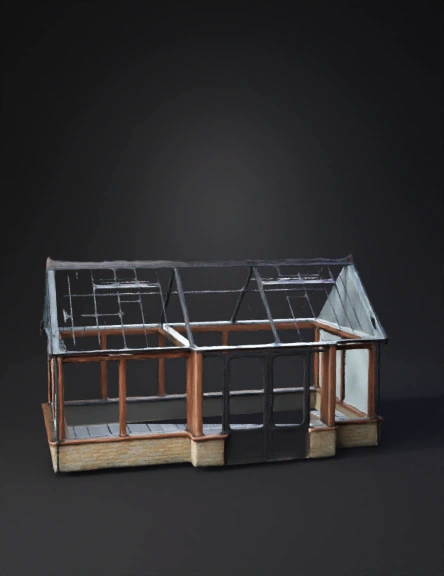
Glass greenhouse 3D Models
Find the best Glass greenhouse 3D Models, free download in STL, FBX, GLB, OBJ, 3MF, USDZ for 3D modeling and creation in Blender, 3D printing, game developing, animation, eCommerce, AR/VR and etc. Generated by Tripo AI 3D Generator.
You May Also Like :


![import bpy
import math
from mathutils import Vector
# --- Nadiifi waxyaabaha jirta ---
bpy.ops.wm.read_factory_settings(use_empty=True)
# --- Parameters ---
farm_size = 1000.0 # in meters
half = farm_size / 2.0
# Crop plot dimensions (quarter each)
plot_w = farm_size / 2.0
plot_h = farm_size / 2.0
# Greenhouse dimensions
gh_length = 50.0
gh_width = 30.0
gh_height = 20.0
# Drip irrigation spacing
irrigation_interval = 5.0 # meters between drip lines
# Camera animation length
scene = bpy.context.scene
scene.frame_start = 1
scene.frame_end = 30 * scene.render.fps # 30 seconds animation
# --- Create ground plane ---
bpy.ops.mesh.primitive_plane_add(size=farm_size, location=(0, 0, 0))
ground = bpy.context.active_object
ground.name = "Ground"
# Add material to ground
mat_g = bpy.data.materials.new(name="GroundMat")
mat_g.diffuse_color = (0.4, 0.8, 0.4, 1.0)
ground.data.materials.append(mat_g)
# --- Function to create crop region ---
def make_crop_region(x_center, y_center, dx, dy, color):
bpy.ops.mesh.primitive_plane_add(size=1, location=(x_center, y_center, 0))
obj = bpy.context.active_object
obj.name = f"Crop_{x_center:.1f}_{y_center:.1f}"
obj.scale = (dx / 2.0, dy / 2.0, 1)
mat = bpy.data.materials.new(name=f"Mat_{x_center}_{y_center}")
mat.diffuse_color = (*color, 1.0)
obj.data.materials.append(mat)
return obj
# --- Create 4 crop areas ---
# Yaanyo (top-left)
make_crop_region(-half/2, half/2, plot_w, plot_h, (1.0, 0.0, 0.0)) # red
# Strawberry (top-right)
make_crop_region(half/2, half/2, plot_w, plot_h, (0.8, 0.2, 0.2))
# Basbaas (bottom-left)
make_crop_region(-half/2, -half/2, plot_w, plot_h, (0.0, 1.0, 0.0))
# Qamadi (bottom-right)
make_crop_region(half/2, -half/2, plot_w, plot_h, (1.0, 1.0, 0.0))
# --- Create greenhouse ---
bpy.ops.mesh.primitive_cube_add(size=1, location=(0, 0, gh_height/2))
gh = bpy.context.active_object
gh.name = "Greenhouse"
gh.scale = (gh_length/2, gh_width/2, gh_height/2)
# Make greenhouse transparent material
mat_gh = bpy.data.materials.new(name="GreenhouseMat")
mat_gh.use_nodes = True
nodes = mat_gh.node_tree.nodes
links = mat_gh.node_tree.links
for n in nodes:
nodes.remove(n)
# Nodes
node_out = nodes.new(type="ShaderNodeOutputMaterial")
node_bsdf = nodes.new(type="ShaderNodeBsdfGlass")
node_bsdf.inputs["Color"].default_value = (0.8, 0.9, 1.0, 1.0)
node_bsdf.inputs["Roughness"].default_value = 0.1
links.new(node_bsdf.outputs["BSDF"], node_out.inputs["Surface"])
gh.data.materials.append(mat_gh)
# --- Create drip irrigation lines ---
def add_drip_line(x_start, y, length):
bpy.ops.curve.primitive_bezier_curve_add(location=(x_start, y, 0.01))
c = bpy.context.active_object
c.name = "DripLine"
# scale in x-direction
c.scale = (length, 1, 1)
# bevel to make it visible
c.data.bevel_depth = 0.02
c.data.bevel_resolution = 3
mat = bpy.data.materials.new(name="PipeMat")
mat.diffuse_color = (0.1, 0.1, 0.1, 1.0)
c.data.materials.append(mat)
return c
# Create drip lines in each crop area
y_positions = [half/4, -half/4]
x_min = -half
x_max = half
for y in y_positions:
y_base = y
x = x_min
while x <= x_max:
add_drip_line(x, y_base, farm_size)
x += irrigation_interval
# --- Camera setup and animation path ---
cam_data = bpy.data.cameras.new("Camera")
cam = bpy.data.objects.new("Camera", cam_data)
scene.collection.objects.link(cam)
scene.camera = cam
# Create a path (Bezier curve) for camera
bpy.ops.curve.primitive_bezier_curve_add()
path = bpy.context.active_object
path.name = "CamPath"
# adjust control points
p0 = path.data.splines[0].bezier_points[0]
p1 = path.data.splines[0].bezier_points[1]
p0.co = Vector((-half, -half, 50))
p1.co = Vector((half, half, 80))
# optional handle tweaks to smooth
p0.handle_right_type = 'AUTO'
p1.handle_left_type = 'AUTO'](https://tripo-data.rg1.data.tripo3d.com/tripo-studio/20251003/69a52dee-3beb-46a4-be3d-aaa6d215d9a6/studio_mesh.webp?Key-Pair-Id=K1676C64NMVM2J&Policy=eyJTdGF0ZW1lbnQiOlt7IlJlc291cmNlIjoiaHR0cHM6Ly90cmlwby1kYXRhLnJnMS5kYXRhLnRyaXBvM2QuY29tL3RyaXBvLXN0dWRpby8yMDI1MTAwMy82OWE1MmRlZS0zYmViLTQ2YTQtYmUzZC1hYWE2ZDIxNWQ5YTYvc3R1ZGlvX21lc2gud2VicCIsIkNvbmRpdGlvbiI6eyJEYXRlTGVzc1RoYW4iOnsiQVdTOkVwb2NoVGltZSI6MTc3NjgxNjAwMH19fV19&Signature=GvdrblBYWU2Tlr7~YxkV7XAIMbeOjelw0MqdbMPFVLDLcUWObUZ3g5P8IdOLR9la6RHtnX1HRyj1A3bN61vGPdRXNm~W04C3hHVb3jCdfW83hYMzdxvv3MSSD20RRws3P2cBkCWRGsUoEpd3zbd-qRc61vuUSj4hev6UW~fn4Ieqzby4SvdeMQGWAB7b9xTCejCYj9uEDLs-AChnKlfW-PbnCaAEK0lzQWYotULLkyjQDyo5kHNj2Kpo4rfdsTszIfq85mz1XtiO-QwlTo-8BbuzrqNij89d6Yh80Fd9Dj4DwK0CgwBozvGp7tWbpDVULOxt-X61OoY2xqyMtn0f6w__)