?

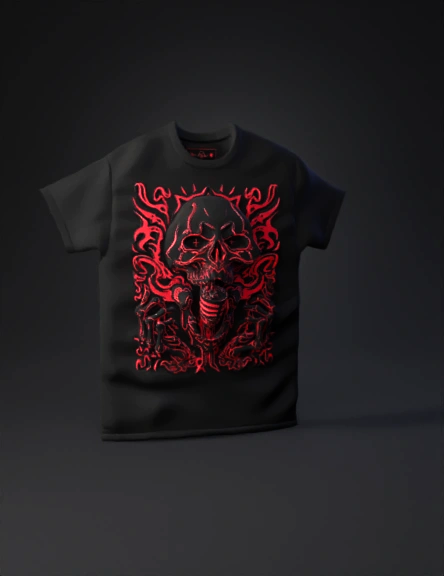
Graphic tee 3D Models

Find the best Graphic tee 3D Models, free download in STL, FBX, GLB, OBJ, 3MF, USDZ for 3D modeling and creation in Blender, 3D printing, game developing, animation, eCommerce, AR/VR and etc. Generated by Tripo AI 3D Generator.

Anonymous1771598005
Anonymous1771005584
Anonymous1771263723
Anonymous1771169462
Anonymous1760322652
Anonymous1770928956
Anonymous1770913144
Anonymous1768328564
Anonymous1751730313
Anonymous1770324041
Anonymous1769735166
Anonymous1770306503
Anonymous1767182473
Create a high-quality 3D mesh of an oversized short-sleeve t-shirt, optimized for Second Life.
Style: streetwear / dark urban / graphic tee.
Fabric: black washed cotton with acid-wash texture, slightly faded and worn look.
Oversized fit with dropped shoulders, wide sleeves, loose torso, round ribbed collar.
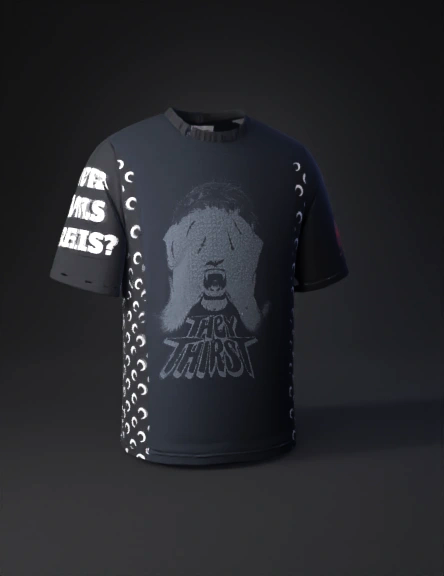
Front features a large dark graphic print with distressed gothic typography and an illustrated eye design, grunge and metal-inspired, with cracked ink and vintage wear effects baked into the texture.
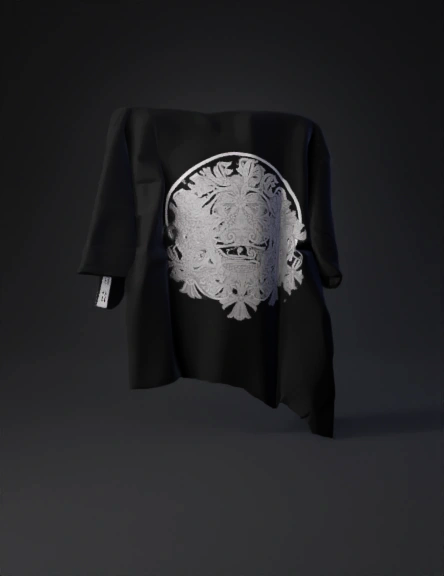
Back is plain black washed fabric with no graphics.
Clean, optimized low-to-mid poly mesh suitable for real-time use, proper edge flow for deformation.
DO NOT generate any body parts (no torso, arms, neck, skin, or avatar body). Generate ONLY the clothing mesh (t-shirt only).
UV mapping: clean, non-overlapping UVs, optimized for Second Life.
Textures (PBR): Albedo/Diffuse, Normal (fabric weave), Roughness, optional AO, 2K–4K resolution.
Single main fabric material with printed graphic b
Anonymous1770223725
A 3D model of a loose-fitting black streetwear t-shirt. The center chest features a large, aggressive, spiky tribal Y2K font graphic in dark glossy grey that vaguely reads "COLA BY JMR". The text style is cyber sigilism with sharp edges and futuristic gothic curves. High quality fabric texture, realistic folds, game asset style.

Tips for the Best Result:
Text Accuracy: AI 3D generators (like Tripo or Meshy) are great at shapes but sometimes misspell words. If the text comes out looking like "alien language," you can take the 2D image I generated for you earlier and apply it as a Texture (Decal) onto the 3D model in Roblox Studio or Blender.

Roblox Import: When you download the model from Tripo, choose .GLB or .FBX format to import it into Roblox Studio as a "MeshPart."
Anonymous1770193004
Anonymous1769975707
Anonymous1769571513
Anonymous1738894681
Enter invite code to get credits!