?

Image 3D Models

Find the best Image 3D Models, free download in STL, FBX, GLB, OBJ, 3MF, USDZ for 3D modeling and creation in Blender, 3D printing, game developing, animation, eCommerce, AR/VR and etc. Generated by Tripo AI 3D Generator.

full body image to 3d
Anonymous1763707895
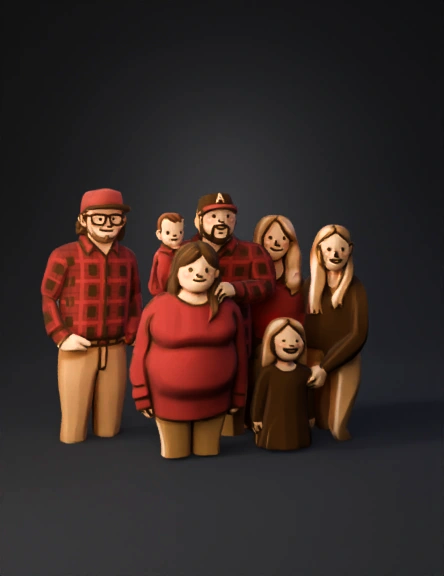
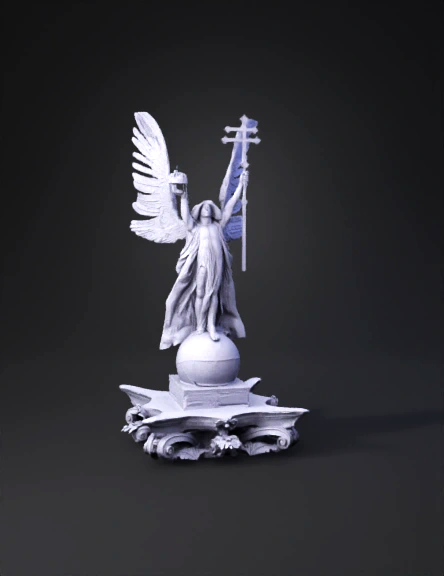
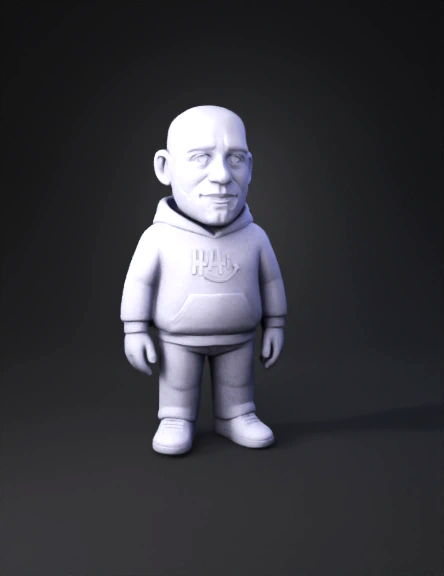
Transform this flat 2D illustration into a detailed, three-dimensional style image
Anonymous1746641773
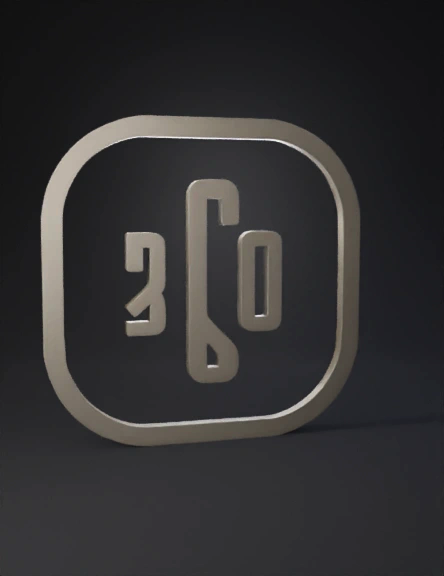
eate a photorealistic 3D render of the exact same design shown in the original image. Maintain 100% originality of all elements including colors, layout, text, fonts, logos, shapes, textures, and proportions. Do NOT change or modify any part of the design.
Convert the flat image into a realistic 3D object with smooth depth, clean edges, reflective gold surfaces, and subtle shadows.
Remove the background completely and produce the 3D model on a transparent or pure white background.
Anonymous1763456733
Transform this flat 2D illustration into a highly detailed, three-dimensional style image
Anonymous1762947474
creer un logo 3D doré de l'image. le blanc sera extrudé et le noir de l'image n'est pas rendu
Anonymous1762795987
convert this image to 3d
Anonymous1762950091
A highly detailed 3D model of the Narasimha Wings logo, featuring a stylized lion's head with a flowing mane, strong arms, and prominent wings. The lion's arms should be muscular, with one hand holding a stylized sunburst design and the other a teardrop or shield-like shape. The wings should extend gracefully from behind the lion, showcasing multiple layers or feathers that create a sense of movement and power. The entire model should have a clean, modern aesthetic with a focus on sharp edges and defined forms, replicating the graphic style of the provided image in three dimensions. The text 'Vicky Raval' should be integrated seamlessly into the 3D design, either as embossed elements or as a separate 3D text component that complements the logo.
Anonymous1762937609
Transform this flat 2D illustration into a detailed, three-dimensional style image
Anonymous1762933710
CONVERT TO 3D. FACE SAME AS THE IMAGE
Anonymous1762706265
I send a image of immagration the temple starting setup please make a animation video with voice in Hindi and add about things of temple
Anonymous1762501299
generate a 3D image of this
Anonymous1761815030
Transform this flat 2D illustration into a detailed, three-dimensional style image
Anonymous1762326228
The attached image is from the 3D animation SEALOOK. SEALOOK is a seal character.
When generating the 3D model of the hands and feet (tail flippers), please adjust their position and shape based on those of a real seal.
On the feet (tail flippers), there is an identification tag labeled “045” — a yellow tag with black numbers.
Anonymous1755071500
 A Chinese-style screen with double-sided embroidery. The screen has a dark wooden frame with intricate carvings of floral and cloud patterns. At the center is a circular double-sided embroidery panel, showcasing a vibrant landscape scene with layered mountains in shades of blue, gray, and beige, along with fluffy white clouds and a small bird in flight. The background of the embroidery is a warm yellow, and the screen stands on a red surface against a light blue wall. There are green plants with white flowers in the upper right corner of the image. The overall style is elegant and traditional, blending craftsmanship with artistic beauty. Use this description to guide the creation of a high - detail, realistic image with a focus on the texture of the wood, the intricacy of the embroidery, and the harmonious color coordination.

This prompt clearly describes the key elements of the image (wooden frame, double - sided embroidery, landscape scene, background, and surroundings) and provide
Anonymous1752118516
Transform this flat 2D illustration into a detailed, three-dimensional style image
Anonymous1744236501
make a 3d model of the image
Anonymous1759091931
Transform the attached image into a 30-second 3D overview animation. 
Convert all elements into a realistic 3D render while keeping the original layout and details intact. 
Set the camera to a top-down angled 45-degree perspective. 
Animate the camera to slowly rotate around the scene, smoothly panning left to right and across different directions, 
showing all sides of the environment. 
Use realistic lighting, depth, and shadows to create a cinematic, high-quality architectural 3D render.
Anonymous1758990388
Copy this image to your best ability
Anonymous1773992084
Enter invite code to get credits!