
?

Laptop 3D Models

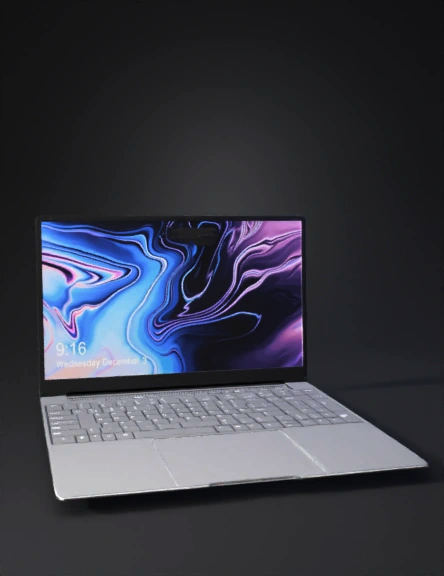
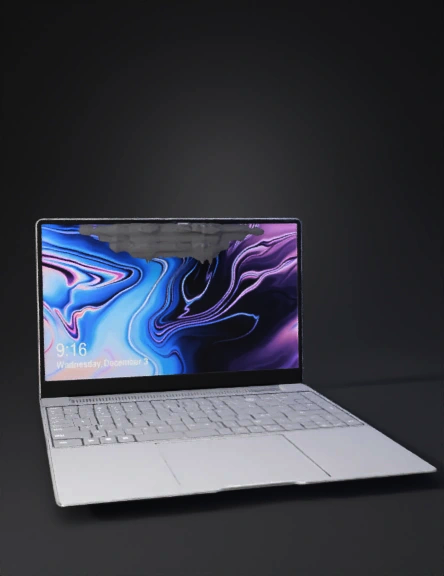
Find the best Laptop 3D Models, free download in STL, FBX, GLB, OBJ, 3MF, USDZ for 3D modeling and creation in Blender, 3D printing, game developing, animation, eCommerce, AR/VR and etc. Generated by Tripo AI 3D Generator.

Anonymous1771782846
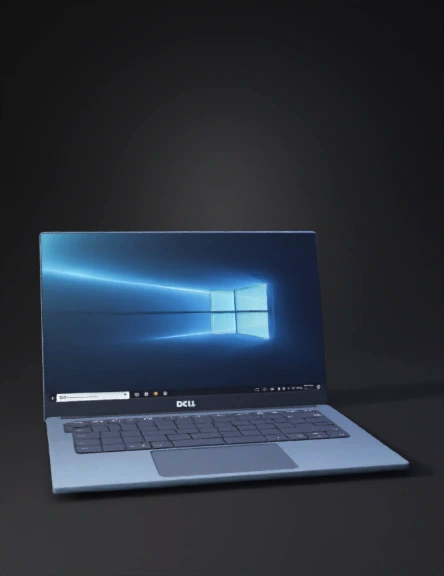
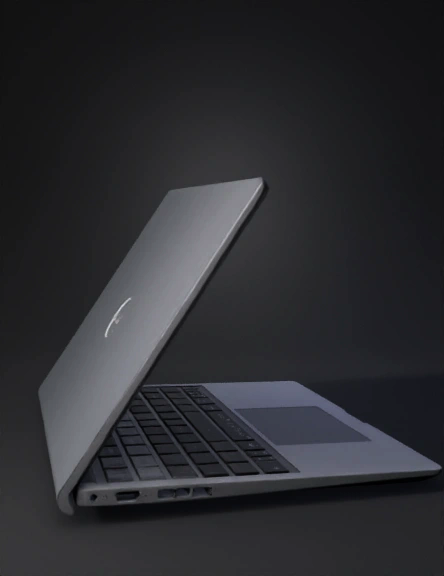
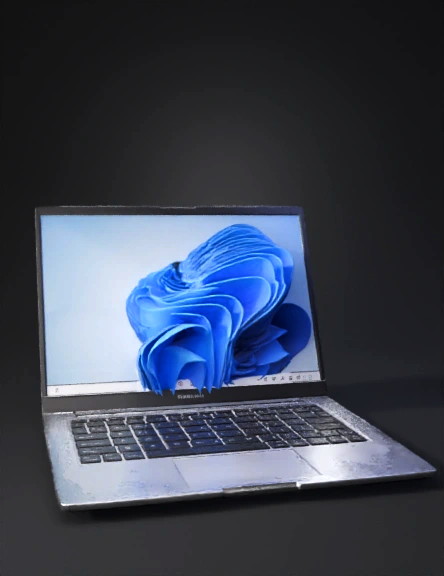
Make a table to hold the Dell Inspiron 14-3467 laptop and add all the USB ports to the laptop's body.
Anonymous1771749128
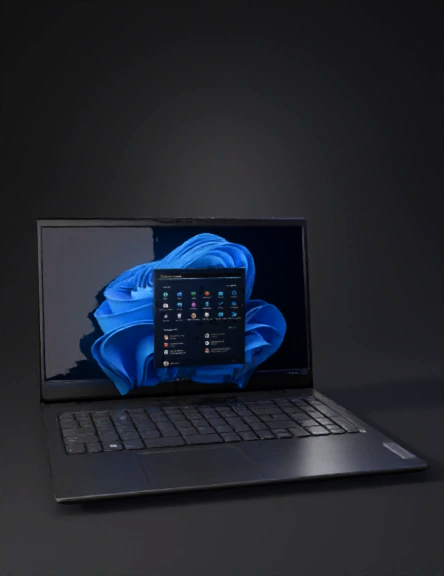
Complete the missing parts of the subject, full-body,switch the screen to pure black
Anonymous1771653710
A modern aesthetic minimalist living room with warm wooden flooring and clean interior design.
A simple wooden table placed at the center of the room.
On the table, an open black laptop facing the camera.
On the laptop screen, a high-realism anime girl with long black hair and big expressive eyes.
Her face looks very detailed, semi-realistic anime style.
She is gently smiling with an emotional calm expression, hands extended forward as if offering comfort and warmth.
Very natural facial emotions, soft eye reflections, lifelike anime realism.
Background on the laptop screen shows soft blurred green outdoor scenery, creating a peaceful and emotional calm mood.
Room interior includes a modern yellow chair on the left, a small wooden side table with a plant, and soft natural daylight entering the room.
The interior feels clean, cozy, aesthetic, and minimal.
Lighting: ultra-realistic natural lighting, soft shadows, realistic light reflections.
Color grading: soft cinematic color grading, warm and calm tones.
Mood:
Anonymous1770732105
Anonymous1771526009
Anonymous1768371945
Anonymous1727657611
Anonymous1771350201
Anonymous1771256876
Anonymous1771142704
Create a simple, clean 3D laptop model designed for beginner-level Blender subdivision surface modeling.

The laptop should use basic geometric forms only: a thin rectangular base, a simple screen panel, minimal keyboard indication, and a smooth touchpad area. Avoid unnecessary decorative details or complex mechanical parts. Focus on clarity of structure and beginner-friendly topology.

The mesh must follow good subdivision workflow practices:

Apply Subdivision Surface modeling to produce smooth rounded surfaces.

Use support loops near edges and corners to maintain controlled sharpness after subdivision.

Ensure proper topology flow with clean edge loops that follow the shape of the laptop body and hinge area.

Avoid N-gons; resolve all faces into clean quad-based topology suitable for smoothing and animation.

The final object should demonstrate:

Strong, readable edge loop flow across the laptop shell and screen

Moderate form complexity appropriate for a beginner academic exercise

Smooth, artifact-free
Anonymous1771123356
Anonymous1771129316
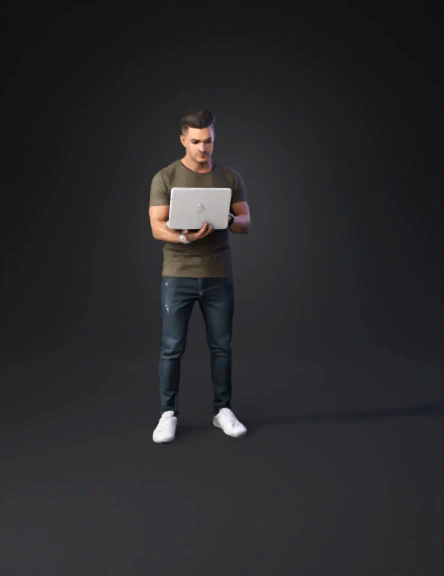
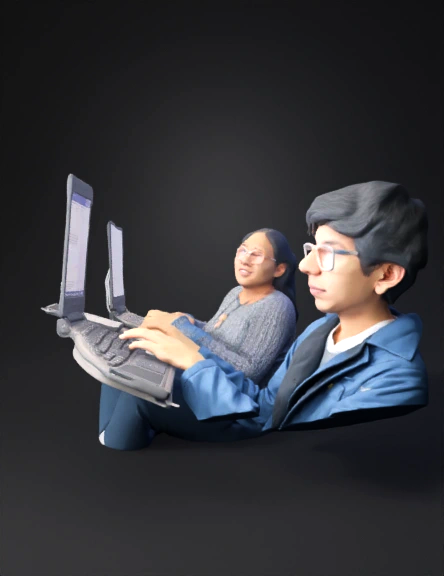
left hand holding laptop
Anonymous1770880710
Anonymous1770814979
Anonymous1770814979
Computer
Anonymous1770935980
Anonymous1770043201
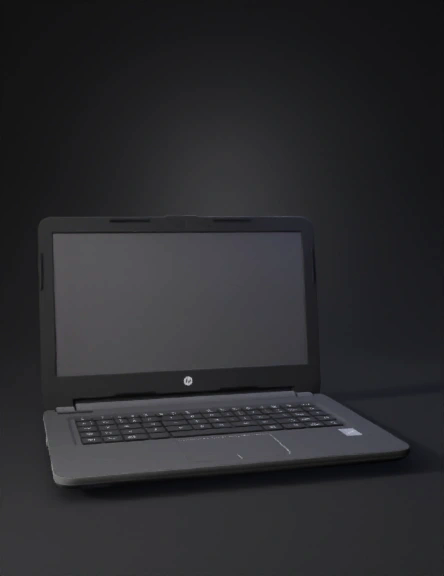
i need a laptop in 3d
Anonymous1770831061
Enter invite code to get credits!