?

Medieval village 3D Models

Find the best Medieval village 3D Models, free download in STL, FBX, GLB, OBJ, 3MF, USDZ for 3D modeling and creation in Blender, 3D printing, game developing, animation, eCommerce, AR/VR and etc. Generated by Tripo AI 3D Generator.

Anonymous1771630189
make a well
Anonymous1737623622
Anonymous1771595982
Anonymous1771555113
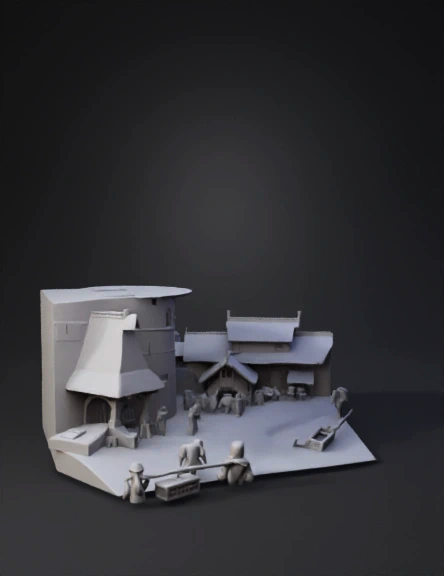
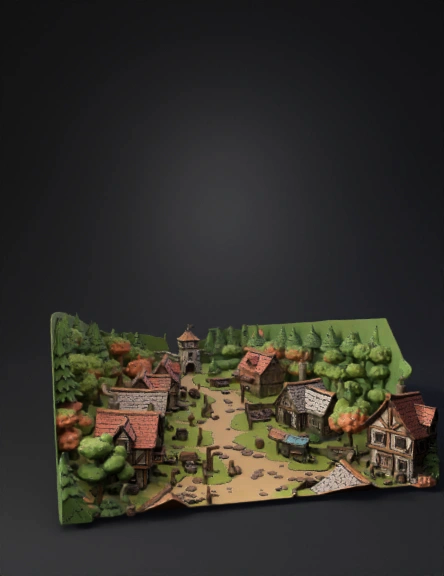
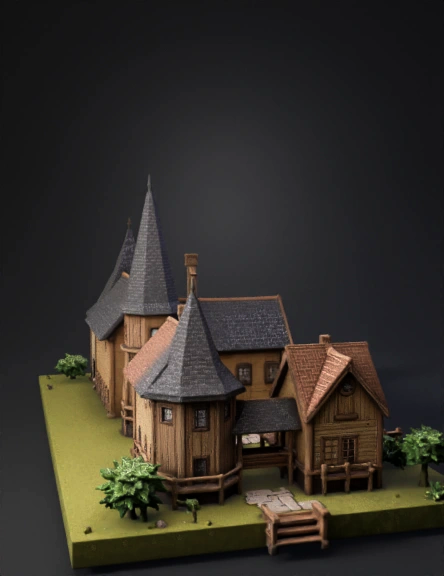
medieval village building in the style of overwatch
Anonymous1771470082
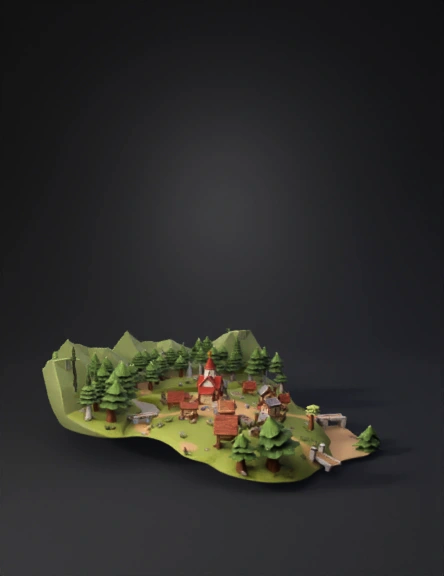
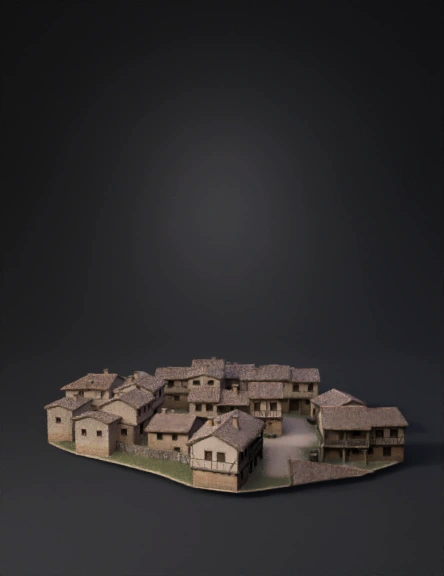
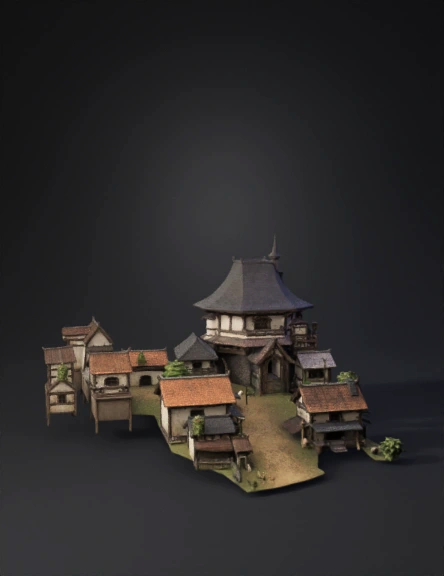
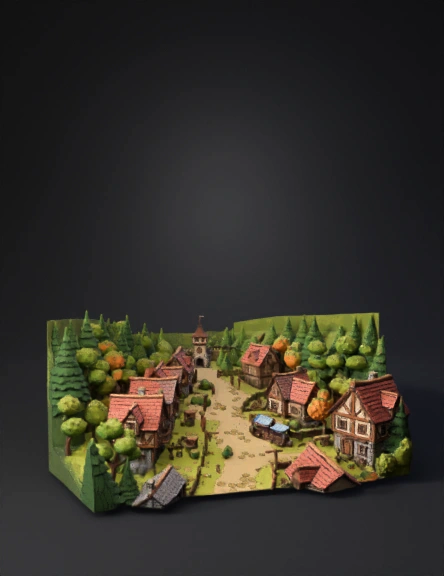
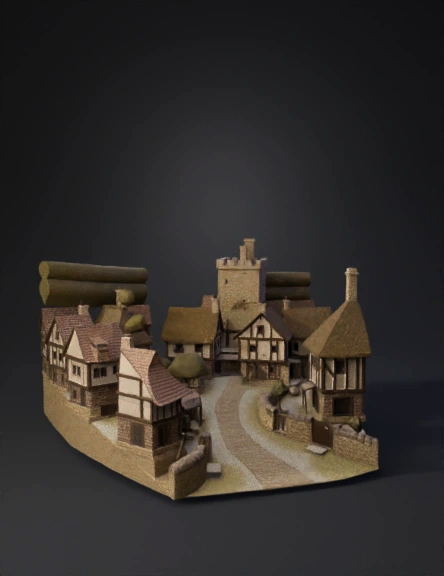
A medieval Village
Anonymous1771439456
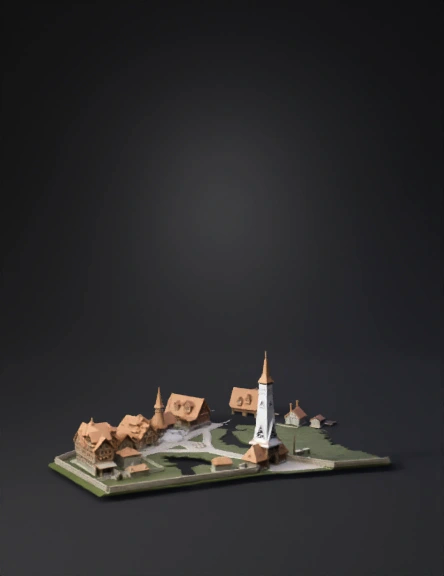
SMALL VILLAGE
WITH TOWRERR IN. CNETRE]
Anonymous1771233840
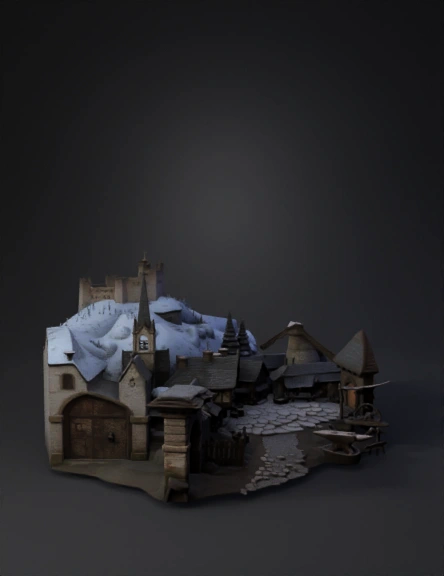
A stylized low-poly medieval snow village designed to match a grounded fantasy inn interior. The architecture should use timber framing, wooden beams, and stone foundations with realistic medieval proportions. Avoid cartoonish or chibi style.
Include a wooden entrance gate with a carved sign that clearly reads "Snowling Village" in medieval lettering. The wood should look aged and slightly worn.
Inside the village, include 4–6 small medieval houses with snowy sloped roofs, wooden supports, stone bases, and warm glowing windows similar to a rustic tavern interior.
Add a small fenced farm area with low-poly sheep, hay bales, and a small wooden barn. Keep proportions realistic.
Behind the village, include a large mountain with sharp rocky shapes partially covered in snow. The mountain should feel ancient and imposing, not soft or rounded.
Lighting should contrast cold blue snowy environment with warm orange window lights.
Use minimal materials, shared texture atlas, optimized for mobile rendering. No exaggerated
Anonymous1771148297
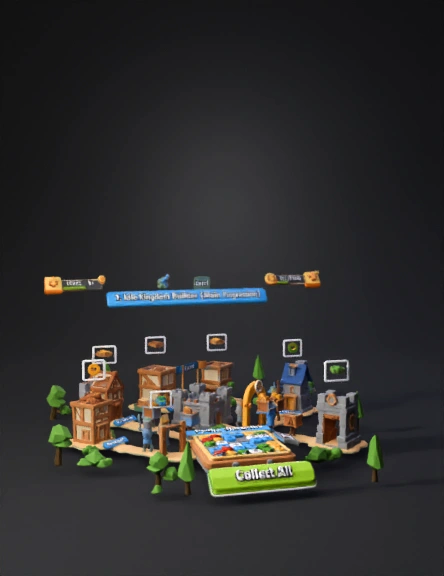
Create a 3D medieval village, low-poly, game-ready.
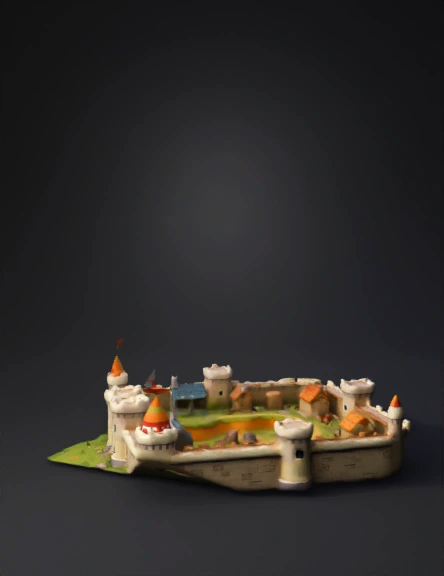
Include: houses, wells, fences, trees, roads, market stalls, and a small castle.
Export all models as GLB/GLTF files ready for Godot.
Ensure each object is separate, with correct pivot points for placement.
Optimize geometry for mobile and desktop.
Organize objects into folders: Houses, Props, Trees, Roads.
Additionally, create a basic Godot scene setup:
Place a player character placeholder (capsule or simple humanoid) in the village.
Set up a third-person camera that follows the player.
Add basic navigation points or walkable areas for the player.
Include simple colliders for buildings, trees, and props.
Provide example scripts or node structure for player movement and camera control in Godot.
Make the scene modular so the village can be expanded easily.
Keep textures simple and materials lightweight (mobile-friendly).
Provide everything ready to import into Godot 4.x.
Anonymous1770474656
Small rual town, realistic texture
Anonymous1770878202
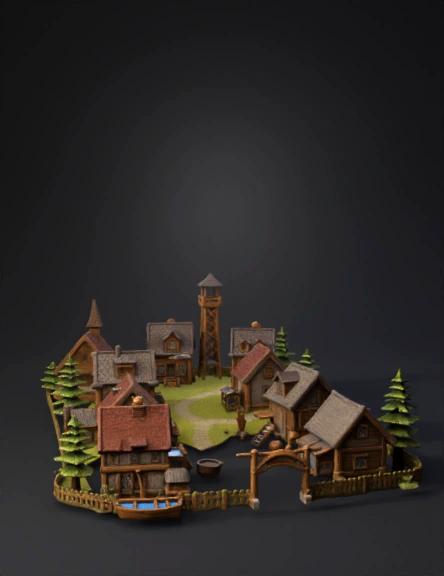
old medieval village
Anonymous1770644965
Anonymous1769313765
Anonymous1762081698
Anonymous1767973839
Anonymous1769869243
Anonymous1736461155
woj
Anonymous1769615617
Enter invite code to get credits!