?

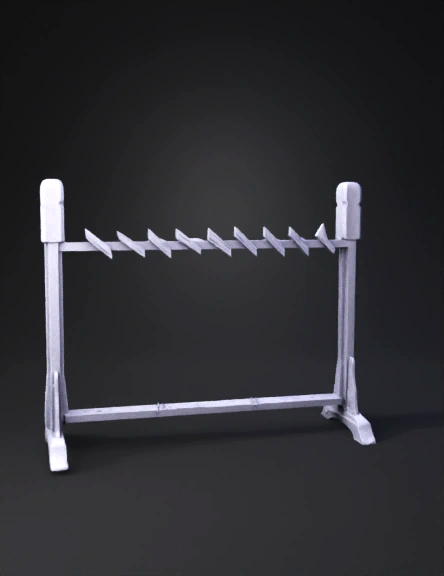
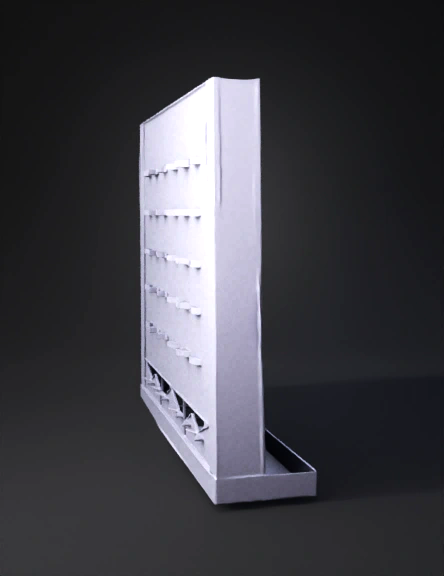
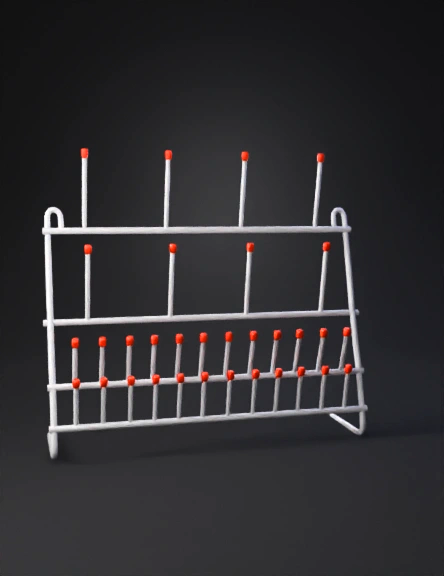
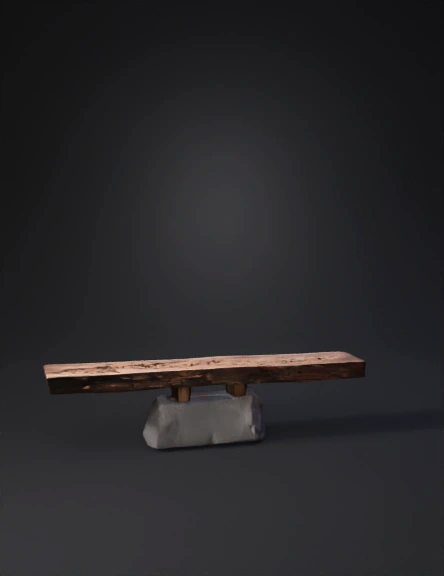
Mounting peg 3D Models

Find the best Mounting peg 3D Models, free download in STL, FBX, GLB, OBJ, 3MF, USDZ for 3D modeling and creation in Blender, 3D printing, game developing, animation, eCommerce, AR/VR and etc. Generated by Tripo AI 3D Generator.

You May Also Like :
Anonymous1770245760
made this
Anonymous1765264641
Anonymous1742270802
 可拼接小型洞洞板模块(满足 “模块化设计”“提升空间利用率” 需求)
基础单元尺寸:10cm(长)×10cm(宽)×5cm(厚),可通过磁吸卡扣横向 / 纵向拼接(建议单组拼接≤3 个单元,避免超重)
结构细节:
洞洞布局:表面均匀分布直径 0.8cm 圆孔(孔距 2cm),适配常规洞洞板配件(挂钩、隔板、小篮子)
磁吸卡扣:每个单元四周嵌强磁条(宽 0.5cm,厚 0.2cm),边缘设凹凸卡扣辅助定位,拼接后缝隙≤0.2cm
可拼搭支架:单元背部预留 3 个螺孔(直径 0.5cm),可安装折叠支架(展开后支撑角度 60°,实现洞洞板垂直 / 倾斜放置)—— 适配 “墙面 / 桌面两用” 场景,替代传统堆放
Anonymous1761092275
Anonymous1730959154
Anonymous1758563008
Anonymous1728869092
Anonymous1754834734
Anonymous1756418347
import cadquery as cq

# ---------- Parameters (mm) ----------
base_w = 45.0
base_h = 9.0
thick  = 11.0

dome_w = 19.0
dome_r = dome_w/2.0        # 9.5 mm to match 19 mm width
dome_rect_h = 29.0 - base_h - dome_r  # 10.5 mm so total height = 29

hole_d = 5.0
hole_from_top = 11.0
hole_z = 29.0 - hole_from_top  # 18 mm from bottom

pin_d = 6.0
pin_len = 6.0
pin_axis_z = base_h/2.0        # 4.5 mm above bottom

# ---------- Build 2D profile (XY), then extrude along Y for thickness ----------
wp = cq.Workplane("XZ")  # X=width, Z=height; we'll extrude along Y

# Base
profile = (wp.rect(base_w, base_h, centered=True)
             .union(cq.Workplane("XZ").transformed(offset=(0,0,base_h/2)).rect(dome_w, dome_rect_h, centered=True))
             .union(
                 # Top semicircle: make full circle and intersect with half-space to keep the top
                 cq.Workplane("XZ")
                   .moveTo(0, base_h + dome_rect_h)
                   .circle(dome_r).consolidateWires()
Anonymous1756141887
Anonymous1738257478
Anonymous1753770842
Anonymous1753452869
Familycool99999
Anonymous1752931865
Anonymous1752764626
Anonymous1752501628
Anonymous1749833229
Enter invite code to get credits!