?

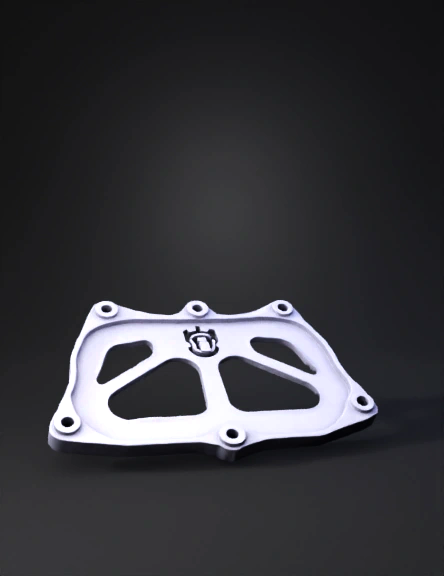
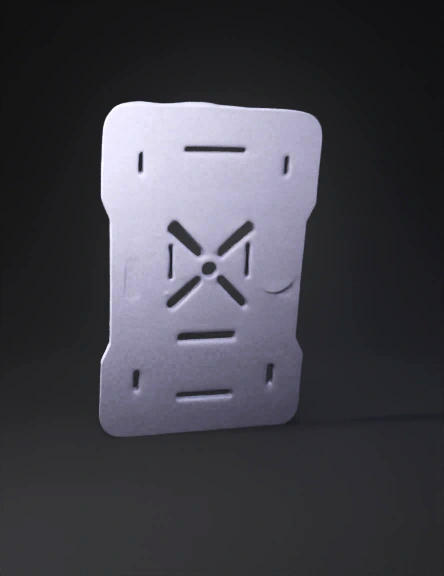
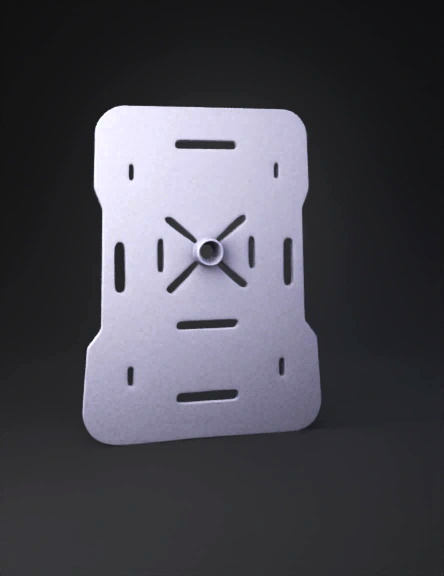
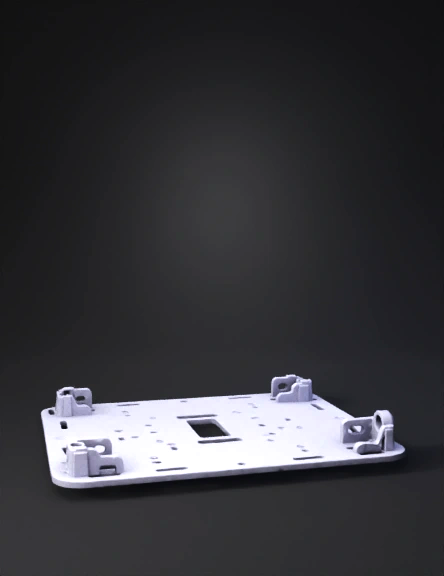
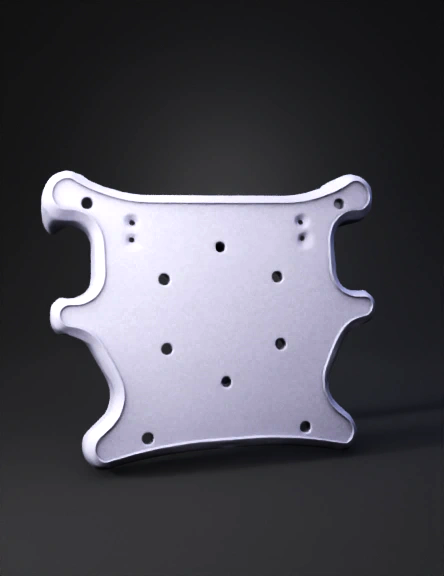
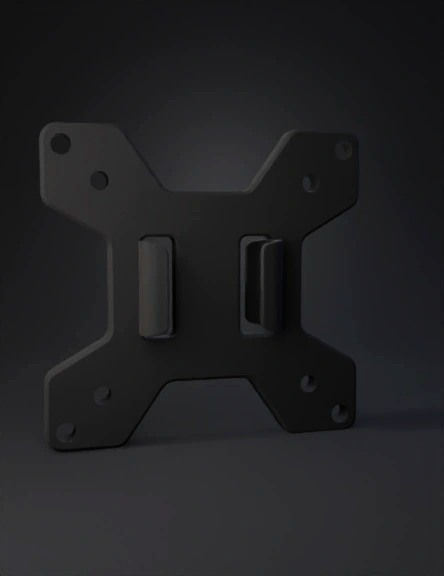
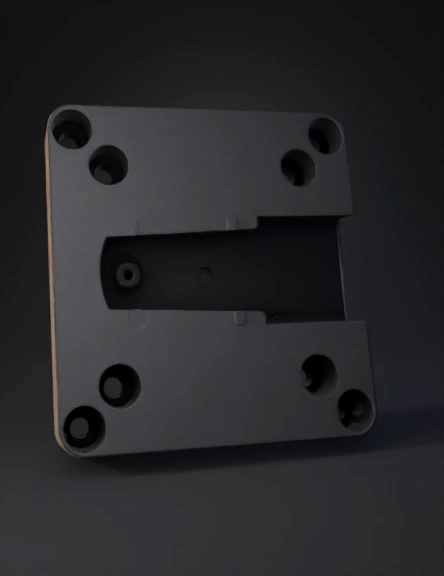
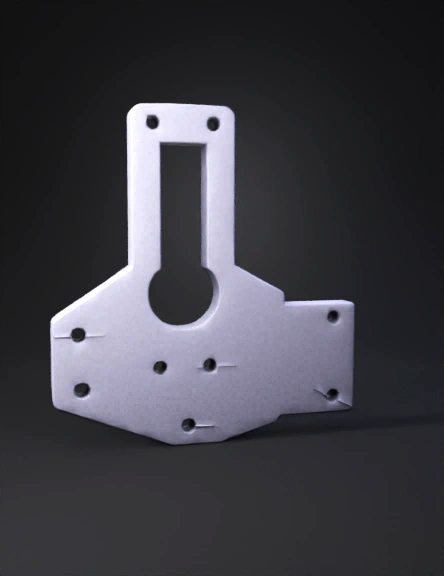
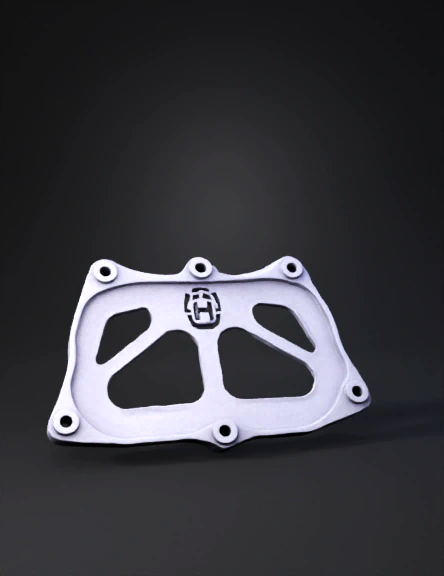
Mounting plate 3D Models

Find the best Mounting plate 3D Models, free download in STL, FBX, GLB, OBJ, 3MF, USDZ for 3D modeling and creation in Blender, 3D printing, game developing, animation, eCommerce, AR/VR and etc. Generated by Tripo AI 3D Generator.

Anonymous1773173319
Anonymous1772290759
Anonymous1751424692
Anonymous1768172158
Anonymous1772411558
Anonymous1762245273
Anonymous1772042773
Anonymous1738711520
import cadquery as cq

# Plate dimensions (slightly smaller than enclosure inside)
plate_length = 240  # mm
plate_width = 240   # mm
plate_thickness = 5 # mm

# PSU dimensions and standoff
psu_x = 103  # mm hole spacing X
psu_y = 50   # mm hole spacing Y
psu_standoff_height = 8

# SR1 V5 units dimensions and standoff
sr1_length = 100
sr1_width = 50
sr1_standoff_height = 8

# SR1 positions (side by side)
sr11_pos = (20, 150)
sr12_pos = (130, 150)

# Mean Well PSU position
psu_pos = (20, 50)

# Create base plate
plate = cq.Workplane("XY").box(plate_length, plate_width, plate_thickness)

# Function to add standoffs for devices
def add_standoff(wp, x, y, hole_spacing_x, hole_spacing_y, standoff_height, screw_hole=4):
    # four standoffs for device
    offsets = [(-hole_spacing_x/2, -hole_spacing_y/2),
               (-hole_spacing_x/2, hole_spacing_y/2),
               (hole_spacing_x/2, -hole_spacing_y/2),
               (hole_spacing_x/2, hole_spacing_y/2)]
    for dx, dy in offsets:
        wp = wp.faces(">Z"
Anonymous1771203122
Anonymous1770334942
Anonymous1770611149
Anonymous1770574694
Anonymous1770480760
Anonymous1749372400
Anonymous1769261579
Anonymous1769208901
Anonymous1761614266
Anonymous1769043209
Enter invite code to get credits!