?

Topographic map 3D Models

Find the best Topographic map 3D Models, free download in STL, FBX, GLB, OBJ, 3MF, USDZ for 3D modeling and creation in Blender, 3D printing, game developing, animation, eCommerce, AR/VR and etc. Generated by Tripo AI 3D Generator.

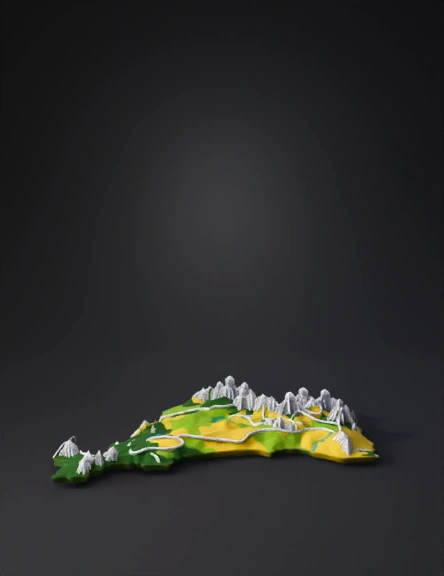
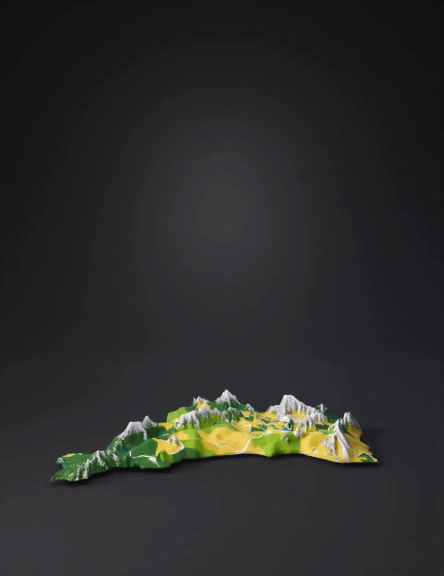
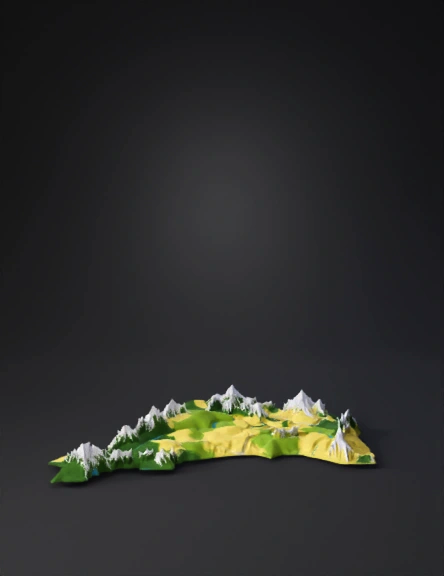
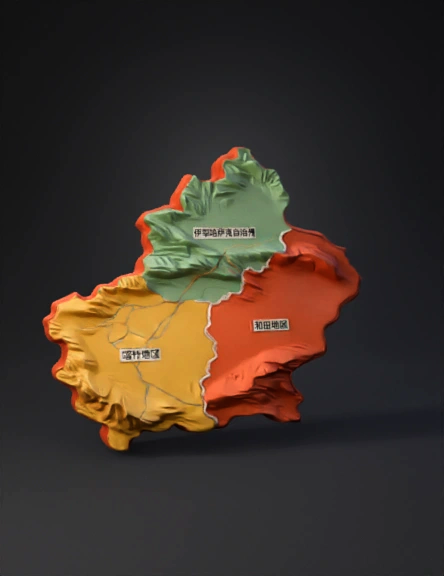
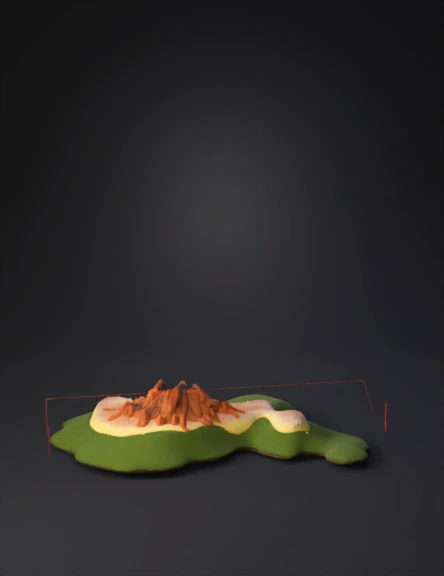
Create a 3D topographic model of the Volyn region based on the uploaded map. Use elevation color coding: green shades represent lower terrain, orange and brown shades represent higher elevations. Preserve geographic proportions, generate a clean manifold mesh suitable for visualization and optional 3D printing. Resolution: medium-high; apply slight vertical exaggeration for classroom visibility. Export STL and OBJ formats; ensure flat base and decimate to ~200k polygons.
Anonymous1764525105
Anonymous1764525105
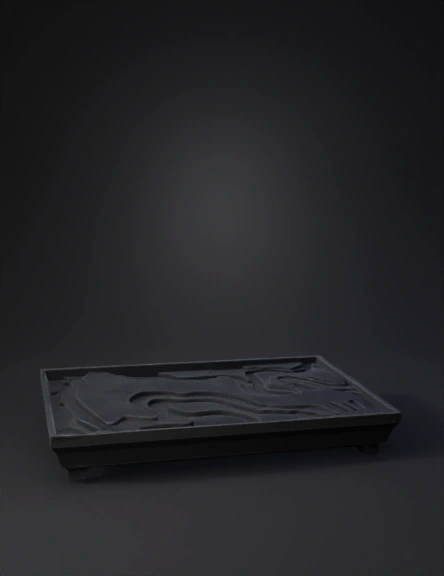
将这张图转化为地形图,秦岭、中条山、崤山、峨眉山隆起。渭河盆地、三门峡盆地、洛阳盆地下陷
Anonymous1764462002
将这张图转化为地形图,秦岭、中条山、崤山、峨眉山隆起。渭河盆地、三门峡盆地、洛阳盆地下陷
Anonymous1764462002
生成渭河盆地和三门峡盆地及周围山地
Anonymous1764462002
生成渭河盆地和三门峡盆地及周围山地
Anonymous1764462002
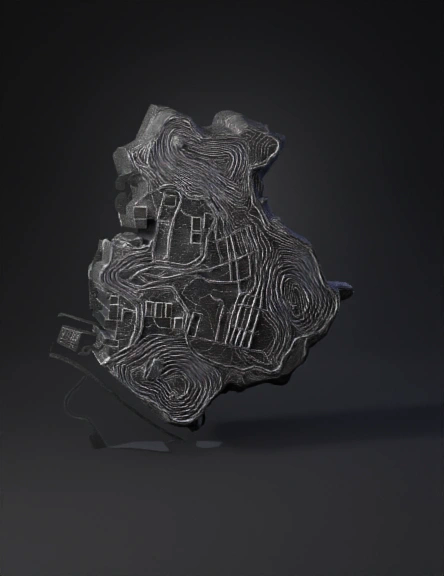
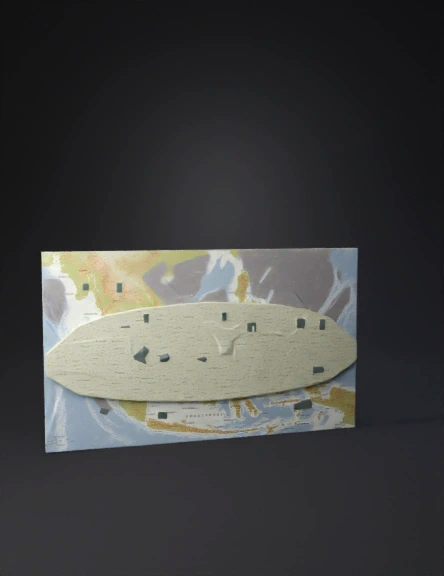
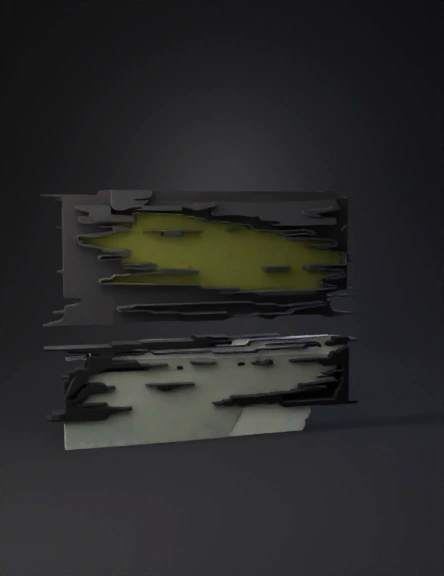
Use the uploaded reference image strictly as a heightmap and silhouette. Generate only the terrain mesh that matches the image contours — no buildings, trees or props. Produce a low-poly, game-ready mesh with baked normal and AO maps, unwrap UVs, and export as GLB. Include LOD0 and LOD1. Target mobile performance: max 50k triangles, textures 1024–2048. Preserve large open combat areas and two distinct landing zones.”
Anonymous1764181793
can you make this into a 2d depth map
Anonymous1764082873
buat 3d dan HD
Anonymous1761914365
puedes hacer el modelo 3D de la reserva del aguarague del departamento de Tarija-Bolivia bien detallado y exacto
Anonymous1763654030
Anonymous1763518709
Anonymous1761881480
Anonymous1763266645
Map
Anonymous1763214969
this is CONOUT MAP MAKE IT INTO 3D MODEL
Anonymous1755176123
Anonymous1763023128
Anonymous1736948529
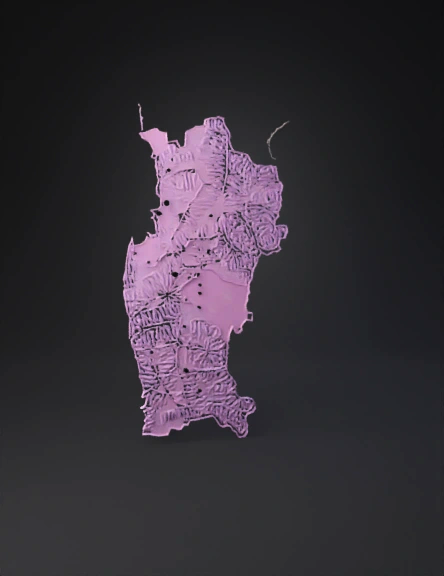
Create a precise 3D model using the uploaded image as the texture. Maintain identical colors with zero changes or reinterpretation — absolutely no color variation, even less than 0.1%. Preserve the exact boundary shape and project the image directly onto the 3D surface. Use the color intensity to generate elevation — brighter/yellow regions should be higher, darker/purple regions should be lower. No added text, labels, symbols, or characters on the model. No smoothing or stylization — keep the same pixel-accurate texture. Neutral lighting, no reflections.
Anonymous1762671047
Enter invite code to get credits!