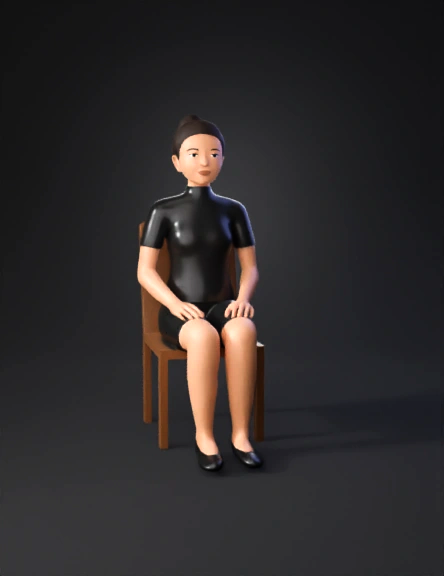
seated person 3d model

1. Canvas & Color ProfileArtboard Size: 1920x1080 px (Full HD).Color Mode: RGB (for video/digital).Background: Create a locked bottom layer with a solid white rectangle.2. Character Breakdown (Layer Structure)To animate this correctly, you must draw each part on a Separate Layer. Label them as follows:Layer 1: Head_Face (Includes eyes, nose, mouth, and the Hair Bun).Layer 2: Neck (Draw it slightly longer so it stays hidden under the shirt).Layer 3: Torso (The black turtle-neck shirt body).Layer 4: R_Arm_Upper (Right shoulder to elbow).Layer 5: R_Arm_Lower (Right elbow to wrist).Layer 6: R_Hand (The palm that will go on the head).Layer 7: L_Arm_Full (Left arm that will grip the chair).Layer 8: L_Hand_Grip (Draw this in a gripping pose).Layer 9: Legs_Shorts (Black shorts above the knee and the legs).Layer 10: Chair (The wooden chair behind the character).3. Specific Design ElementsOutfit: Use a flat black color ($#000000$) for the turtle-neck and shorts. Use thin grey strokes to show folds in the cloth.Hair: So
2K·PBR·v3.0-20250812


