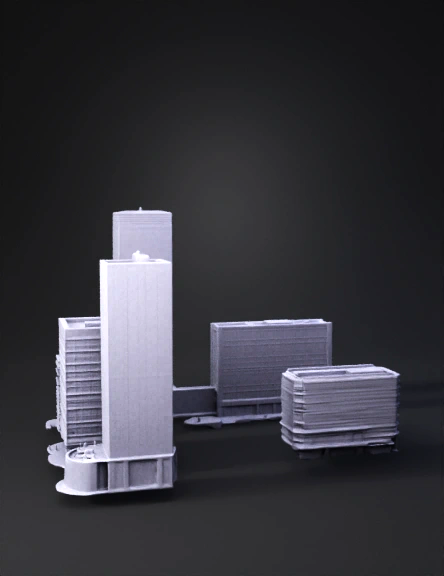
modelo 3d de ciudad
1. MEJORA EL MODELADO VISUAL Lo que debes agregar YA MISMO ✔ Terreno real Importa el terreno del Google Maps como plano base. Agrega: calles, árboles, relieve leve, vegetación. Ahora parece flotando en vacío. Diferencia alturas Tus edificios tienen alturas muy similares. Haz: administrativo = más alto, investigación = dominante, facultades = medias, biblioteca = horizontal elegante. Eso da jerarquía visual. Bordes suavizados Tus modelos están muy “duros”. En Blender: Bevel Modifier pequeño. Shade Smooth. Auto Smooth activado. Eso hace que parezcan arquitectura real. 2. ILUMINACIÓN CINEMATOGRÁFICA NO uses luz blanca plana. Usa: SOL DE ATARDECER Color: ligeramente naranja. Ángulo: bajo. Sombras largas. HDRI Usa un HDRI realista: Busca: “sunset city hdri” “golden hour hdri” Eso mejora TODO automáticamente. 3. MATERIALES MÍNIMOS NECESARIOS Fachadas No las dejes blancas puras. Usa: concreto claro, vidrio oscuro, aluminio gris. Vidrios Muy importante. Material: Transmission Roughness 0.05
v2.5-20250123


