3D Workspace
Home
Assets
Affiliate Program
Creator Program
Sign up/Log in
?
Upgrade
DCC Bridge
Anonymous1780746668
06-06 11:51
Model Name
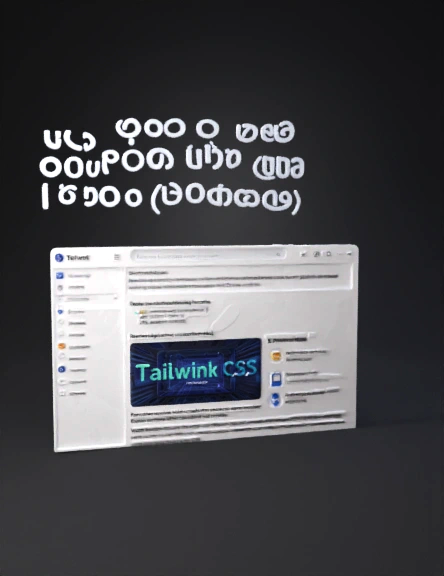
ui screen mockup 3d model
Tags
props
rendering
realistic
Prompt
Build a modern, interactive hero section using React, Tailwind CSS, and Framer Motion (motion/react). Ensure you follow these precise architecture and styling instructions: 1. Fonts & Global Animations Import the Inter font from Google Fonts. In your CSS setup, configure Tailwind to use it by default (--font-sans: 'Inter', ...). Create a keyframe animation in CSS named blink for the typewriter cursor: code CSS @keyframes blink { 0%, 100% { opacity: 1; } 50% { opacity: 0; } } .animate-blink { animation: blink 1s step-end infinite; } 2. General Page Structure Wrap the entire application in a container div with the following classes: relative bg-white text-neutral-900 font-sans selection:bg-[#EAECE9] selection:text-[#1C2E1E] antialiased overflow-x-hidden flex flex-col lg:block lg:min-h-screen. 3. Background Video Component (with Native Scrubbing) Container element: Add a div containing the background video with classes: order-last lg:order-none relative lg:absolute lg:inset-0 lg:z-0 o
Detailed Info
Related Models
Enter invite code
Enter invite code to get credits!