3D Workspace
Home
Assets
Affiliate Program
Creator Program
Sign up/Log in
?
Upgrade
DCC Bridge
Anonymous1780324621
06-01 14:37
Model Name
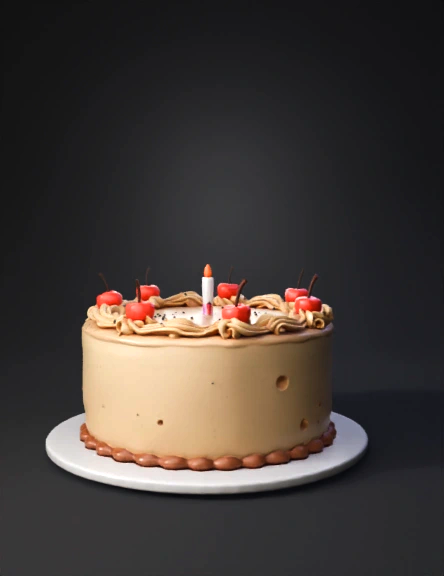
birthday cake 3d model
Tags
food
rendering
realistic
Prompt
Create a cake in Blender with a cylinder. Bevel the edges and add subdivisions to create enough geometry for sculpting. If you’d like, you can add extra details like candles and cherries—just leave the majority of the surface of the cake blank for now, as that’s where you’ll be doing your sculpting! Step 2: Masking Mask the top half of your cake so that it won’t be affected by sculpting. To do this, enable Sculpt Mode, choose the Mask Tool on the Toolbar, and paint the vertices that you don’t want to be affected by sculpting tools black. If you want, you can make the division between the top and bottom a wavy, uneven line, so the decorated half looks more natural. Your goal is going to be to sculpt a cake that looks dimpled and sprinkled on the bottom and smooth on the top. Step 3: Decorate! Using the sculpting tools, add dimples and detail to the bottom half of the cake. Be sure to pack the detail on! Start with a larger brush and then make it smaller and smaller to get more detai
Detailed Info
Related Models
Enter invite code
Enter invite code to get credits!