3D Workspace
Home
Assets
Affiliate Program
Creator Program
Sign up/Log in
?
Upgrade
DCC Bridge
Anonymous1781899343
06-19 20:36
Model Name
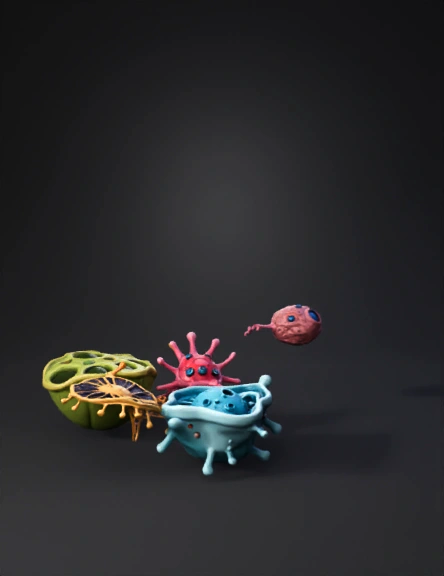
cell architecture 3d model
Tags
props
rendering
stylized
Prompt
I've attached a UI mockup image of an app called "Cell Architecture Studio". Build this as a complete, working single-file HTML application. Requirements: 1. Match the layout in the image exactly: left sidebar with cell type list, main 3D viewport center, right organelle detail panel 2. Use Three.js (load from CDN) for the 3D viewport 3. Load GLB model files from the same directory: plant-cell.glb, animal-cell.glb, neuron.glb 4. Sidebar: clicking a cell type loads that GLB model into the viewport and highlights the selected item in teal 5. Bottom controls: Rotate (toggles auto-rotation), Isolate (hides all but selected organelle mesh), Read View (expands info panel) 6. Right panel: show static organelle data for the currently selected cell (nucleus: size, function, visible toggle) 7. Color scheme: background #0f0f0f, accent teal #00d4aa, white text, card borders #2a2a2a 8. Make it responsive to window resize 9. No external dependencies except Three.js and GLTF
Detailed Info
Related Models
Enter invite code
Enter invite code to get credits!