3D Workspace
Home
Assets
Affiliate Program
Creator Program
Sign up/Log in
?
Upgrade
DCC Bridge
Anonymous1780819357
06-07 08:14
Model Name
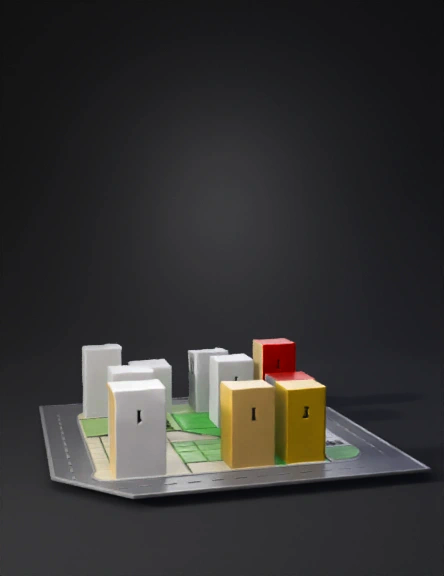
city block 3d model
Tags
architecture
rendering
realistic
Prompt
The image I've provided requires you to do a few things: 1. Make it 3D. 2. Highlight the two yellow buildings, numbers 1 and 28. 3. Indicate the width of the two streets on their corners. 4. Show their proximity to the service area and the view zone, which are highlighted in green. 5. Maintain the dimensions and scale. 6. Make all the numbered buildings 3D in white, except for buildings 1 and 28, which should be highlighted in red. Highlight the service area in beige, and the view zone in green.
Detailed Info
Related Models
Enter invite code
Enter invite code to get credits!
 Anonymous1780819357


 Anonymous1780819357