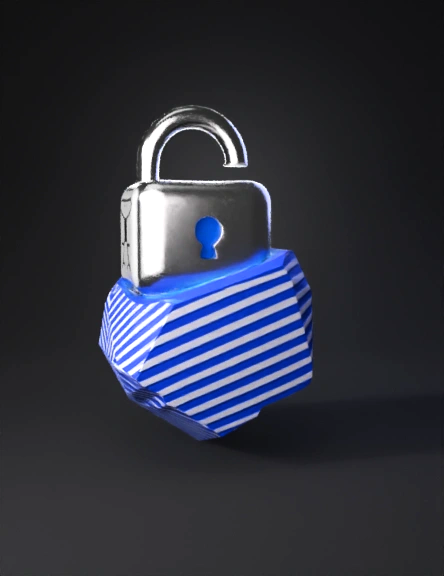
padlock 3d model

Animated lock closing over a business logo (Swiss Trust Layer brand protection GIF) Style: Clean, professional, minimal White background Only one authenticity mark: the official Swiss Trust Layer logo in the corner (no extra shields, icons, or badges) Scene layout: Center: Generic business logo placeholder (simple abstract logo shape, neutral colors) Bottom-right corner: Official Swiss Trust Layer logo, small but clearly visible Background: Pure white, no gradients, no textures Animation sequence (3–4 seconds loop): Start (0–1s): Business logo is already visible in the center. Swiss Trust Layer logo is static in the bottom-right corner. No lock yet. Lock appears (1–2s): A simple, clean padlock icon slides in from the top or fades in above the business logo. The lock moves down smoothly toward the logo. Lock closes (2–3s): The lock “clicks” shut over or just in front of the business logo (subtle movement, no aggressive effects). At the moment of closing, add a very soft glow or tiny “tick” effect around the lo
v3.0-20250812


