View Plans
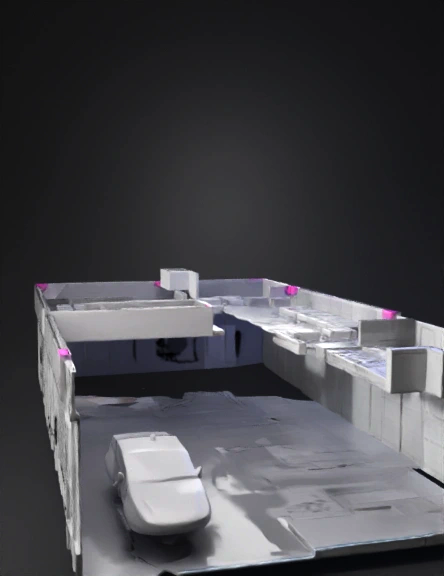
Architectural Floor Plan 3d Model: Convert The Attached 2D Floor Plan Image Into A Clean, Detailed 3D Model. - Ex | Tripo AI

architectural floor plan 3d model

Input
Input image for 3D model generation
Prompt

Convert the attached 2D floor plan image into a clean, detailed 3D model. - Extrude walls to a standard height of 2.8 meters (9.2 feet) with a thickness of 20 cm. - Include all rooms, doors, windows, and architectural features exactly as shown in the floor plan. - Add simple ceiling and floor slabs (10 cm thick each). - Doors should be 90 cm wide × 210 cm tall with a slight inset frame. - Windows should match the indicated sizes and be placed at 90 cm from the floor. - Use clean, smooth geometry with no textures — optimize for architectural visualization. - Output format: GLB or USDZ, low-poly but detailed enough for real-time rendering. - Ensure the model is watertight, manifold, and properly scaled in meters. Reference image: [attach your floor plan image here]

v3.0-20250812

Related Models
3d model: yellow circular badge with black emblem and text indicating Twyford Sp3d model: digital keyboard on stand with pedal black metallic frame white and3d model: vampire queen character in ornate gothic gown with skull motifs fur c3d model: oval ring shaped mechanical part with inner cavity and clip details3d model: mud house with blue window frames stone foundation wooden porch and3d model: bronze medal with a runner inside a cog gear circular with bridge la3d model: Potion Pop Bubble Lab bubble machine with purple cauldron body neon g3d model: Shrine of Molag Bal Lord of Vampires Molag Bal Lord of Domination3d model: pastel colored toy like house with arched doorway pastel roof and wa3d model: hand plane woodworking tool with wooden body and brass accents