View Plans
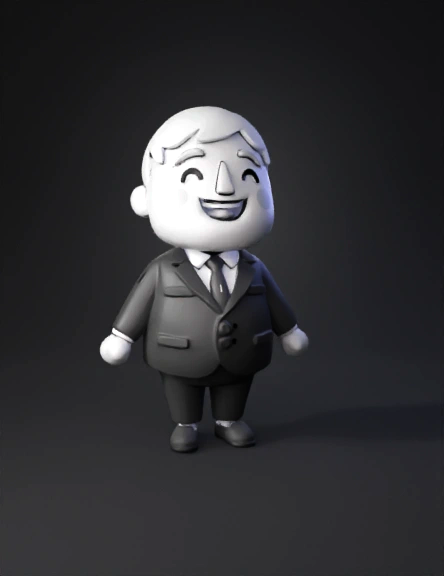
Businessman 3d Model: Convert The Input Flat Image Into A 3D Model, Setting The Base Plane Height To 0 | Tripo AI

businessman 3d model

Input
Input image for 3D model generation
Prompt

Convert the input flat image into a 3D model, setting the base plane height to 0. Adjust the model's height based on the black, white, and gray tones in the image, following these rules: White (RGB 255,255,255) has a height of 0cm and is fully transparent. Black (RGB 0,0,0) has a height of 2cm. Gray tones linearly interpolate the height between 0cm (white) and 2cm (black), with darker grays corresponding to greater heights. Ensure smooth height transitions, preserve image details, and generate an accurate 3D structure.

2K·PBR·v3.0-20250812

Related Models
3d model: boy character in sports uniform grayscale drawing3d model: Peter Griffin lookalike wearing green jacket with armor and a sword s3d model: stone golem with leafy growth on shoulders polygonal rocky body and l3d model: blonde cartoon woman wearing red jacket and beaded necklace3d model: young girl wearing a black floral dress with white trim and sandals3d model: wooden rifle with anthropomorphic face and limbs brown wood texture3d model: Spider Man figure with Black Cat on rooftop red and blue suit rose e3d model: karate girl figure in white gi with orange belt blonde hair standing3d model: orange dress girl with green hair holding a butterfly