View Plans
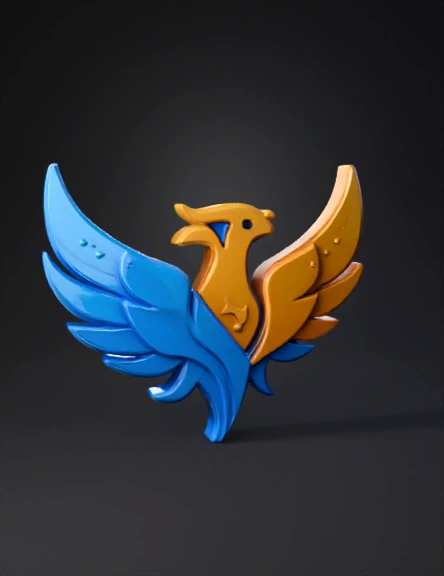
Phoenix Emblem 3d Model: Create A Clean 3D Model Based On This Logo. The Object Should Be A Smooth, Styli | Tripo AI

phoenix emblem 3d model

Prompt

Create a clean 3D model based on this logo. The object should be a smooth, stylized phoenix-like bird with two asymmetrical wings: the left wing in blue tones and the right wing in yellow-gold tones. Preserve the flowing curved shapes and the dotted decorative elements. Generate the model as a slightly extruded emblem (3–6 mm thickness), with smooth edges and uniform surface suitable for 3D printing. Avoid unnecessary depth, noise, or internal cavities. Keep proportions identical to the original flat design. The final model should be watertight, manifold, and optimized for export as STL.

4K·PBR·v2.5-20250123

Related Models
3d model: black and white logo with Cyrillic text and 2026 numerals outlined ba3d model: polygonal orb with rust brown panels and jagged edges abstract sculpt3d model: yellow circular logo badge with extin wordmark and sou text on black b3d model: pale lavender skinned fantasy child humanoid with red eyes and white h3d model: Genesis logo emblem featuring laurel sprigs a stylized central mark3d model: elderly woman character with gray hair purple round glasses striped3d model: small stylized anime girl figure wearing white jacket with teal trim3d model: five headed hydra dragon model with red body and wings