3D Workspace
Home
Assets
Affiliate Program
Sign up/Log in
?
Upgrade
DCC Bridge
Anonymous1769261930
01-24 14:08
Model Name
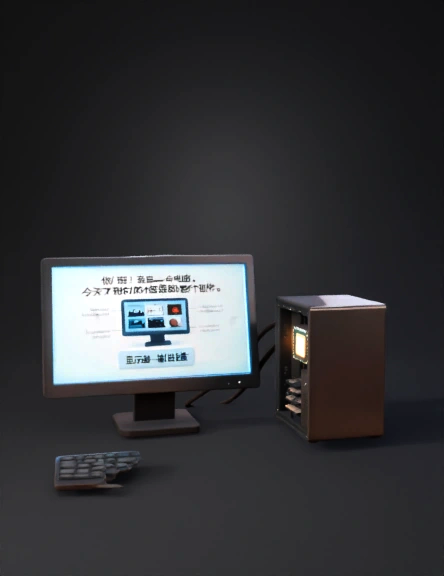
computer 3d model
Tags
animated
computer
displays
machine
machine realistic
machine rendering
machine rendering realistic
realistic
rendering
rendering realistic
videos
Prompt
Create a high-quality 3D animated educational video with a total duration of 1.5 to 2 minutes. The video should be suitable for school students and use a friendly, simple, and clear English narration. The main character of the video is a computer that can speak and explain its own parts. The video opens in a bright, clean study room or digital classroom. A modern desktop computer is placed on a desk. Soft lighting, realistic shadows, and smooth camera movement should be used. The computer screen turns on and the computer says, “Hello! I am a computer. Today I will tell you about my different parts.” Gentle background music starts and continues softly throughout the video. The camera focuses on the monitor. The monitor slightly rotates in 3D and displays images, videos, and text. The computer explains that the monitor shows everything we see on a computer. A label appears: “Monitor – Output Device.” Next, the camera moves to the CPU cabinet. The cabinet opens slightly, showing glowing c
Detailed Info
Related Models
Enter invite code
Enter invite code to get credits!
 Anonymous1769261930


 Anonymous1769261930