3D Workspace
Home
Assets
Affiliate Program
Creator Program
Sign up/Log in
View Plans
DCC Bridge
jothish730.me
02-16 05:38
Model Name
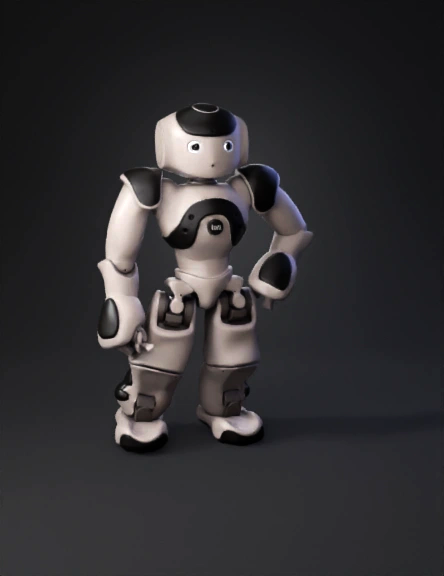
robot 3d model
Tags
cinematic
machine
machine realistic
machine rendering
machine rendering realistic
realistic
rendering
rendering realistic
robot
Input
Prompt
Create a high-quality 3D cinematic animation from a single flat image. Start with the image centered on a clean background (soft white or dark gradient). The image initially appears flat and still. Slowly, the image begins to lift upward in the air with a smooth floating motion. Add a subtle soft shadow below the image to create depth. As it moves up, the image slowly rotates 360 degrees horizontally (or 180° for smooth premium feel). The rotation should be smooth and elegant — no fast spinning. Add: • Soft cinematic lighting • Slight depth of field blur • Gentle light reflection on edges • Smooth camera push-in • Subtle floating particles (optional) At the end, the image stops rotating and remains slightly elevated. Add a soft glow behind it for a premium hero look. Fade out smoothly.
Detailed Info
Related Models
Enter invite code
Enter invite code to get credits!
 jothish730.me


 jothish730.me