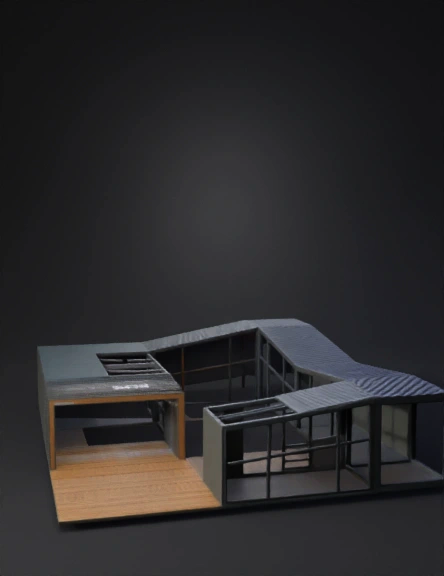
architectural 3d model

Create a high-quality 3D model based strictly on the uploaded image. - Accurately reconstruct the object from the image with correct proportions and geometry. - Preserve the exact shape, structure, and design (DO NOT redesign or stylize). - Convert the object into a clean, solid 3D form with realistic depth and volume. - Maintain all key details visible in the image. - Use physically accurate materials based on the image (wood, metal, glass, concrete, etc.). - Apply realistic textures with proper scale and mapping. - Ensure sharp edges where needed and smooth surfaces where appropriate. - Add subtle bevels for realism. - No background, no environment — isolate the object only. - Center the model, correct pivot, clean topology. - Optimize mesh for real-time use (no noise, no artifacts, clean geometry). Lighting: neutral studio lighting. Style: photorealistic, product-level quality. Output: clean, production-ready 3D model. Ensure architectural accuracy, straight lines, correct angles (90° where needed), an
4K·PBR·v3.1-20260211


