3D Workspace
Home
Assets
Affiliate Program
Sign up/Log in
?
Upgrade
DCC Bridge
Anonymous1772269315
03-09 02:29
Model Name
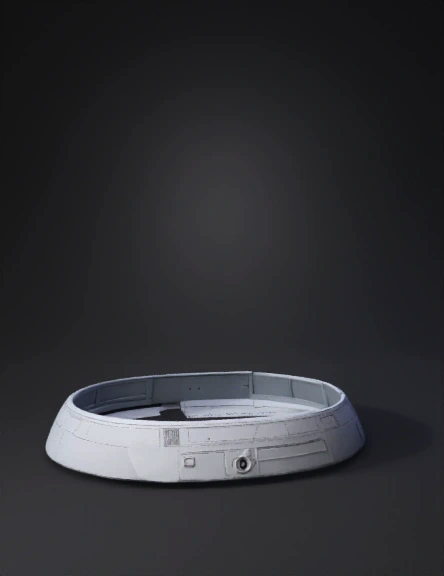
circular outer casing 3d model
Tags
machine
machine realistic
machine rendering
machine rendering realistic
outer casing
realistic
rendering
rendering realistic
Prompt
Create a New Component Open your project in Fusion 360. In the Browser panel, right-click the top assembly. Click New Component. Name it: Outer_Casing Activate the component. 2. Start the Main Sketch Click Create Sketch. Select the Front Plane. Draw a horizontal construction line through the origin. Length of axis: 550 mm This line will act as the center axis for the revolve operation. 3. Draw the Casing Profile (Half Section) You will now draw the upper half profile of the casing. Fusion will revolve this around the axis. Move from left to right. Section 1 – Exhaust Inlet Pipe Draw a vertical line from the axis. Radius = 20 mm (Diameter = 40 mm) Draw horizontal line to the right. Length = 80 mm
Detailed Info
Related Models
Enter invite code
Enter invite code to get credits!
 Anonymous1772269315


 Anonymous1772269315