3D Workspace
Home
Assets
Affiliate Program
Sign up/Log in
?
Upgrade
DCC Bridge
Anonymous1774819234
03-29 21:33
Model Name
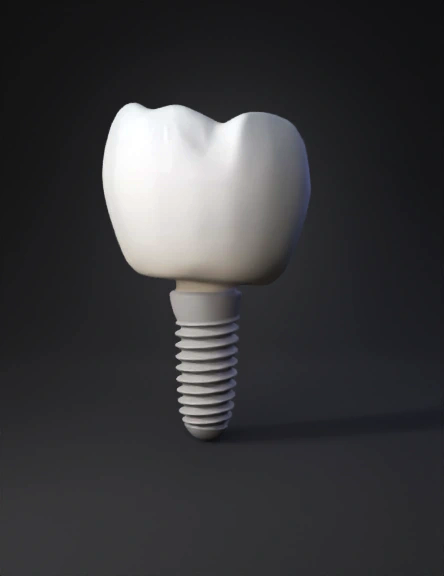
dental implant 3d model
Tags
dental implant
props
props realistic
props rendering
props rendering realistic
realistic
rendering
rendering realistic
Prompt
Create a photorealistic 3D dental implant in Blender: CROWN (upper part): - Ceramic tooth crown, molar shape - Translucent pearl-white material with subsurface scattering - High-spec reflections with environment mapping - Slight blue-cool tint in the translucency - Smooth organic curves, natural tooth anatomy - Material: principled BSDF, transmission: 0.3, roughness: 0.05, IOR: 1.5 IMPLANT BODY (lower part): - Titanium surgical screw - Highly polished chrome-mirror finish - Helical thread geometry with precision detail - Material: metallic 1.0, roughness 0.02, silver-chrome color ANIMATION (looping): - Gentle Y-axis rotation: 360° over 8-10 seconds, loop seamlessly - Subtle floating up/down: sine wave ±15px, 4 second cycle - Camera: slightly off-center, looking up at 15° angle - No shadows on ground, transparent background (PNG sequence or WebM) - Lighting: 3-point HDRI studio light, cool temperature 6500K RENDER: - Cycles renderer, 256 samples - Transparent background (Alpha) - 10
Detailed Info
Related Models
Enter invite code
Enter invite code to get credits!
 Anonymous1774819234


 Anonymous1774819234