3D Workspace
Home
Assets
Affiliate Program
Sign up/Log in
?
Upgrade
DCC Bridge
Anonymous1763049055
11-13 19:34
Model Name
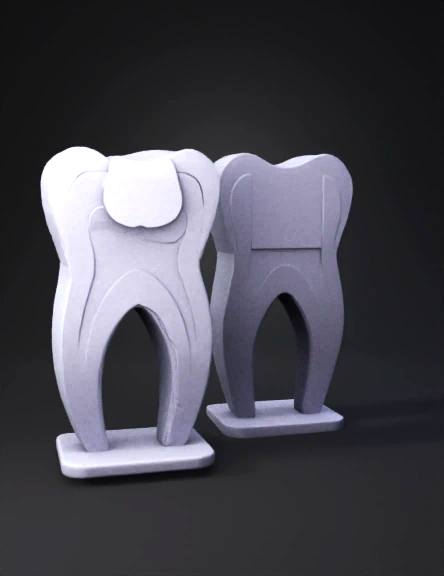
tooth cross-section 3d model
Tags
dentin
props
props rendering
props rendering stylized
props stylized
rendering
rendering stylized
stylized
Input
Prompt
Create a realistic 3D model of two cross-sectioned human teeth side by side, exactly matching the provided reference image. The teeth should have a smooth, simplified educational style with anatomical accuracy. The left tooth should show a large dark cavity (black area) at the top, penetrating into the enamel and dentin layers. The right tooth should appear healthy with no cavity. Both teeth should be bisected vertically to reveal internal layers: white enamel, light beige dentin, reddish-brown pulp chamber, and darker root canal area. Maintain identical proportions, height, and curvature of the crown and roots as shown. Use the same color palette as the reference image: Enamel: off-white / ivory Dentin: light tan / peach Pulp: reddish-brown Cavity area: dark gray / black Base stands: light cream color Lighting should be soft and neutral, with smooth materials (semi-matte finish). Output should be a 3D mesh model (OBJ or GLB format), suitable for scientific or educational
Detailed Info
Related Models
Enter invite code
Enter invite code to get credits!
 Anonymous1763049055


 Anonymous1763049055