3D Workspace
Home
Assets
Affiliate Program
Sign up/Log in
?
Upgrade
DCC Bridge
Anonymous1771123356
02-15 06:19
Model Name
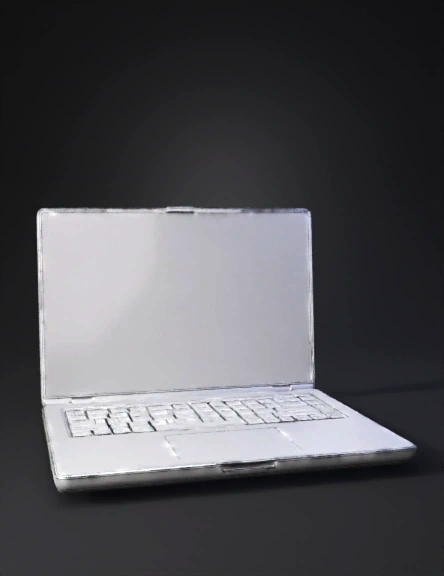
laptop 3d model
Tags
machine
rendering
realistic
Prompt
Create a simple, clean 3D laptop model designed for beginner-level Blender subdivision surface modeling. The laptop should use basic geometric forms only: a thin rectangular base, a simple screen panel, minimal keyboard indication, and a smooth touchpad area. Avoid unnecessary decorative details or complex mechanical parts. Focus on clarity of structure and beginner-friendly topology. The mesh must follow good subdivision workflow practices: Apply Subdivision Surface modeling to produce smooth rounded surfaces. Use support loops near edges and corners to maintain controlled sharpness after subdivision. Ensure proper topology flow with clean edge loops that follow the shape of the laptop body and hinge area. Avoid N-gons; resolve all faces into clean quad-based topology suitable for smoothing and animation. The final object should demonstrate: Strong, readable edge loop flow across the laptop shell and screen Moderate form complexity appropriate for a beginner academic exercise Smooth, artifact-free surfaces after subdivision Style: neutral studio lighting, simple material, focus on topology and modeling quality rather than realism or textures. Emphasize: simplicity, clean quads, controlled sharp edges, subdivision-friendly mesh.
Detailed Info
Related Models
Enter invite code
Enter invite code to get credits!