3D Workspace
Home
Assets
Affiliate Program
Creator Program
Sign up/Log in
?
Upgrade
DCC Bridge
Anonymous1781473990
06-14 21:58
Model Name
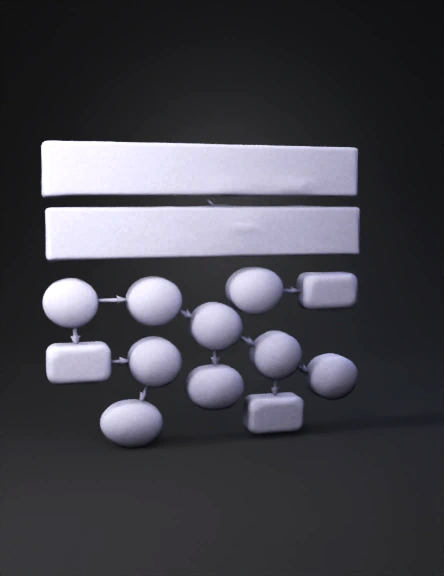
block diagram 3d model
Tags
abstract / symbol
rendering
stylized
Prompt
Create a single, comprehensive slide titled “IDEA Round 1 – 64‑bit Input → 14 Steps → 64‑bit Output” Top section – Inputs: A large rectangle labeled “64‑bit Plaintext Input” containing: X₁ = 0x0123 X₂ = 0x4567 X₃ = 0x89AB X₄ = 0xCDEF Below it, another rectangle labeled “Round 1 Subkeys (from 128‑bit master key)” containing: Z₁ = 0x2B7E Z₂ = 0x1516 Z₃ = 0x28AE Z₄ = 0xD2A6 Z₅ = 0xABF7 Z₆ = 0x1588 Middle section – Transformation Steps (14 nodes arranged as a flowchart): Numbered circles or rounded boxes, each showing operation and result: X₁ ⊙ Z₁ = 0x7009 (green) X₂ ⊞ Z₂ = 0x5A7D (blue) X₃ ⊞ Z₃ = 0xB259 (blue) X₄ ⊙ Z₄ = 0x1F2B (green) ① ⊕ ③ = 0xC250 (orange) ② ⊕ ④ = 0x4556 (orange) ⑤ ⊙ Z₅ = 0x8D3E (green) ⑥ ⊞ ⑦ = 0xD294 (blue) ⑦ ⊙ Z₆ = 0x6A7F (green) ⑧ ⊞ ⑨ = 0x3D13 (blue) ① ⊕ ⑨ = 0x1A76 (orange) ③ ⊕ ⑨ = 0xD826 (orange) ④ ⊕ ⑩ = 0x2238 (orange) ② ⊕ ⑩ = 0x676E (orange) Arrows: Connect input X₁ and Z₁ → step 1; X₂,Z₂ → step 2; X₃,Z₃ → step 3; X₄,Z₄ → step 4. Steps 1 & 3 →
Detailed Info
Related Models
Enter invite code
Enter invite code to get credits!
 Anonymous1781473990


 Anonymous1781473990