3D Workspace
Home
Assets
Affiliate Program
Sign up/Log in
?
Upgrade
DCC Bridge
Anonymous1766744694
12-26 10:57
Model Name
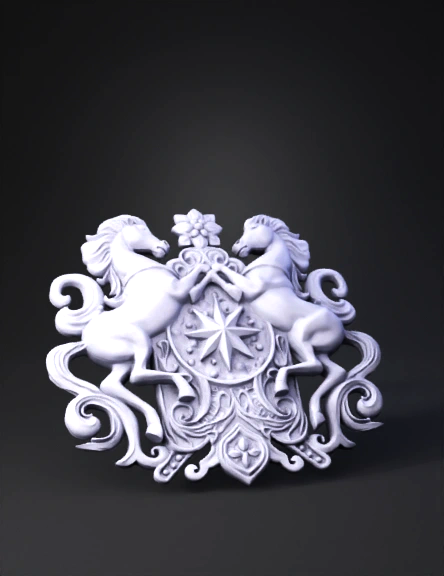
heraldic emblem 3d model
Tags
heraldic emblem
ornate
props
props realistic
props rendering
props rendering realistic
realistic
rendering
rendering realistic
Input
Prompt
Feature,Sculpting Technique Basic Form,"Start with a high-poly sphere or a base female head and use the Move and Standard brushes to establish the ""Durga"" proportions." Sharp Lines,"Use Dam Standard or Pinch brushes to define the sharp edges of the eyes, eyebrows, and crown ridges." Beadwork,Use an Insert Multi Mesh (IMM) brush to quickly place the rows of spheres along the collar and crown. Filigree/Scrolls,"Use Lazy Mouse settings to get smooth, sweeping curves for the organic flourishes on the sides." Finish,Apply a MatCap Gray or Clay material (like in the image) to check for surface irregularities and shadows.
Detailed Info
Related Models
Enter invite code
Enter invite code to get credits!
 Anonymous1766744694


 Anonymous1766744694