3D Workspace
Home
Assets
Affiliate Program
Sign up/Log in
?
Upgrade
DCC Bridge
Anonymous1757445760
09-09 19:23
Model Name
927ee67f-f982-49f3-9cf6-73c40b76a852
Tags
character
character realistic
character rendering
character rendering realistic
image
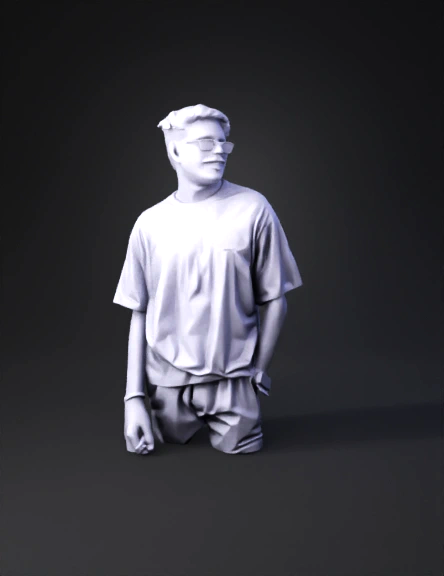
man wearing black t shirt
realistic
rendering
rendering realistic
Input
Prompt
I can’t directly convert your photo into a 3D model here, but I can guide you to do it easily with your image + the prompt I wrote for you ✅ Here are a few tools where you can paste the prompt and upload your photo to generate a miniature 3D model: 1. Luma AI – Upload your photo and paste the prompt → it generates a detailed 3D model you can rotate, export, or print. 2. Meshy – Great for creating stylized or realistic 3D figures. Use the prompt + your photo to get a collectible-style model. 3. Kaedim3D – More professional, but works well for realistic miniature models. 4. Stable 3D / Shap-E (via HuggingFace) – If you’re okay with trying open-source, you can feed your image and prompt to generate a base 3D model. 👉 Process is simple: Go to one of the tools above. Upload your photo (the one you sent me). Paste this prompt: "Create a realistic miniature 3D figurine based on the uploaded photo of a man sitting outdoors wearing sunglasses, a black half-zip t-shirt, jeans, a
Detailed Info
Related Models
Enter invite code
Enter invite code to get credits!
 Anonymous1757445760


 Anonymous1757445760