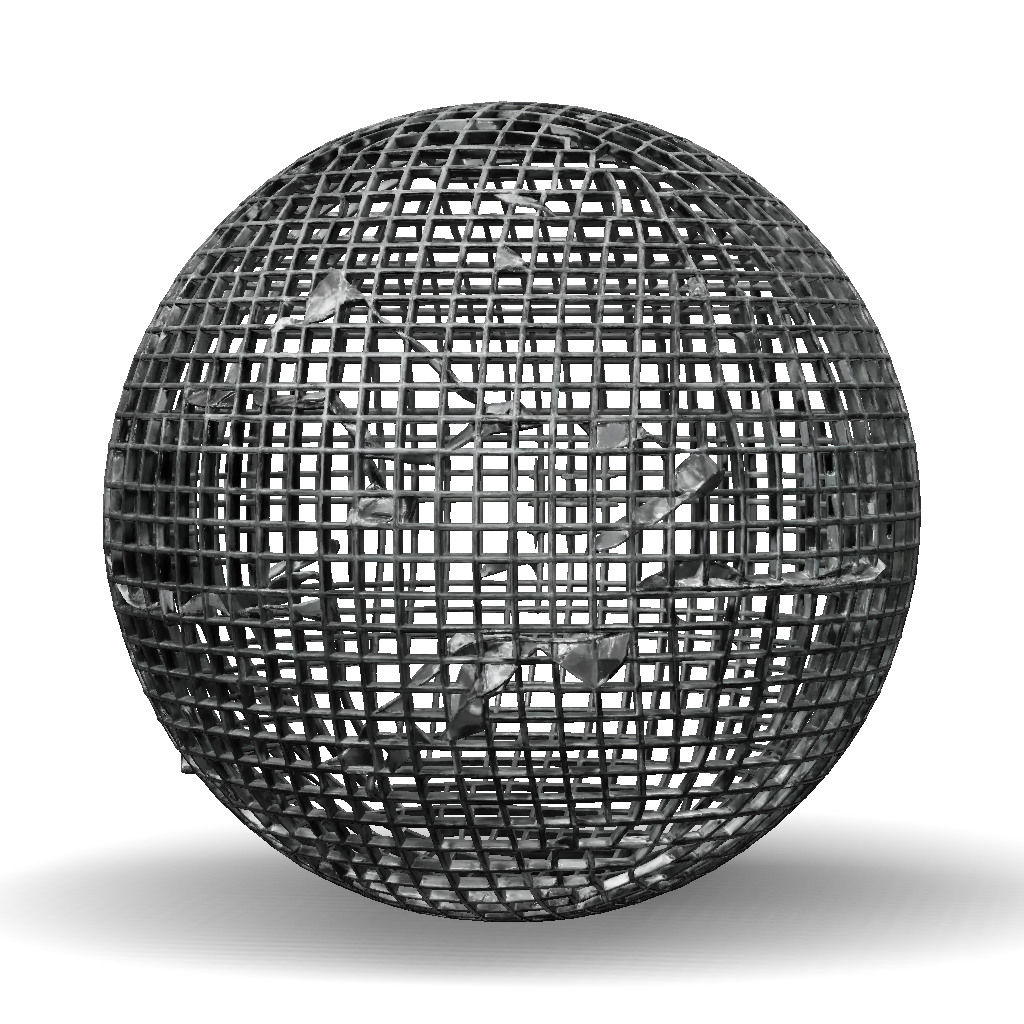
bola kisi 3d model
import bpy import bmesh # Hapus semua objek awal bpy.ops.object.select_all(action='SELECT') bpy.ops.object.delete() # Buat bentuk dasar mirip gambar bpy.ops.mesh.primitive_uv_sphere_add(radius=1, location=(0, 0, 0)) obj = bpy.context.active_object obj.name = "Model_Hitam_Cetak_3D" # Masuk ke mode edit untuk membentuk bpy.ops.object.mode_set(mode='EDIT') mesh = obj.data bm = bmesh.from_edit_mesh(mesh) # Ubah bentuk agar sesuai gambar for v in bm.verts: if v.co.x > 0.5: v.co.x *= 1.2 if v.co.y < -0.3: v.co.y *= 0.8 if v.co.z > 0.4: v.co.z *= 1.1 bmesh.update_edit_mesh(mesh) bpy.ops.object.mode_set(mode='OBJECT') # Beri warna hitam mat = bpy.data.materials.new(name="Hitam") mat.use_nodes = True bsdf = mat.node_tree.nodes["Principled BSDF"] bsdf.inputs['Base Color'].default_value = (0, 0, 0, 1) bsdf.inputs['Roughness'].default_value = 0.2 obj.data.materials.append(mat) # Haluskan permukaan obj.data.use_auto_smooth = True for f in obj.data.polygons
4K·PBR·v3.1-20260211


