3D Workspace
Home
Assets
Affiliate Program
Sign up/Log in
?
Upgrade
DCC Bridge
Anonymous1769744272
01-30 04:56
Model Name
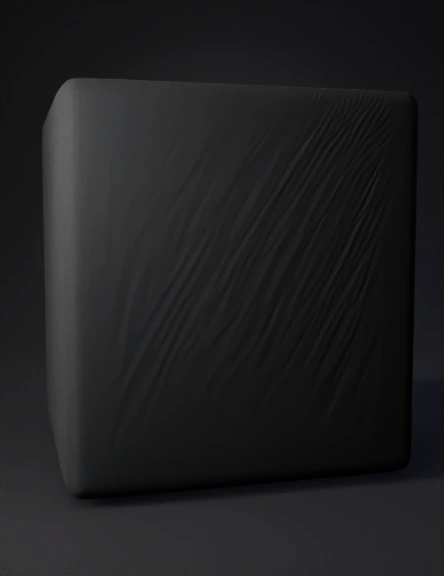
black cube 3d model
Tags
black cube
import bpy
props
props realistic
props rendering
props rendering realistic
realistic
rendering
rendering realistic
Prompt
import bpy import math # RESET SCENE bpy.ops.wm.read_factory_settings(use_empty=True) # ====================== # MATERIAL # ====================== mat_black = bpy.data.materials.new("Black") mat_black.use_nodes = True bsdf = mat_black.node_tree.nodes["Principled BSDF"] bsdf.inputs["Base Color"].default_value = (0.02, 0.02, 0.02, 1) bsdf.inputs["Roughness"].default_value = 0.4 def apply_mat(obj): obj.data.materials.append(mat_black) # ====================== # BODY UTILS # ====================== def cube(loc, scale): bpy.ops.mesh.primitive_cube_add(location=loc) o = bpy.context.object o.scale = scale apply_mat(o) return o def cyl(loc, r, d, rot=(0,0,0)): bpy.ops.mesh.primitive_cylinder_add(radius=r, depth=d, location=loc) o = bpy.context.object o.rotation_euler = rot apply_mat(o) return o # ====================== # MAIN BODY # ====================== cube((0, 0, 0.75), (1.3, 0.45, 0.45)) # body tengah cube((1.25, 0, 0.9), (0.5, 0.4,
Detailed Info
Related Models
Enter invite code
Enter invite code to get credits!
 Anonymous1769744272


 Anonymous1769744272