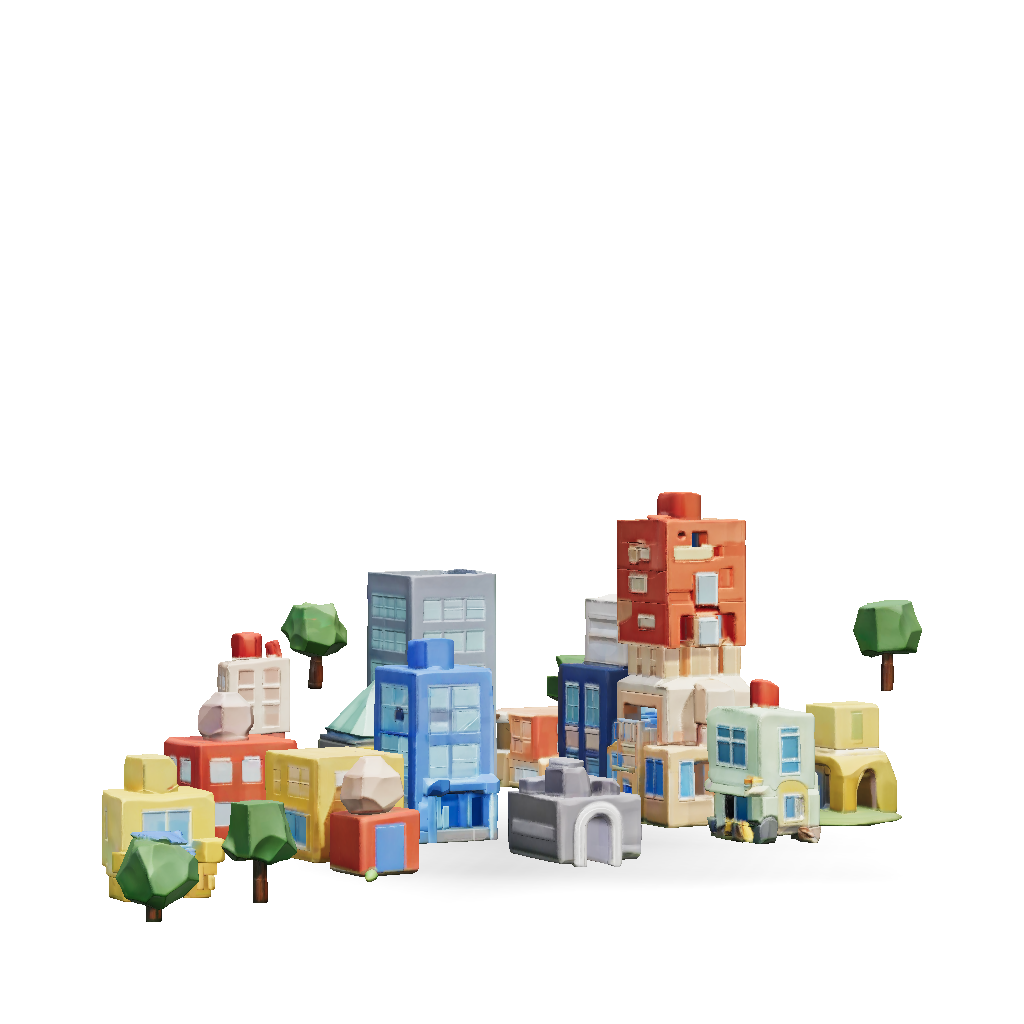
stylized city block 3d model
IMPORTANT: DO NOT MAKE THIS REALISTIC. Create a LARGE STYLIZED LOW-POLY ROBLOX-STYLE BUSINESS CITY MAP. The MOST IMPORTANT requirement is the visual style: BLOCKY. LOW-POLY. SIMPLE. CARTOON-LIKE. GAME-READY. ROBLOX-STYLE. The buildings should look like they were intentionally designed from simple chunky geometric shapes. DO NOT create photorealistic architecture. DO NOT create realistic city buildings. DO NOT use highly detailed realistic windows. DO NOT use realistic brick, concrete, glass, metal, pavement, or weathering textures. DO NOT add tiny architectural details. DO NOT make the buildings look like real-world photographs. Instead, use: - Large simple geometric shapes - Cubes - Rectangular prisms - Simple cylinders - Simple triangular roofs - Chunky walls - Oversized windows - Simple doors - Simple signs - Clean flat surfaces - Low-poly trees - Simplified roads - Stylized vehicles - Bright but tasteful colors Think of a polished Roblox tycoon game rather than a realis
4K·PBR·v3.1-20260211


