3D Workspace
Home
Assets
Affiliate Program
Sign up/Log in
?
Upgrade
DCC Bridge
Anonymous1758531532
09-22 09:38
Model Name
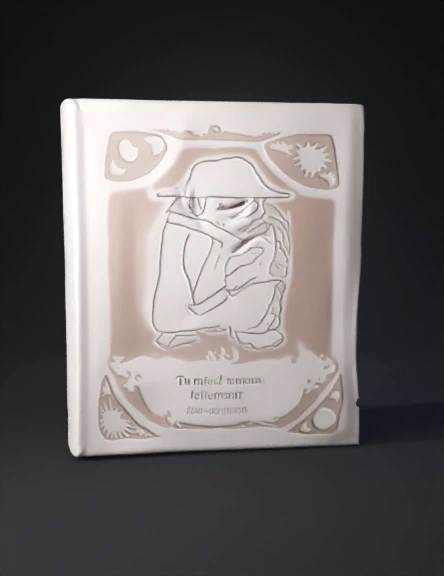
modèle livre 3d
Tags
hardcover book
props
props realistic
props rendering
props rendering realistic
realistic
rendering
rendering realistic
Input
Prompt
In a first time, generate a closed hardcover book standing upright, with clearly defined front cover, spine, and back cover. Keep the model simple and clean, with flat surfaces, no extra details or text. Then, in a second time, apply the provided images directly as texture image on the front cover, the spine and the back cover as follow: - use the firstpart on the left as back cover (this part end at the black line) - the second part (between the two little black lines in the middle of the image) for the spine, - and the third part for the back cover. I want the front cover, spine and back sover as flat as a paper. No relief. the visual that i uploaded is only a print on the front cover, spnie and back cover.
Detailed Info
Related Models
Enter invite code
Enter invite code to get credits!
 Anonymous1758531532


 Anonymous1758531532