View Plans
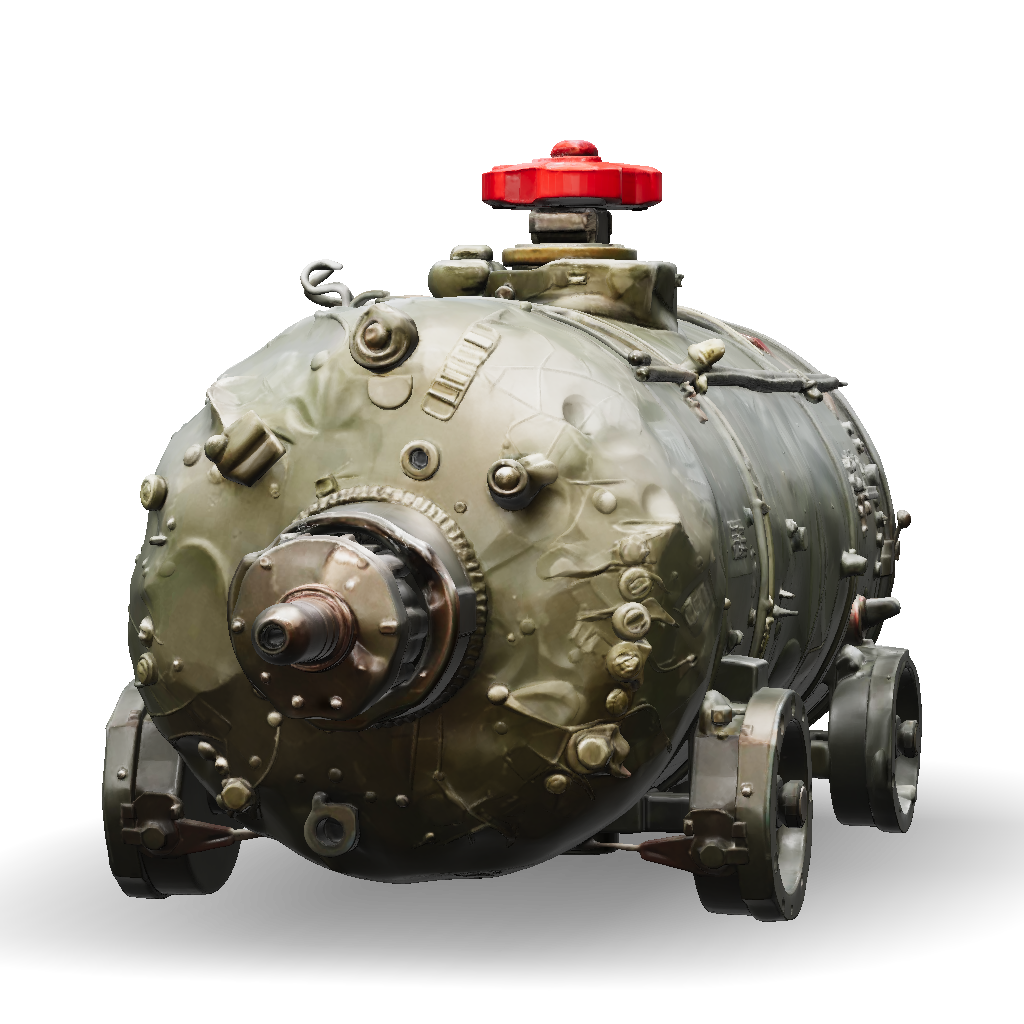
Industrial Tank 3d Model: "Mode: Use Image-to-3D (since You Have The Photo), And Drop This Prompt Into The | Tripo AI

industrial tank 3d model

Prompt

"Mode: Use Image-to-3D (since you have the photo), and drop this prompt into the optional "text description" field if Meshy offers one — it helps fill in details on the back/hidden sides of the tank that your single photo can't show. Symmetry: Turn on auto-symmetry for the main tank body since it's a simple cylinder. Topology/quality setting: Choose the higher polygon/detail setting if you plan to use this for close-up rendering or 3D printing — the small valve handles and fittings need enough geometry to not look blobby. After generation: Check the top red valve assembly and the small side auxiliary tank connection first — these thin/branching parts are usually where AI reconstruction struggles most. You may need a manual retouch or remesh pass on just those areas.

4K·PBR·v3.1-20260211

Related Models
3d model: purple beaded bracelet with heart motif3d model: ornate circular pendant with peacock motif in gold and pink gems comp3d model: airplane model with white and gray panels and black tape detailing tw3d model: fluffy kitten with white and gray fur big brown eyes detailed fur te3d model: blue tractor with metal body and large off road tires detailed machin3d model: ceiling speaker with circular perforated grille white housing mounte3d model: white lip balm tube with broken cap cylindrical plastic container wit3d model: police helicopter with black and white livery tail rotor landing ski3d model: camera headed businessman in a black suit with long coat white shirt3d model: mountain logo pedestal sculpture in black with orange accents circula