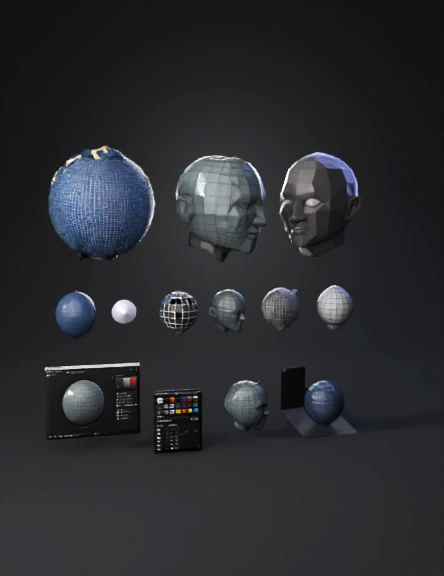
sphere baking 3d model
Objective: Take any prop with a low poly mesh and a high poly mesh OR a Dynamic Sub-D mesh (can be both low and high poly). Bake the high poly mesh onto the low poly mesh and generate Baked Mesh Maps. Prepare your low-poly and high-poly meshes. Ensure all the objects are suffixed with _low, and _high respectively in the outliner. Make sure that every low-poly mesh has a corresponding high-poly mesh with the exact same name in the outliner. If you are using a Dynamic Sub-D mesh, create a duplicate of your mesh and apply a smoothing operation under mesh>smooth to make a high poly mesh and proceed to name your objects as mentioned above. Apply a single lambert material to your low-poly mesh from the Hypershade. Ensure low-poly mesh is fully UV unwrapped. Export your low-poly and high-poly mesh into separate fbx files.Open Substance Painter and create a new project.Select the low-poly mesh as the project mesh. Open the Mesh Baking UI.Add your high-poly mesh under the “high definition mesh
4K·PBR·v3.1-20260211


