3D Workspace
Home
Assets
Affiliate Program
Creator Program
Sign up/Log in
?
Upgrade
DCC Bridge
Anonymous1782902356
07-01 21:57
Model Name
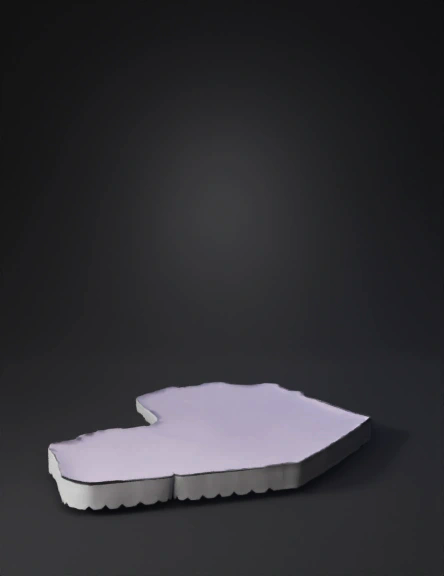
cyber grid island 3d model
Tags
props
game asset
cyberpunk
Prompt
Step 1: Create the Base Island text In Roblox Studio: 1. Click PART in toolbar 2. A grey box appears 3. In Properties: Size: 200, 2, 200 (Width 200, Height 2, Length 200) Material: Neon Color: Dark Blue (0, 20, 60) Name: "IslandBase" This is your floating island Step 2: Add the Grid Lines text We want that cyber grid look 1. Create a new Part 2. Size: 200, 0.1, 1 3. Material: Neon 4. Color: Bright Cyan (0, 255, 255) 5. Name: "GridLine" 6. Duplicate it 20 times 7. Space them evenly across island 8. Rotate 90 degrees → duplicate 20 more 9. Now you have a glowing cyber grid This immediately looks like a digital world
Detailed Info
Related Models
Enter invite code
Enter invite code to get credits!
 Anonymous1782902356


 Anonymous1782902356