3D Workspace
Home
Assets
Affiliate Program
Creator Program
Sign up/Log in
View Plans
DCC Bridge
Anonymous1784132919
07-15 16:48
Model Name
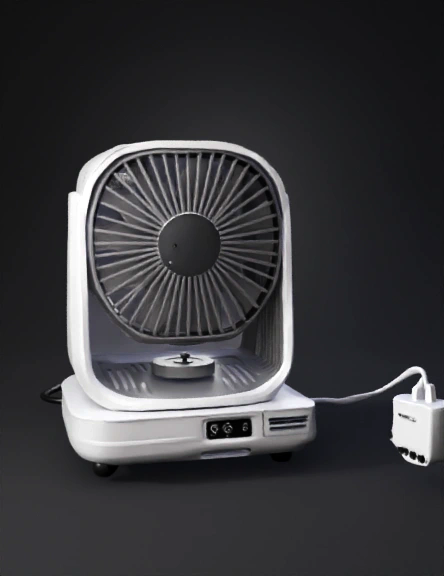
table fan 3d model
Tags
machine
machine realistic
machine rendering
machine rendering realistic
realistic
rendering
rendering realistic
Prompt
Step 1: Set Up the Unit Placement: Place the unit near an open window, a balcony door, or in the center of the room—just like you would place a normal table fan or small cooler. Power It Up: Plug the small 12V wire into a standard mobile phone power bank, a small solar panel, or a regular mobile charger adapter. The tiny fan inside will start spinning immediately. Step 2: Choose the Mode Based on the Season Depending on the weather outside, you can use it in two different ways: Summer Mode (Cooling + Basic Cleansing): Fill the top tray with normal tap water. The water will slowly drip down and wet the outer clay tubes. As the fan pulls hot, dry summer air through the wet clay, the water evaporates. This cools the room down by 5°C to 10°C while trapping large dust particles. Winter Mode (Heavy Smog & Air Purification): During the heavy pollution season (like November to January), do not add water to the clay tubes if the room is already cold. Simply let the fan run. It will pull the thi
Detailed Info
Related Models
Enter invite code
Enter invite code to get credits!
 Anonymous1784132919


 Anonymous1784132919