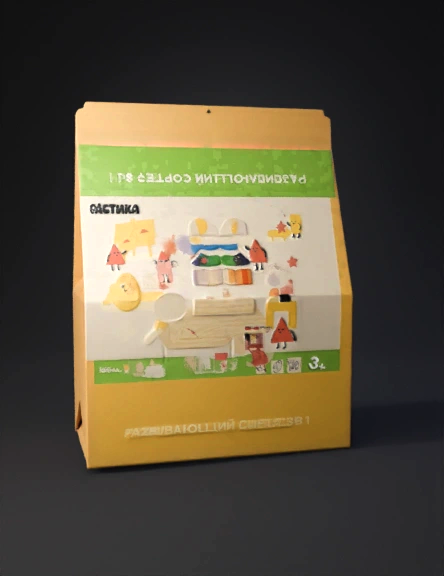
folding carton dieline 3d model

Task: STRICTLY fold the provided packaging dieline into a 3D box. IMPORTANT: This is NOT a reconstruction or redesign task. This is a technical folding task. Orientation rules (critical): - The panel with the product illustration and logo is the FRONT panel. - The green horizontal panel with the product name is the TOP FLAP. - The panel with technical text and icons is the BACK panel. - Do NOT rotate, flip, or reinterpret panel orientation. - Keep original up/down orientation exactly as in the dieline. Box type: - Folding carton with side glue flap. - Straight tuck end construction. - Top and bottom closing flaps. Folding rules (strict): - Fold ONLY along existing fold lines. - Do NOT smooth, round, or stylize edges. - Do NOT change proportions or thickness. - Use exact geometry from the dieline. Proportions: - Box must be wide and low, not tall. - Front width must be larger than height. - Box depth is approximately 4 cm. - Do NOT exaggerate depth. Texture rules: - Use ONLY the uploaded dieline as textu
4K·PBR·v3.0-20250812


