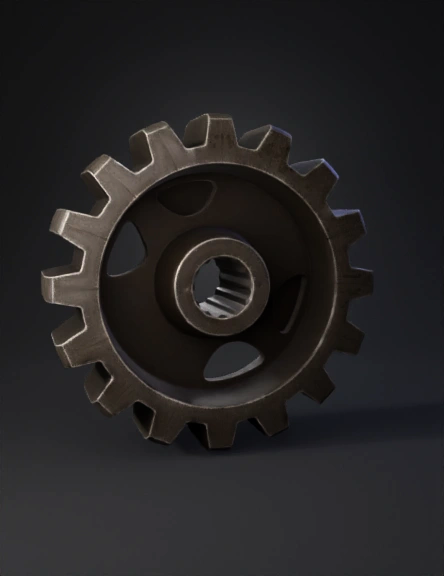
metal gear 3d model
Input

Prompt
To get the best result from Tripo, you want to use a "Two-Stage Prompt". Since you are uploading that high-contrast blueprint, Tripo will use it for the shape, but the text prompt will tell it how to handle the "3D volume" and the material. The Tripo AI Prompt When you upload the image, use this text prompt: "A high-fidelity, industrial steel gear. Thick 3D volume with a central mounting hub. Sharp, clean-cut teeth with beveled edges. Heavy cast-iron texture with subtle metallic sheen and micro-scratches. Photorealistic, game-ready topology, non-organic, perfectly symmetrical.
2K·PBR·v3.0-20250812
Related Models


