3D Workspace
Home
Assets
Affiliate Program
Sign up/Log in
?
Upgrade
DCC Bridge
3D Creation Made Simple
Text & Image to 3D Model in seconds
One-Click Texturing & Smart Detail Editing
Free Credits Monthly
Start Free
Anonymous1765206147
12-11 18:38
Model Name
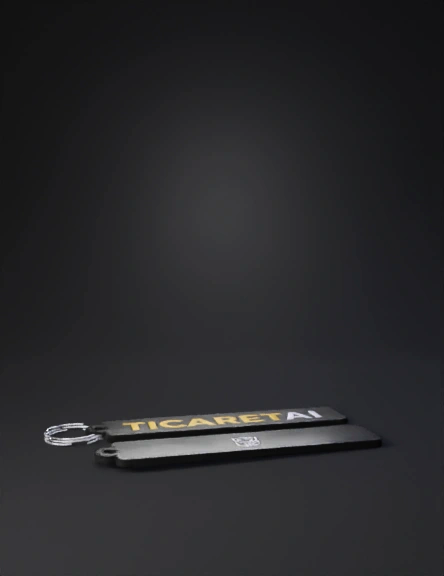
keychain 3d model
Tags
props
rendering
realistic
Input
Prompt
Use the image I uploaded as the base. Create a clean and realistic keychain design using the exact two sections shown in the image. The top section of the image must be used as the front side of the keychain. Keep the black rectangular shape, rounded corners, and the circular attachment hole on the left exactly as they appear. Preserve the original typography: the word ‘TICARET’ in bold gold/yellow and ‘AI’ in bold white, centered horizontally in the front area. The bottom section of the image must be used as the back side of the keychain. Keep the same black rectangular shape, rounded corners, and left-side hole consistent with the front side. Preserve the white geometric logo centered vertically and horizontally on the back. Ensure both sides maintain the same proportions, clean edges, and high contrast. Do not change the colors, shapes, font style, or logo structure. Present the keychain design as a double-sided product, with the front and back clearly aligned and visually consistent.
Detailed Info
Related Models
Enter invite code
Enter invite code to get credits!