3D Workspace
Home
Assets
Affiliate Program
Sign up/Log in
?
Upgrade
DCC Bridge
Anonymous1775456293
04-06 07:36
Model Name
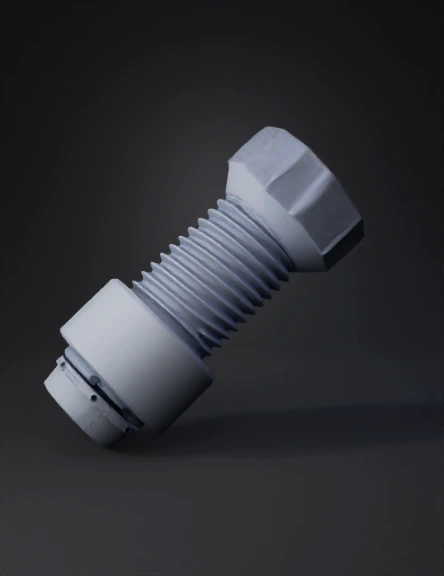
dental implant 3d model
Tags
dental implant
implant
props
props realistic
props rendering
props rendering realistic
realistic
rendering
rendering realistic
Prompt
Use the provided reference image to generate a high-end product video of a dental implant component. Remove the holding clamp at the bottom so that only the product remains, cleanly isolated. The object is a hollow dental implant part, open at both the top and bottom ends, with a visible inner cavity. Accurately preserve its metallic texture, fine surface details, and precision structure. Place the product in a minimal white-gray studio background. The implant rotates smoothly around its vertical axis in a slow, controlled motion. Add subtle, glowing particle trails that flow along the edges and contours of the object to enhance its geometry and highlight the hollow interior. Use realistic lighting, soft shadows, and sharp focus to emphasize a medical-grade, high-precision aesthetic. The style should be cinematic, minimal, and ultra-clean, with a strong focus on product clarity and detail.
Detailed Info
Related Models
Enter invite code
Enter invite code to get credits!
 Anonymous1775456293


 Anonymous1775456293