3D Workspace
Home
Assets
Affiliate Program
Sign up/Log in
?
Upgrade
DCC Bridge
Anonymous1759206837
10-04 08:11
Model Name
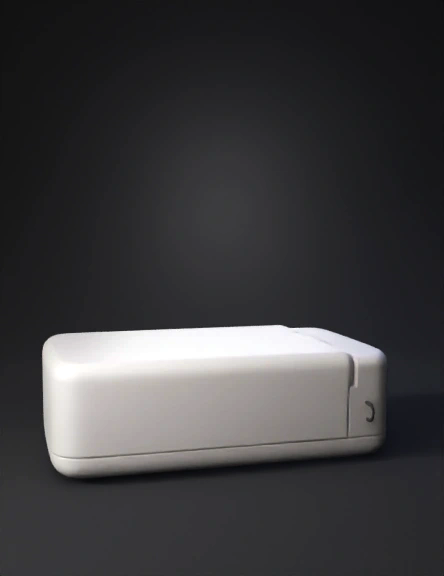
white electronic enclosure 3d model
Tags
circular front
electronic
latch
machine
machine realistic
machine rendering
machine rendering realistic
realistic
rendering
rendering realistic
round porthole
side mounted
Input
Prompt
now in this remove the golden pin and place it opposite side of it and the c pin place it at the corner edge and this casing should be flip open when i want to open it and the SMA pins should be 2 on the pposite walls of ethernet cable whole, place the SMA pins on the back side means the opposite of the ehernet and the cpin down the corner edge of the same side of the face where it is now and incease the length of the case and just create a 2 holes os SMA not the whole golden part, and remove it from the ethernet side face
Detailed Info
Related Models
Enter invite code
Enter invite code to get credits!
 Anonymous1759206837


 Anonymous1759206837