3D Workspace
Home
Assets
Affiliate Program
Sign up/Log in
?
Upgrade
DCC Bridge
Anonymous1759206837
10-04 09:32
Model Name
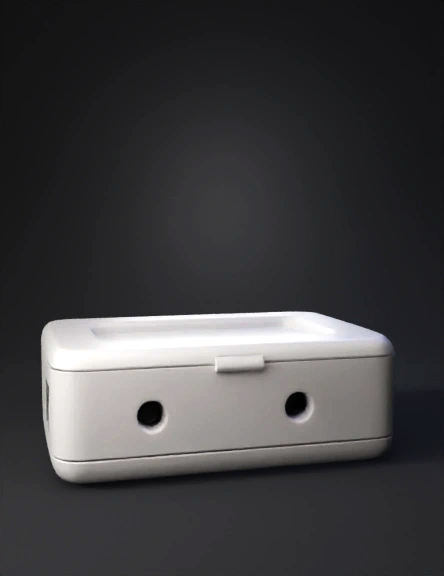
ethernet enclosure 3d model
Tags
props
3d printing
realistic
Input
Prompt
In this image, we can see 3 faces of which one has the openings in the case for the Ethernet cable and the c-pin, and the other one, which is a golden colored SMA. I want you to remove that and place 2 SMAs having 4cm distance in between on the face which is not visible but has the same size as the front face that is ehetnet side, place the SMAs on that side which is not visible and rest all the faces, keep them covered, and the case should be able to flip open increase the side of a case for 3cm on 2 sides and 2 cm on 2 sides And the SMA means just make a hole for them, don't place those SMAs on it
Detailed Info
Related Models
Enter invite code
Enter invite code to get credits!